
veo 4
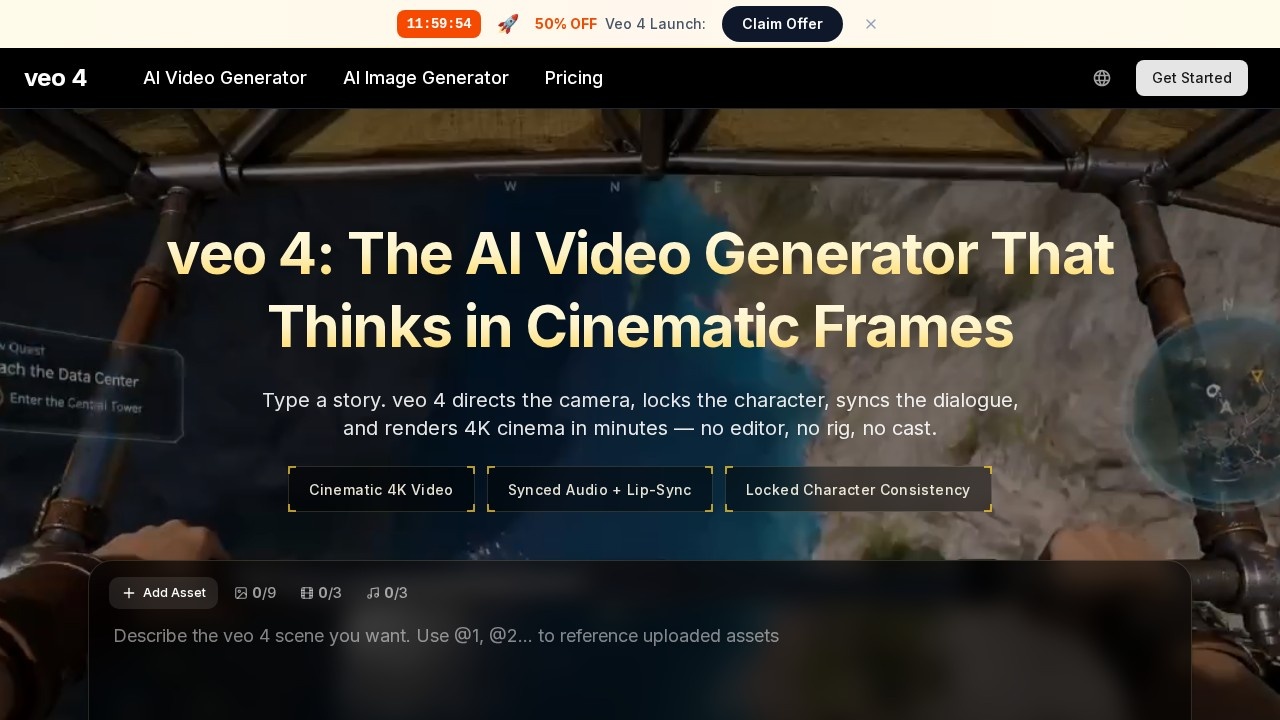
AI video generator by veo for creating 4K cinematic videos from text or images, with synced audio in seconds—no editing skills needed.
What is veo 4?
veo 4 is an AI video generator that creates cinematic 4K videos from text prompts or images, complete with synced audio and lip-sync dialogue. It handles camera direction, character consistency, and scene rendering automatically, eliminating the need for a traditional editor, rig, or cast. Users type a story, and the tool outputs a finished film in minutes. It builds on Google DeepMind's Veo model lineage, with Veo 3.1 being the latest major upgrade.
Application scenarios
Cinematic storytelling
Generate short films with professional camera moves like dolly, crane, rack focus, and whip pan.
Social media content
Create polished video clips for platforms like YouTube Shorts, with built-in audio and dialogue sync.
Marketing and advertising
Produce branded video assets from text or image prompts without a production crew.
Narrative prototyping
Quickly visualize story concepts with locked character consistency across scenes.
Audio-driven projects
Generate videos with native dialogue, sound effects, music, and ambient noise for richer storytelling.
Multi-image world-building
Upload multiple reference images alongside prompts to create nuanced, consistent video worlds.
Core Features
Cinematic 4K video generation
Produces high-resolution video with realistic visuals, enhanced realism, and sharper quality.
Synced audio and lip-sync
Generates dialogue, sound effects, and music that match the video's action and character speech.
Locked character consistency
Maintains the same character appearance across different scenes and shots.
Directing vocabulary support
Understands real camera terms like dolly, crane, rack focus, orbital drone, whip pan, and dutch angle.
Multi-image input
Accepts multiple reference images alongside text prompts for more nuanced and true-to-vision outputs.
Extended video length
Supports generation up to 30 seconds, with potential for one-minute clips.
Scene extension and narrative control
Allows for longer video generation and better control over story flow and editing.
Prompt gallery
Browse curated prompts and their resulting cinematic clips, with options to copy or remix for your own scenes.
Target users
Filmmakers, storytellers, content creators, marketers, and developers who need fast, high-quality video production without a full crew. It's also suited for social media managers, YouTube creators, and anyone exploring AI-driven narrative tools.
How to use veo 4?
Visit the official site at https://aiveo4.org/. Type a story or prompt into the text field, optionally add images or video assets, and click "Generate with veo 4." The tool handles camera direction, character locking, and audio sync automatically. You can also browse the prompt gallery to copy or remix existing prompts for your own scenes.
Effect review
veo 4 delivers on its promise of cinematic-quality video from text, with user reactions on X calling it "a different chapter for AI video" and noting that "the audio sync, the cinematics, the realism" are shocking. The model's support for native audio generation—dialogue, sound effects, music—sets it apart as the first major video generation model to do so. For creators who need polished, consistent video fast, veo 4 eliminates the usual production friction. The ability to lock character appearance and use directing vocabulary makes it feel less like a toy and more like a genuine filmmaking tool. While the output quality depends on prompt specificity, the community feedback and leaderboard ranking suggest it's currently among the top AI video generators available.
Frequently Asked Questions
What is Veo 4?
How does Veo 4 generate videos?
Do I need video editing experience to use Veo 4?
What resolution does Veo 4 support?
Can I use my own images or text with Veo 4?
How long does it take to create a video with Veo 4?
veo 4 - AI Tool Detail
AI video generator by veo for creating 4K cinematic videos from text or images, with synced audio in seconds—no editing skills needed.
Category:Video generation
Visit Link:https://aiveo4.org/
Tags:AI video generator、text-to-video、4K cinematic video、image-to-video、no editing needed