
Veo
Veo by Nano Banana is an all-in-one AI generator that transforms text into photorealistic 4K images and cinematic videos using models like Gemini Pro, Sora, and Kling in seconds.
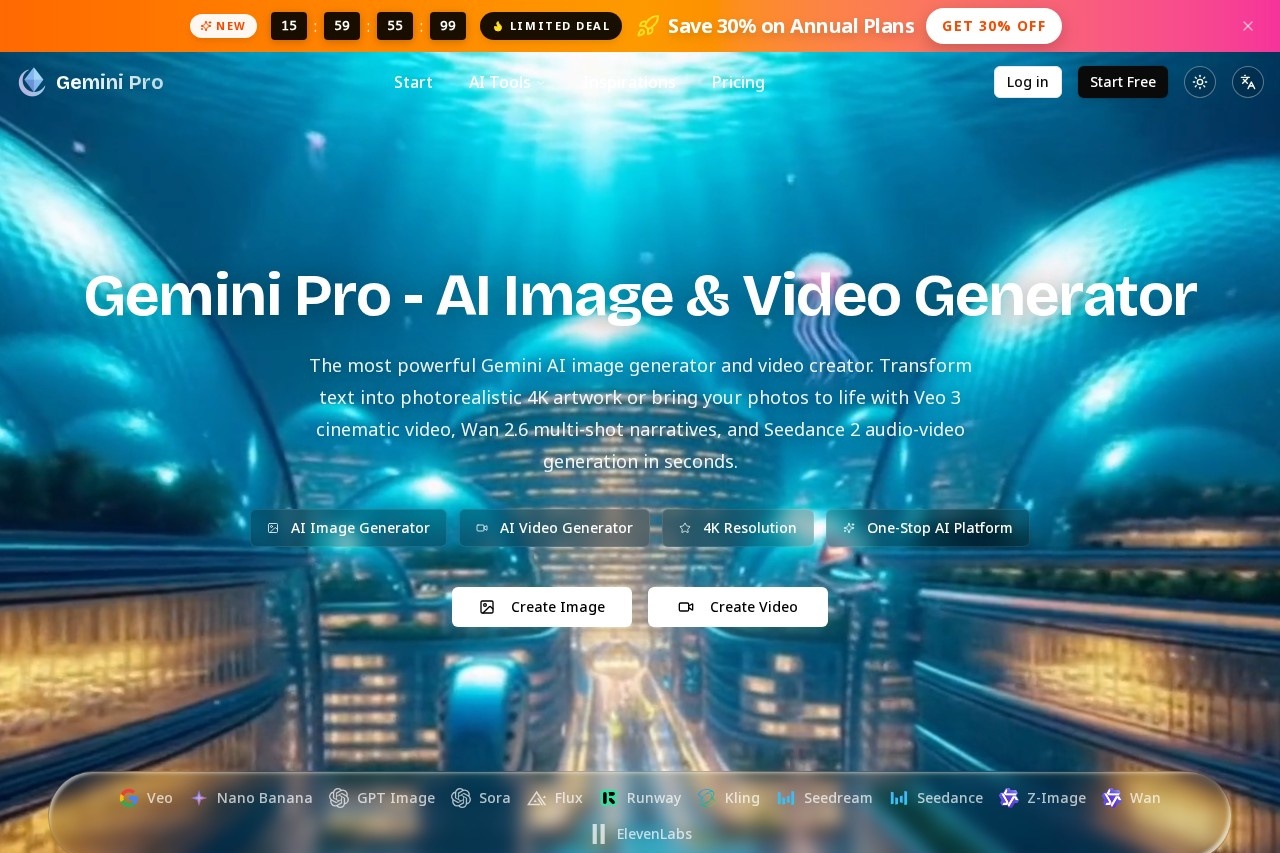
What is Veo?
Veo is an AI image and video generator developed by Nano Banana. It is part of the Gemini Pro platform, which serves as a one-stop hub for accessing multiple top AI models. Users employ Veo to transform text prompts into photorealistic 4K images and cinematic-quality videos. The platform integrates various models like Sora, Kling, and Gemini Pro itself for generation tasks.Application scenarios
Marketing & Concept Art
Creating stunning, photorealistic images and cinematic videos from text descriptions for campaigns and visual concepts.
Content Creation
Generating narrative-driven video content using multi-shot models or bringing static photos to life with cinematic motion.
Rapid Prototyping
Quickly visualizing any scene, character, or concept from a text idea with high-quality AI-generated imagery.
Audio-Visual Projects
Producing videos complete with AI-generated sound effects and synchronized audio-video generation.
Creative Inspiration
Using the platform's public gallery of AI-generated images to discover prompts and kickstart new projects.
Professional Video Editing
Transforming and editing existing video footage through integrated professional AI video tools.
Core Features
Text-to-Image Generation
Create photorealistic 4K AI images from detailed text prompts using models like Gemini Pro and Flux.
Text-to-Video Generation
Produce cinematic-quality videos from text descriptions using integrated models like Veo, Sora, and Kling.
Image-to-Image Editing
Upload a reference image to guide the AI in generating new variations or edits.
Multi-Model Platform
Access a suite of top AI models including Sora, Veo, Kling, Wan, Seedance, Nano Banana, Flux, and Runway from a single interface.
Multi-Shot Video Narratives
Generate complex video sequences with multiple shots using the Wan 2.6 model.
Audio-Video Generation
Create videos with synchronized audio elements using the Seedance 2 model.
Advanced Prompt Controls
Fine-tune generations with settings for style, color, lighting, composition, aspect ratio, and output resolution (1K to 4K).
Reference Image Upload
Support for uploading multiple PNG, JPG, or WEBP images (up to 10MB each) to use as visual references for generation.
Prompt Translation & Expansion
A feature to translate or expand upon your initial text prompt, supporting up to 20,000 characters.
Public Inspiration Gallery
Browse a gallery of community-generated images to see the prompts used and instantly apply them to your own creations.
Target users
Veo and the Gemini Pro platform cater to digital creators, marketing teams, video producers, and artists who need to generate high-quality visual content rapidly. It is suited for professionals and enthusiasts looking for an integrated tool that provides one-stop access to the latest AI image and video models without switching between different services.How to use Veo?
Visit the Gemini Pro website. To generate content, you select your desired model (e.g., Gemini Pro for images, Veo for video), enter or translate a detailed text prompt, and adjust advanced settings like aspect ratio and resolution. You can also upload reference images to guide the AI. After configuring your parameters, initiate the generation. Once complete, you can use the output or explore the public gallery for prompt inspiration.Effect Review
The platform positions its outputs as "stunning," "photorealistic," and "cinematic," emphasizing high 4K resolution and realistic motion. By aggregating leading models like Sora, Veo, and Kling, it promises professional-grade results for both images and videos directly from text. The inclusion of features for multi-shot narratives, audio generation, and advanced styling controls suggests a tool designed for creating polished, ready-to-use visual assets. For users seeking a centralized hub to leverage cutting-edge AI generation, the feature set implies significant utility in streamlining the creative workflow from concept to final visual.Frequently Asked Questions
What is Veo?
What AI models does Veo use?
How fast does Veo generate content?
What types of content can Veo create?
Who developed Veo?
What resolution does Veo support for images?
Veo - AI Tool Detail
Veo by Nano Banana is an all-in-one AI generator that transforms text into photorealistic 4K images and cinematic videos using models like Gemini Pro, Sora, and Kling in seconds.
Category:Text to Video
Visit Link:https://www.geminipro.org/
Tags:AI image generator、AI video generator、text-to-image、text-to-video、4K video