
Veo 4
Veo 4 by Google DeepMind is an advanced AI video generation tool for creating high-quality, cinematic 4K videos from text prompts.
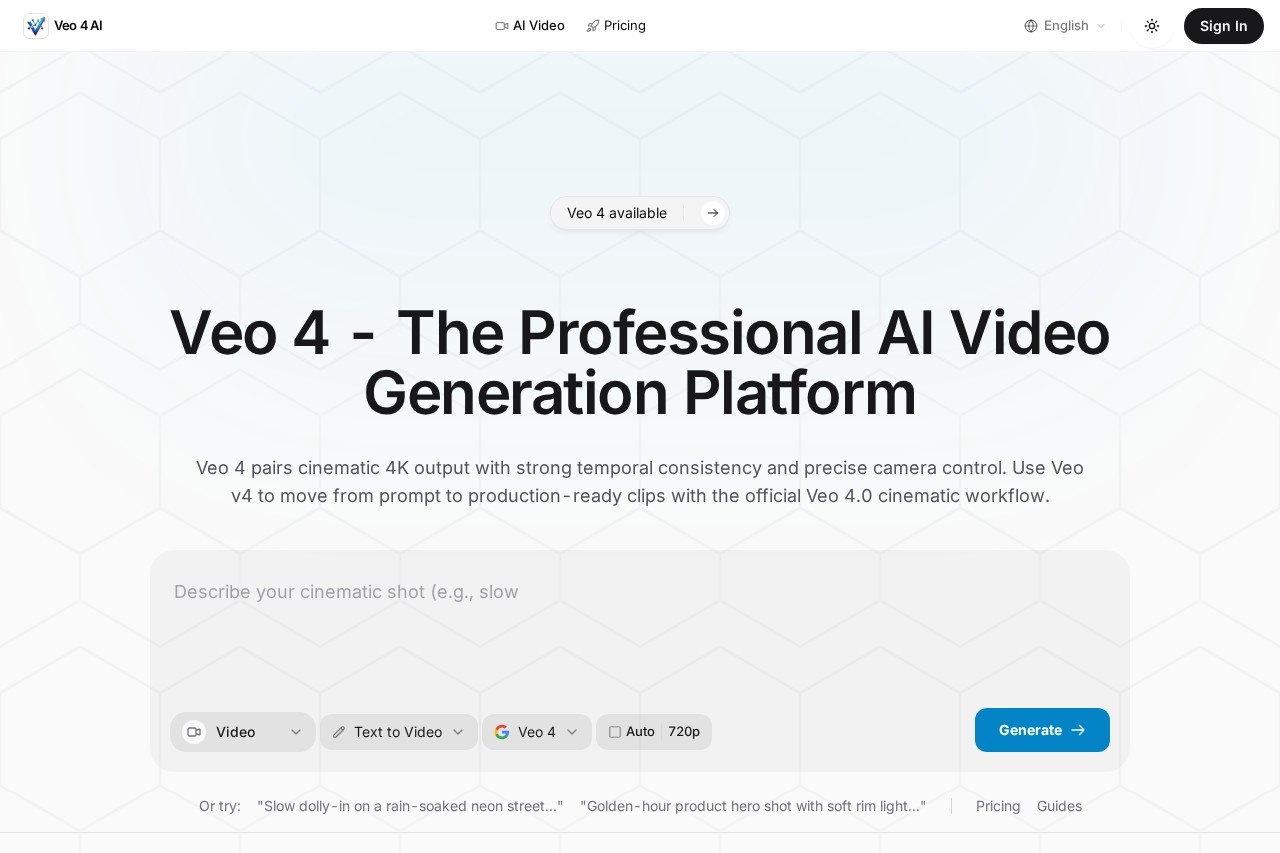
What is Veo 4?
Veo 4 is a professional AI video generation platform from Google DeepMind. It creates high-quality, cinematic 4K videos directly from text prompts. The tool is designed to move users from a prompt to production-ready video clips. It emphasizes dependable motion, readable physics, and a coherent visual style across shots.Application scenarios
Narrative filmmaking
Creating consistent narrative beats and staged scenes for storytelling.
Branded content production
Developing multi-clip campaigns and branded scenes with a unified look.
Product visualization
Generating golden-hour product hero shots and other commercial product visuals.
Explainer videos & trailers
Producing long-form content like explainers and trailers with stable framing.
Creative testing
Rapidly prototyping creative ideas and visual concepts.
Social & web content
Creating finished, broadcast-ready footage intended for digital platforms.
Core Features
Text-to-Video Generation
Create video clips by entering descriptive text prompts.
Cinematic 4K Output
Generate high-resolution videos with crisp edges, film-like contrast, and balanced saturation.
Strong Temporal Consistency
Maintain consistent subject identity, wardrobe, and lighting throughout a video's motion.
Advanced Physics Simulation
Produce believable motion for fluids, cloth, collisions, and subtle secondary movement.
High-Consistency Long Videos
Generate longer videos with stable framing and retained subject identity over time.
Precise Camera Control
Direct shots using cinematic language, such as executing a slow dolly-in on a scene.
Enhanced Scene Understanding
Leverage improved AI comprehension of scenes for smoother generation.
Optimized Prompt Engineering
Steer the AI using professional creative vocabulary and workflows.
Reduced Temporal Artifacts
Achieve cleaner detail with fewer glitches in hair, fabric, and reflective materials.
Target users
Veo 4 is built for professional teams and creators who require high-fidelity video output. It directly serves video production teams, commercial content creators, and marketing departments needing near-final deliverables. The platform is positioned for users where the final frame must read as finished and intentional, not experimental.How to use Veo 4?
The core workflow involves entering a text prompt to generate video. The website suggests using descriptive, cinematic language aligned with the "official Veo 4.0 cinematic workflow" for best results. Users can experiment with prompt examples like "Slow dolly-in on a rain-soaked neon street." For detailed steps on account creation and video export, visit the official Veo 4 website.Effect review
Based on its stated architecture, Veo 4 is engineered to address common pain points in AI video generation, specifically random drift between frames and unnatural physics. The focus on temporal consistency and predictable edits suggests a tool that offers creators more control and reliable output, reducing the need for endless regeneration loops. For professional use cases requiring coherent multi-shot campaigns or broadcast-ready detail, this feature set implies a significant step toward practical, production-integrated AI video tools. The evolution in video quality, with richer color science and fewer artifacts, positions it as a solution for moving beyond experimental motion toward usable cinematic visuals.Frequently Asked Questions
What is Veo 4?
What video quality does Veo 4 produce?
How do I use Veo 4 to create videos?
Is Veo 4 available for public use?
What types of videos can Veo 4 create?
Does Veo 4 require any special hardware or software?
Veo 4 - AI Tool Detail
Veo 4 by Google DeepMind is an advanced AI video generation tool for creating high-quality, cinematic 4K videos from text prompts.
Category:Video generation
Visit Link:https://veov4.com/
Tags:video generation、AI video、text-to-video、4K video、cinematic AI