
Veo 4
AI video generator by Veo for creating cinematic text-to-video and image-to-video clips with audio, stronger prompt control, 4K-ready output, and fast creative iteration.
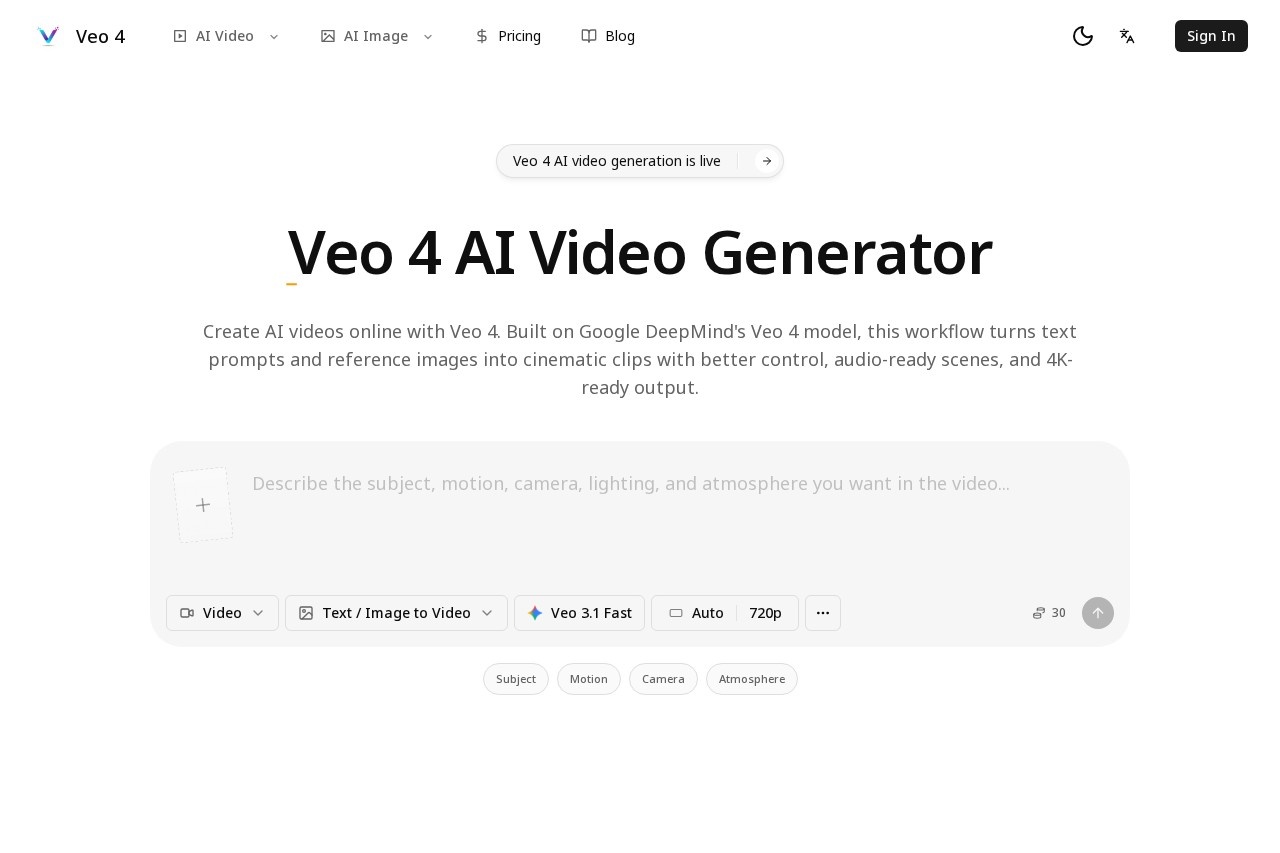
What is Veo 4?
Veo 4 is an AI video generator designed to produce cinematic text-to-video and image-to-video clips. It offers stronger prompt control and outputs up to 4K resolution, with built-in audio generation for a complete video package. The tool is built for fast creative iteration, allowing users to refine results quickly. It is accessible via the official website at https://veo4.im/.
Application scenarios
Cinematic content creation
Generate high-quality video clips from text descriptions for short films or trailers.
Image-to-video conversion
Turn static images into dynamic video sequences with added motion.
Marketing videos
Produce branded video assets with precise prompt control to match campaign themes.
Social media content
Create short, engaging video clips optimized for platforms like Instagram or TikTok.
Rapid prototyping
Iterate on video concepts quickly without traditional editing software.
Audio-visual storytelling
Generate videos with synchronized audio for richer narrative experiences.
Core Features
Text-to-video generation
Convert written prompts into cinematic video clips with strong adherence to user instructions.
Image-to-video editing
Start from an existing image and generate a video that extends or animates the original scene.
4K-ready output
Produce videos at high resolution suitable for professional or broadcast use.
Audio integration
Generated clips include audio tracks, eliminating the need for separate sound design.
Stronger prompt control
Improved responsiveness to detailed text descriptions for more accurate results.
Fast creative iteration
Quickly generate multiple versions of a video to explore different directions without long render times.
Target users
Veo 4 is built for video creators, filmmakers, and content marketers who need rapid, high-quality video generation. It also suits game developers, social media managers, and advertising professionals looking for cinematic output without traditional production costs. Hobbyists and indie creators will find the tool useful for quick prototyping and visual storytelling.
How to use Veo 4?
- Visit https://veo4.im/ and load the site (the page prepares layouts, sections, and account state).
- Enter a text prompt or upload an image to define your video concept.
- Adjust prompt details for stronger control over the output.
- Generate the video and review the result; iterate as needed for refinement.
- Export the final clip in 4K-ready resolution with audio included.
Effect review
Veo 4’s feature set—text-to-video, image-to-video, 4K output, and audio integration—positions it as a versatile tool for fast video creation. The emphasis on stronger prompt control and rapid iteration suggests it can handle both polished cinematic work and quick experimental drafts. While the website excerpt does not provide user feedback or quality benchmarks, the combination of high resolution and audio support makes it a practical choice for creators who need a streamlined pipeline from concept to finished clip. For users seeking a single tool to generate, refine, and export video content, Veo 4 delivers a focused, efficient workflow.
Frequently Asked Questions
What is Veo 4?
Can I generate video from an image?
What resolution does Veo 4 support?
Does Veo 4 include audio in generated videos?
How does prompt control work in Veo 4?
Is Veo 4 suitable for rapid prototyping?
Veo 4 - AI Tool Detail
AI video generator by Veo for creating cinematic text-to-video and image-to-video clips with audio, stronger prompt control, 4K-ready output, and fast creative iteration.
Category:Text to Video
Visit Link:https://veo4.im/
Tags:AI video generator、text-to-video、image-to-video、cinematic video、4K video