
Veo 4
Google DeepMind’s AI platform for generating cinematic videos and editing images with advanced AI capabilities.
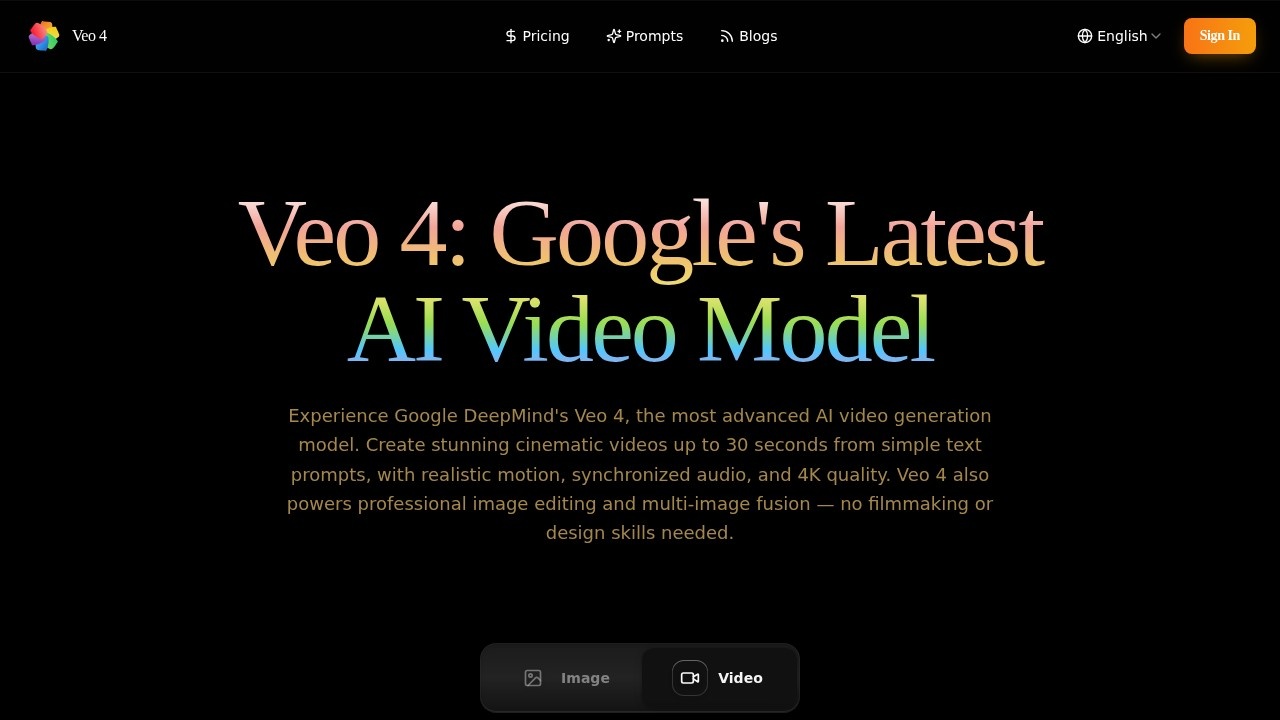
What is Veo 4?
Veo 4 is Google DeepMind’s latest AI video generation model, capable of creating cinematic videos up to 30 seconds from simple text prompts. It delivers realistic motion, synchronized audio, and 4K quality without requiring filmmaking or design skills. Beyond video generation, Veo 4 also powers professional image editing and multi-image fusion through a single workspace. Users access it via a web-based interface with multiple model versions and credit-based generation.
Application scenarios
Text-to-video creation
Write a prompt and render a video from text, producing cinematic clips up to 30 seconds.
Image-to-video animation
Upload an image and animate it, bringing static visuals to life.
Professional image editing
Edit images using AI-powered context-aware tools, including multi-image fusion.
Marketing content production
Teams can integrate Veo 4 via its API to scale video output — one marketing lead reported a 40% increase in content output.
Creative inspiration and exploration
Browse the Creative Inspiration Gallery to see standout videos and images created by the Veo 4 community.
Cinematic scene design
Describe complex scenes (e.g., rain-soaked F1 races, dramatic wind effects) and get precise, cinematic results.
Core Features
Text-to-video generation
Enter a prompt and render a video up to 30 seconds with realistic motion and synchronized audio.
Image-to-video animation
Upload an image and animate it using AI-driven motion synthesis.
Multiple model versions
Choose from Veo 4.0 (highest fidelity), Fast (faster generation), or Lite (cost-effective option) based on quality and speed needs.
Advanced AI video generator
A dedicated workspace for generating videos with adjustable parameters like balance and prompt length (up to 5000 characters).
Creative Inspiration Gallery
Explore a curated collection of standout videos and images created by the community for inspiration.
Professional image editing
Edit images with context-aware AI tools, including multi-image fusion, all through simple text prompts.
Credit-based generation
Each generation task consumes credits (e.g., 80 credits per video), with a visible credit balance in the interface.
API integration
A well-documented API enables seamless integration into marketing pipelines and other workflows.
Target users
Veo 4 is built for digital artists, UX designers, marketing leads, and content creators who need professional-grade video and image output without traditional filmmaking or design skills. It suits individual creators, small teams, and enterprise marketing departments that want to scale visual content production quickly.
How to use Veo 4?
- Sign in to the Veo 4 workspace on the official site.
- Choose a model version (Veo 4.0, Fast, or Lite) and a generation mode (Text to Video or Image to Video).
- Enter a text prompt (up to 5000 characters) or upload an image to animate.
- Adjust the balance parameter if needed, then click "Generate" — each task consumes credits from your account.
- Download or export the generated video or edited image from the output section.
Effect review
Veo 4 delivers exactly what it promises: cinematic-quality video generation from text prompts, with realistic motion and synchronized audio. User testimonials on the site highlight precise prompt understanding and transformative workflow improvements — one digital artist calls it "mind-blowing" for cinematic timing, and a marketing lead reports a 40% boost in video output after API integration. The multiple model versions give users flexibility between quality and speed, while the credit system keeps usage predictable. For creators who need professional results fast, Veo 4 is a serious contender in AI video generation.
Frequently Asked Questions
What is Veo 4?
Can I edit existing videos with Veo 4?
Is Veo 4 free to use?
What kind of videos can Veo 4 create?
Do I need technical skills to use Veo 4?
What platforms does Veo 4 support?
Veo 4 - AI Tool Detail
Google DeepMind’s AI platform for generating cinematic videos and editing images with advanced AI capabilities.
Category:Video generation
Visit Link:https://aiveo4.net/
Tags:AI video generation、cinematic AI、Google DeepMind、AI image editing