
Veo
Veo by Google DeepMind is an AI video generation tool that creates professional videos from text, images, or frames, featuring enhanced audio, prompt adherence, and editing capabilities like Extend an
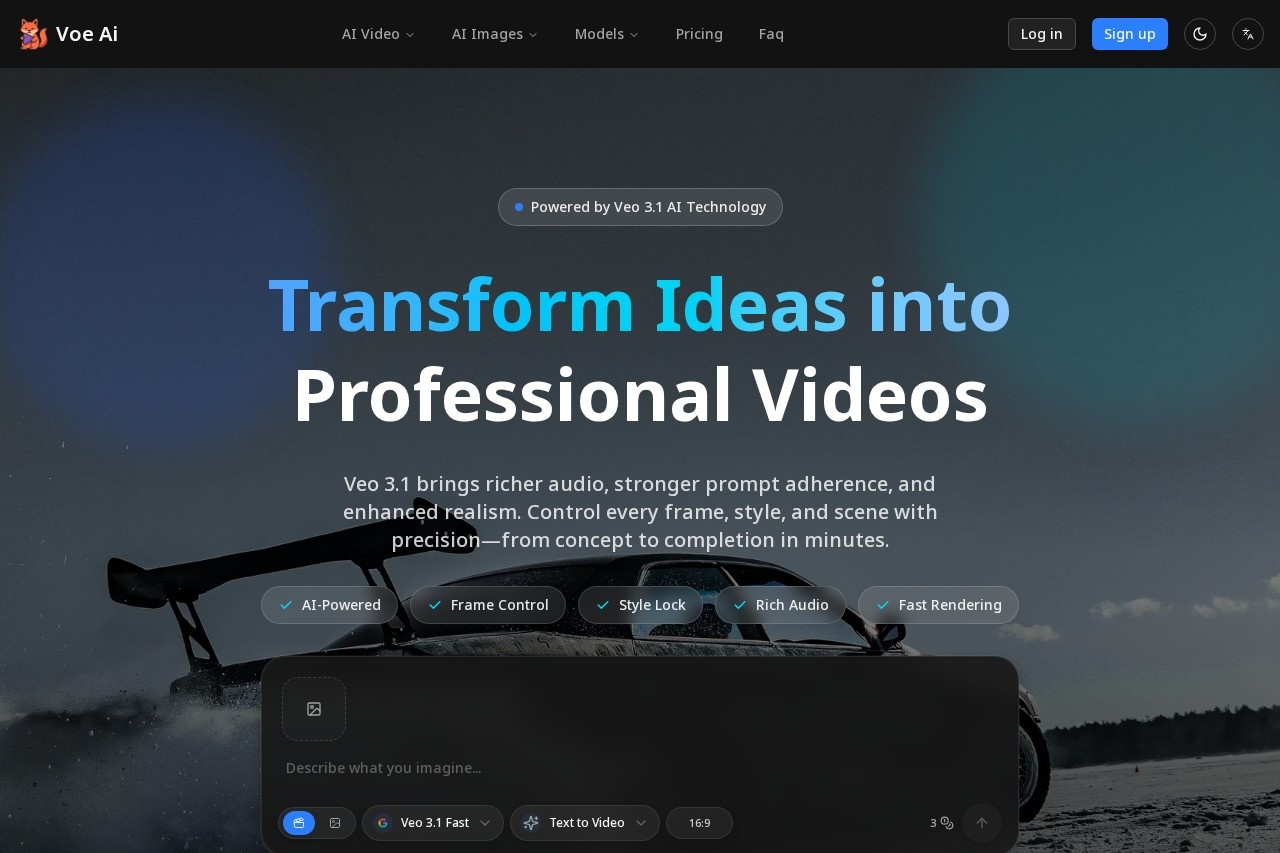
What is Veo?
Veo is an AI video generation tool developed by Google DeepMind. It transforms text descriptions, images, or starting frames into professional-quality videos. The platform provides users with control over frames, style, and scenes, enabling video creation from concept to completion in minutes. Its core function is to generate cinematic video content with synchronized audio.Application scenarios
Marketing & Advertising
Rapidly produce and A/B test multiple video ad variants for different hooks, pacing, and styles.
Content Creation
Generate a high volume of video content quickly, such as producing a week's worth of material in a short timeframe.
Brand Campaigns
Maintain consistent visual identity across campaigns by locking in specific fonts, colors, and logos.
Global Localization
Create video content tailored for international audiences with a single click.
Creative Production
Craft scenes with cinematic camera movements and professional sound design without needing a director of photography or complex editing software.
Core Features
Text-to-Video Mode
Describe any scene in text to generate a high-quality cinematic video with synchronized audio.
Frames to Video
Provide a starting and an ending image to generate a seamless bridging video with rich, generated audio.
Ingredients to Video
Use multiple reference images to lock characters, objects, and style, guiding the AI to craft the final scene.
Extend Shots
Create longer, seamless shots that continue the action from an existing clip, useful for 60-second-plus establishing shots.
Style Lock
Maintain a consistent visual style and on-brand elements like fonts, colors, and logos across video campaigns.
Scene Controls
Use natural language commands to apply cinematic techniques like a "slow dolly-in" or "macro product tilt."
Rich Generated Audio
Get multi-layer, synchronized audio generated for scenes across multiple video creation modes.
Versioning & A/B Testing
Duplicate any scene and change elements like the hook, colorway, or call-to-action to test different variants.
Insert & Remove
Add new elements or remove unwanted objects from a scene while the AI respects existing shadows and lighting.
Target users
Veo is built for marketing teams, content creators, advertising professionals, and businesses looking to scale video production. It specifically benefits those needing to produce high volumes of branded content, run rapid A/B tests on ad creative, localize content for global markets, and reduce reliance on multiple production tools or freelance cycles. The tool is also designed to be accessible to creators without non-linear editing (NLE) expertise.How to use Veo?
The process begins by accessing the tool, likely via its official website. Users can select a creation mode such as Text-to-Video, Frames to Video, or Ingredients to Video. They then provide the necessary input: a text prompt, starting and ending images, or multiple reference images. After configuring settings like aspect ratio (e.g., 16:9), users generate the video. They can further edit using natural language commands, extend shots, or create variants for A/B testing before exporting the final product.Effect review
The website positions Veo 3.1 as a tool for achieving specific professional outcomes, such as faster content velocity, higher ad return on ad spend (ROAS), and lower production costs. It emphasizes enhanced realism, stronger narrative control, and richer audio as key quality improvements in this version. The feature set is explicitly described as experimental and actively improving based on user feedback, indicating a development focus on practical utility. For a typical user, the combination of granular creative control and automated generation suggests a platform aimed at significantly streamlining the professional video production pipeline.Frequently Asked Questions
What is Veo?
What can Veo generate videos from?
What editing capabilities does Veo offer?
How does Veo ensure prompt adherence?
What makes Veo's audio enhanced?
Who created Veo?
Veo - AI Tool Detail
Veo by Google DeepMind is an AI video generation tool that creates professional videos from text, images, or frames, featuring enhanced audio, prompt adherence, and editing capabilities like Extend an
Category:Video generation
Visit Link:https://voe31.com/
Tags:video generation、AI video、text-to-video、video editing、Google DeepMind