
AI Video Maker
AI Video Maker by VideomakerAI converts ideas into high-quality videos using AI, streamlining content creation for effortless production.
What is AI Video Maker?
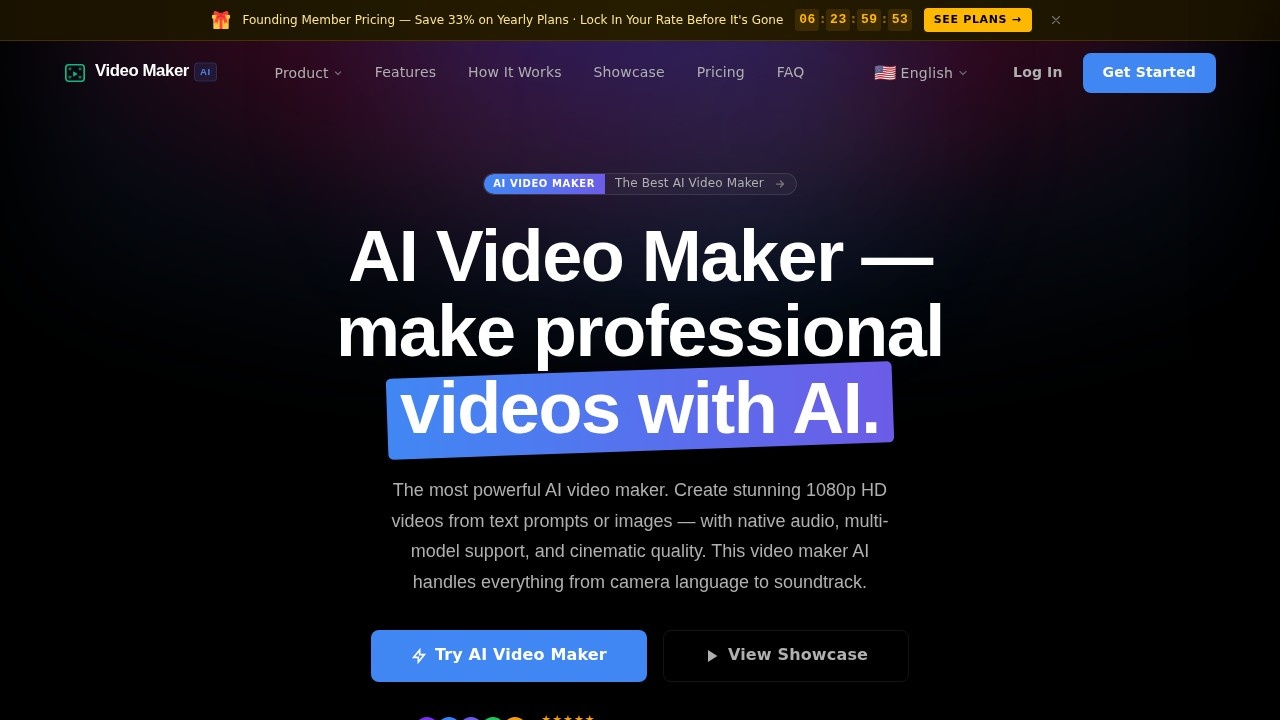
AI Video Maker by VideomakerAI is a platform that converts text prompts or images into professional 1080p HD videos using AI. It handles everything from camera language to soundtrack, generating cinematic-quality clips with native audio. Users can choose from multiple AI models like HappyHorse, Veo 3.1, and Seedance, and control camera movements such as pan, tilt, zoom, and roll. The tool is trusted by over 15,000 creators for streamlining video production.Application scenarios
Content creation
Generate stunning videos from text descriptions, such as "an astronaut on Mars at golden hour," for social media or marketing.
Cinematic storytelling
Produce sweeping landscapes, intimate character scenes, or abstract art clips with cinematic presets and mood engines.
Marketing campaigns
Create professional video ads or promotional content with AI-generated soundtracks and precise camera control.
Educational videos
Turn complex ideas into visual narratives, like underwater coral reef scenes or mountain summit flyovers.
Art and design
Generate abstract liquid ink art or bioluminescent jellyfish footage for creative projects.
Personal projects
Produce custom videos for events, travel memories, or hobbyist filmmaking without technical skills.
Core Features
Multi-model engine
Choose from HappyHorse 1.0, Google Veo 3.1, or Seedance 1.5 for different motion quality and output styles.
Cinematic presets
Access 8 visual modes and mood engines to set the tone and look of your video.
Camera control
Adjust pan, tilt, zoom, and roll to frame shots exactly as needed.
AI audio sync
Generate an AI-created soundtrack that syncs automatically with each clip.
Reference image upload
Upload an image (e.g., "mars_horizon.jpg") to guide the AI video generation.
Duration and steps control
Set video length (e.g., 8 seconds) and generation steps (e.g., 24) for fine-tuning output.
Prompt-based generation
Type a text prompt and watch it come to life—no post-processing required.
Export and sharing
Export generated videos directly from the library and share them with others.
Target users
Content creators, marketers, filmmakers, educators, and social media managers who need to produce high-quality videos quickly without traditional editing skills. It's also ideal for artists and hobbyists exploring AI-generated visuals for personal or professional projects.How to use AI Video Maker?
- Visit the official website at https://videomakerai.io.
- Click "Try AI Video Maker" to access the generation interface.
- Enter a text prompt (e.g., "an astronaut on the surface of Mars at golden hour") or upload a reference image.
- Select your preferred AI model (HappyHorse, Veo 3.1, or Seedance), style preset, duration, and steps.
- Use camera controls (pan, tilt, zoom, roll) to adjust the shot.
- Generate the video and export it from the library.
Pricing and free trial
Pricing details are not explicitly stated in the provided website text. No free trial information is available.Effect review
The platform delivers on its promise of turning text or images into cinematic-quality videos, as evidenced by the showcase examples like "Ocean Reverie" and "Neon District." The multi-model engine and camera controls give users professional-grade flexibility, while the AI audio sync adds polish without extra effort. With 15,000+ creators trusting it, the tool appears reliable for rapid video production. However, the lack of explicit pricing or free trial details may require users to explore the site further to assess cost. Overall, it's a powerful option for anyone seeking AI-driven video creation with minimal friction.Frequently Asked Questions
What is AI Video Maker?
How does AI Video Maker work?
Can I customize the videos?
Is AI Video Maker free?
What types of videos can I create?
Do I need video editing skills?
AI Video Maker - AI Tool Detail
AI Video Maker by VideomakerAI converts ideas into high-quality videos using AI, streamlining content creation for effortless production.
Category:Video generation
Visit Link:https://videomakerai.io/
Tags:AI video generation、video creation tool、AI content creation、automated video production、VideomakerAI