
ScreenCap
ScreenCap by its developers is a local-first macOS screen recorder that prioritizes privacy. It blocks or masks sensitive apps like password managers and banking during capture, ensuring recordings st
What is ScreenCap?
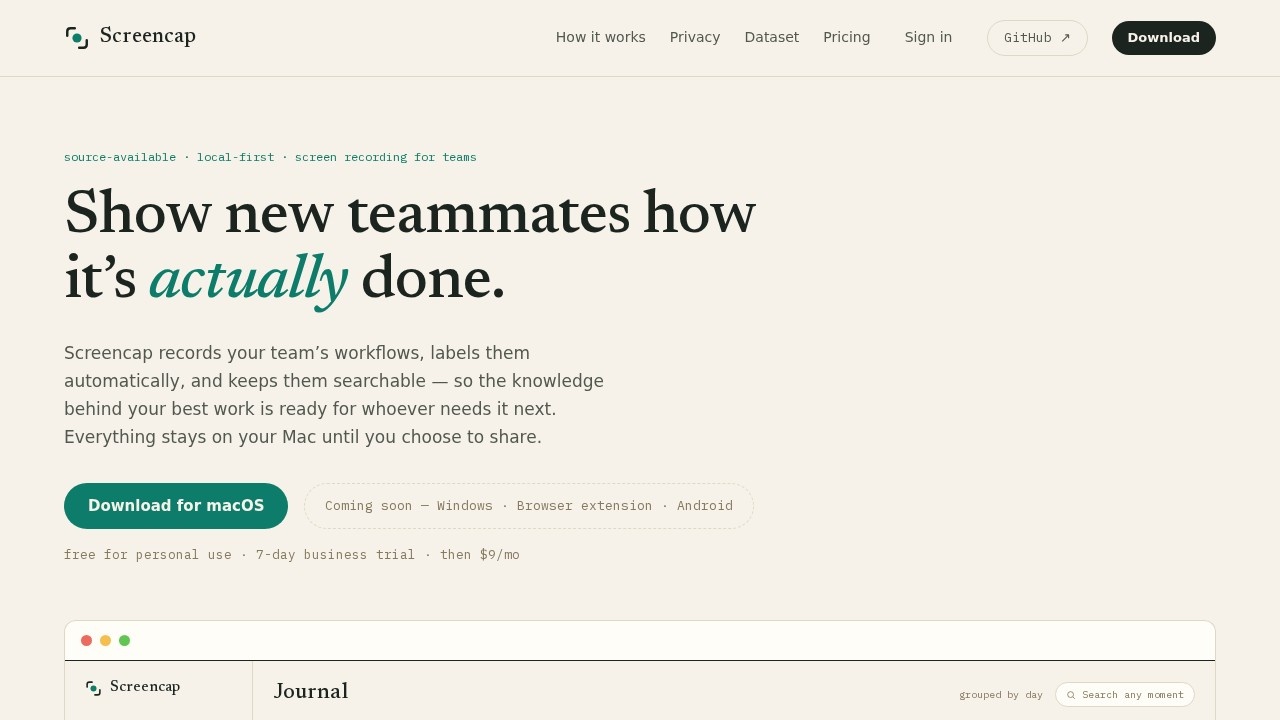
ScreenCap is a source-available, local-first screen recording tool for macOS that captures your team's workflows and turns them into searchable, labeled knowledge. It records your screen while automatically segmenting footage into individual tasks, indexing spoken words and on-screen content so you can find any workflow months later. Privacy is the core design principle: password managers and banking apps are cut before a frame is written, and email and chat are masked during recording. Everything stays on your Mac until you explicitly choose to share, and shared copies are scrubbed of names, secrets, and PII.
Application scenarios
Onboarding new teammates
Record how you do a task, label it automatically, and let new hires search and watch the exact workflow instead of asking around.
Documenting recurring processes
Payroll runs, invoice reconciliation, quarterly report builds—each becomes a searchable, labeled task in your local library.
Knowledge transfer for remote teams
Share a single task or assemble recordings into an ordered onboarding collection, with sensitive data redacted before anything leaves your machine.
Auditing your own work
Search any recorded moment by spoken word or on-screen content to recall exactly how you handled a specific case.
Training AI models
Donate your recordings to an open dataset that provides real, deliberately contributed workflows for training computer-use models.
Compliance-sensitive environments
Keep all recordings local by default, with precise control over what gets shared and what gets redacted.
Core Features
Local-first storage
Recordings live in `~/.screencap` on your Mac and nowhere else unless you choose a cloud plan.
Automatic task segmentation
An on-device model splits footage into labeled tasks like "payroll run" or "expense approvals" without manual editing.
Full-text and visual search
Every spoken word and on-screen moment is indexed, so you can find any workflow by search months later.
Blocked and masked apps
Password managers and banking apps are cut before a frame is written; email and chat are masked as they record.
Scrubbed sharing
When you share, you send one scrubbed file with names, secrets, and PII already redacted—and only the recordings you choose.
MCP context capture
While recording, ScreenCap queries connected MCP servers (Gusto, Attio, Linear, Notion, and any MCP server) for what's on screen and embeds that snapshot inside the recording.
Live record access
Viewers can open the current live record directly from the video, jumping from the recording to the exact payroll run or ticket referenced.
Open threat model
The code that enforces privacy is public, and the site links to a detailed threat model document.
Target users
ScreenCap is built for teams that rely on documented workflows—especially remote or distributed teams where "show, don't tell" is the fastest way to transfer knowledge. It suits engineering teams documenting ticket triage, finance teams recording payroll and reconciliation processes, and operations teams that need searchable records of recurring tasks. It's also relevant for individuals who want a privacy-first recorder that keeps sensitive data local, and for researchers or developers contributing to open computer-use datasets.
How to use ScreenCap?
Download the macOS app from the official site. Press ⌘⇧R to start recording, then work as you normally would—narrating if it helps. The on-device agent automatically splits your footage into labeled tasks and indexes everything. To share, select a single task or assemble recordings into an ordered collection; ScreenCap scrubs the files before they leave your machine. Windows, browser extension, and Android versions are listed as coming soon. For full setup details, visit the official website.
Pricing and free trial
ScreenCap is free for personal use. Businesses get a 7-day trial, after which it costs $9/month.
Effect review
ScreenCap's core value proposition is strong: it turns passive screen recordings into structured, searchable knowledge without requiring manual labeling or editing. The privacy architecture is unusually concrete—blocking password managers before a frame is written, masking email and chat, and keeping everything local by default are tangible commitments, not vague assurances. The MCP context feature is a differentiator, embedding live business records into recordings so viewers can jump from a video to the actual payroll run or ticket. The $9/month business price is reasonable for teams that would otherwise spend hours documenting processes manually. The main limitation is platform availability: it's macOS-only for now, with Windows and browser support still pending. For teams already on Mac, this is a practical, privacy-conscious way to preserve institutional knowledge.
Frequently Asked Questions
What is ScreenCap and how does it protect my privacy?
Does ScreenCap store my recordings in the cloud?
Can I customize which apps are blocked or masked during recording?
Is ScreenCap compatible with all macOS versions?
Does ScreenCap offer any editing features after recording?
Is there a free trial available for ScreenCap?
ScreenCap - AI Tool Detail
ScreenCap by its developers is a local-first macOS screen recorder that prioritizes privacy. It blocks or masks sensitive apps like password managers and banking during capture, ensuring recordings st
Category:Video editing
Visit Link:https://screencap.sh/
Tags:macOS screen recorder、privacy tool、screen capture、local-first、sensitive app masking