
Macroscope
A local-first Mac audit tool by Razortype that uses nine native probes and five AI auditors to preview, classify, and block deletions of files still needed by active apps.
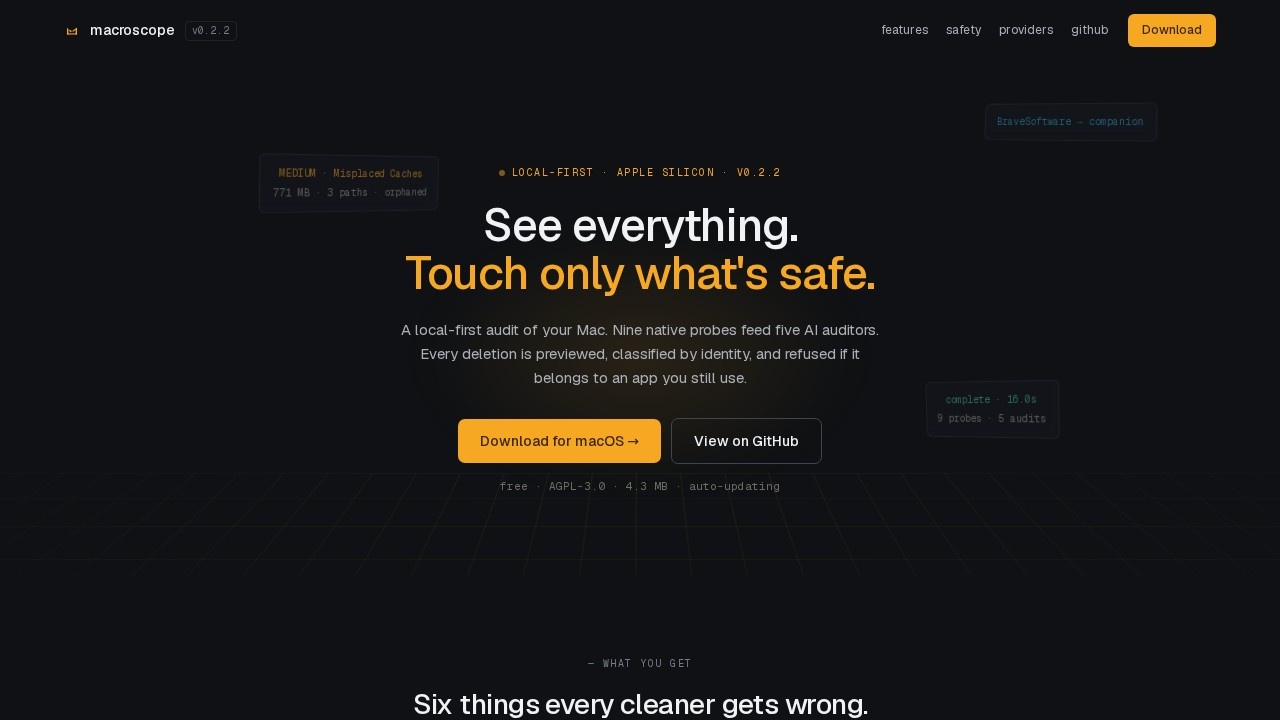
What is Macroscope?
Macroscope is a local-first audit tool for macOS, built by Razortype. It uses nine native probes and five AI auditors to preview, classify, and block deletions of files that are still needed by active apps. Every deletion is previewed, classified by identity, and refused if it belongs to an app you still use. The tool is free, open-source (AGPL-3.0), and designed for Apple Silicon.
Application scenarios
Cleaning misplaced caches
Macroscope identifies cache directories (e.g., 771 MB from Brave Browser) that are safe to remove but prevents deletion of companion vendor folders containing profile data.
Recovering disk space
It scans for stale logs, old downloads, and other orphaned files, showing total reclaimable size (e.g., 3.6 GB across 14 paths).
Auditing installed apps
It cross-references leftover directories against installed .app bundles, classifying them as COMPANION, ORPHANED, or INVESTIGATE.
Safe cleanup for developers
Blocks deletion of files belonging to still-active tools like Brave Software or Figma, even if the user intends to clean them.
On-device AI analysis
Probes run locally by default; users can optionally keep AI on-device using Ollama.
Restoring deleted items
Items are moved to Trash (not rm -rf), so they can be restored from Finder until Trash is emptied.
Core Features
Identity graph
Every leftover directory is cross-referenced against installed .app bundles by bundle ID, vendor alias, display name, and executable, producing a classification rather than a guess.
Nine native probes
Uses native macOS commands (du, lsof, launchctl, mdls, ps, codesign, sw_vers, sysctl, ifconfig) — no Homebrew or Python required.
Five parallel AI auditors
Each AI auditor focuses on one slice: disk, startup, lifecycle, files, and artifacts.
Trash-only deletion
Macroscope never uses rm -rf; items can be restored from Finder until you empty Trash.
Zero outbound by default
Probes run locally; AI can be kept on-device with Ollama.
Five AI providers
Supports Gemini (default), Claude CLI, Anthropic, OpenAI, and Ollama. API keys are stored in Keychain.
Five audit views
Overview (disk capacity, finding summary, severity distribution), Findings (ranked by severity with path, size, identity verdict), Apps (installed bundles cross-referenced), Files (raw file-level listing), and more.
Detailed AI rationale per finding
Each finding shows why a file is safe to delete or blocked, e.g., "cache directories belong to Brave Browser, which is installed and actively used — safe to remove, but companion folder should not be touched."
Target users
Macroscope is for macOS power users, developers, and system administrators who want to safely reclaim disk space without accidentally deleting files needed by active applications. It's especially useful for anyone who has been burned by aggressive cleaner tools that remove companion data or profile folders.
How to use Macroscope?
Download the app from the official website (macOS only, Apple Silicon). It auto-updates. Once launched, the tool runs nine native probes and five AI auditors automatically. You review findings in five views (Overview, Findings, Apps, Files, etc.), each with severity rankings and AI rationale. To delete, choose "Move to Trash" — items can be restored from Finder until you empty Trash. For on-device AI, pick Ollama as the provider.
Pricing and free trial
Macroscope is free and open-source (AGPL-3.0). No pricing or free trial tiers are mentioned on the website.
Effect review
Macroscope delivers exactly what it promises: a safe, local-first audit that prevents accidental deletion of app-essential files. The identity graph and AI rationale provide clear, actionable explanations for each finding, which is a major step up from guesswork-based cleaners. The five views offer a thorough, layered look at your disk, and the trash-only approach gives a safety net. For a free, open-source tool with native macOS integration and no outbound data by default, it's a compelling choice for anyone serious about cleaning their Mac without risk.
Frequently Asked Questions
What is Macroscope?
How does Macroscope prevent accidental file deletion?
Is Macroscope cloud-dependent?
What are the 'native probes' and 'AI auditors'?
Can Macroscope recover deleted files?
Is Macroscope free to use?
Macroscope - AI Tool Detail
A local-first Mac audit tool by Razortype that uses nine native probes and five AI auditors to preview, classify, and block deletions of files still needed by active apps.
Category:Automation
Visit Link:https://macroscope.razortype.com/
Tags:mac audit tool、AI file protection、deletion prevention、local-first security