Clipto.AI
Clipto.AI by Clipto is an AI tool that transcribes audio and video with 99% accuracy, identifies speakers, generates summaries, and organizes content into searchable knowledge on your Mac.
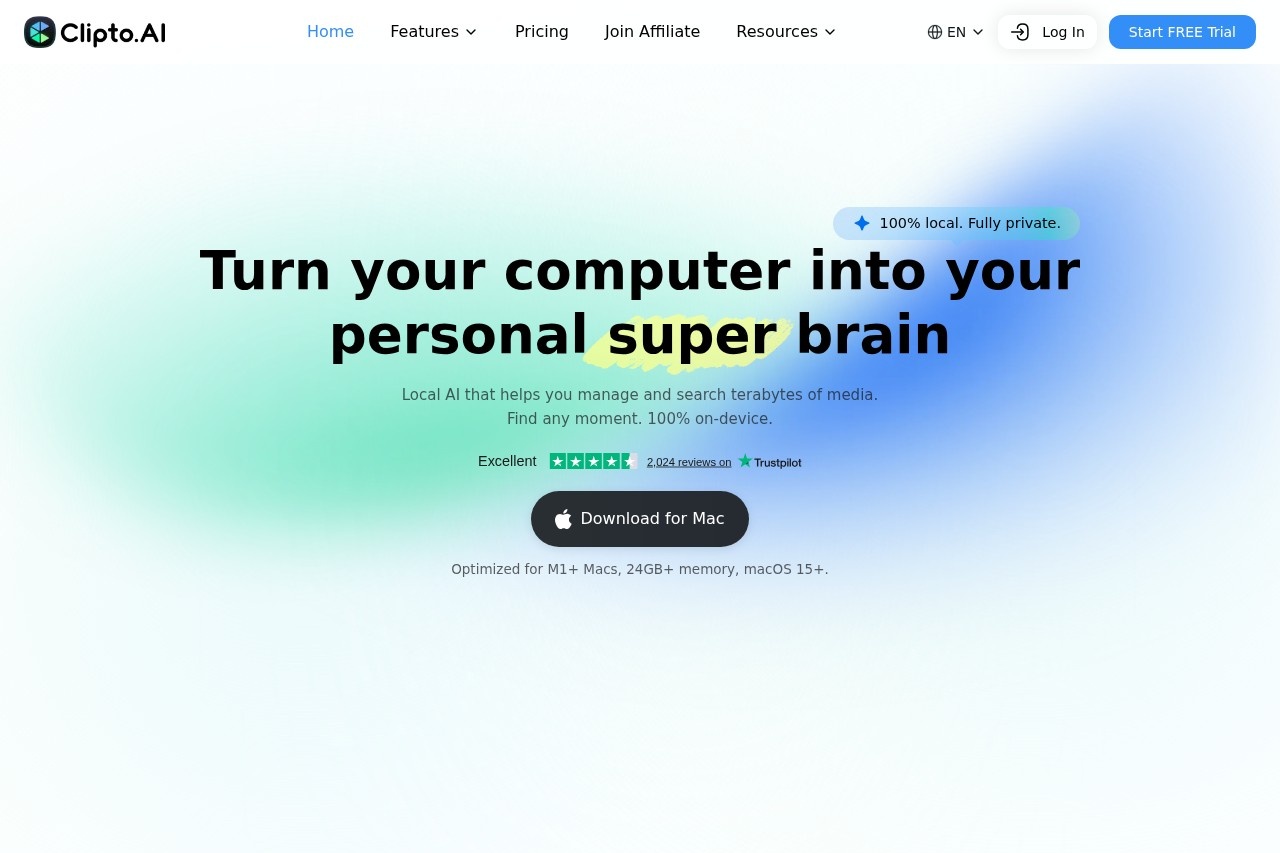
What is Clipto.AI?
Clipto.AI is a local AI tool for Mac that transcribes audio and video with high accuracy, identifies speakers, generates summaries, and organizes content into searchable knowledge. It runs entirely on your device—no cloud needed—and is optimized for M1+ Macs with 24GB+ memory and macOS 15+. Users can search across their media by people, actions, dialogue, or scenes, turning hours of content into structured, actionable insights.Application scenarios
Content creation
Photographers and editors can quickly find specific moments in large video libraries, like a dish close-up or a person in white.
Media management
Search terabytes of local or cloud-stored media (Dropbox, Google Drive, NAS) by spoken words, people, or scenes.
Meeting and conversation analysis
Automatically transcribe, summarize, and extract decisions, tasks, and follow-ups from conversations.
Field work and travel
Work offline without an internet connection, perfect for on-the-go transcription and searching.
Video editing
Access Clipto.AI directly inside tools like Premiere Pro to find specific moments without scrubbing.
Research and documentation
Structure messy data into searchable, interactable intelligence from audio and video files.
Core Features
Precision Transcription
Transcribe audio or video with industry-leading accuracy across 100+ languages.
Speaker Intelligence
Automatically identify who is speaking and keep conversations structured and clear.
Instant Summaries
Turn long conversations into clear summaries, key insights, and structured notes.
Actionable Insights
Extract decisions, tasks, and follow-ups directly from conversations.
Search by People
Find anyone across your content by name and jump to every moment they appear.
Search by Actions
Find moments like "a handshake" or "a goal celebration" across your media.
Search by Dialogue
Search every spoken word and jump straight to the exact moment it was said.
Search by Scenes
Search by places, objects, or environments, such as "a city at night" or "a person in white."
Unified Knowledge Across Storage
Understand content stored in Dropbox, Google Drive, NAS, or local folders without moving files.
100% Local and Private
All processing runs on your device with no uploads to the cloud, working offline.
Target users
Photographers, video editors, content creators, journalists, researchers, and professionals who work with large volumes of audio or video content daily. It's built for anyone who needs to quickly find specific moments, transcribe conversations, or extract structured knowledge from media—without relying on cloud services.How to use Clipto.AI?
Download the app for Mac (optimized for M1+ Macs, 24GB+ memory, macOS 15+). After installation, import your audio or video files from local folders, Dropbox, Google Drive, or NAS. The tool automatically transcribes, identifies speakers, and indexes content. Use the search bar to find moments by people, actions, dialogue, or scenes. Access summaries and insights directly, or use integrations like Premiere Pro for editing workflows.Pricing and free trial
The website text does not mention any pricing or free trial details. Visit the official site for current pricing information.Effect review
Based on the website text, Clipto.AI delivers on its promise of a fully local, private AI that transforms messy media into searchable, structured knowledge. The inclusion of search by people, actions, dialogue, and scenes makes it a powerful tool for professionals who need to quickly locate specific moments in large video libraries. The integration with Premiere Pro and support for offline work add practical value for editors and field workers. However, the lack of pricing details and the requirement for M1+ Macs with 24GB+ memory may limit its accessibility to users with older hardware. Overall, it appears to be a robust solution for content-heavy workflows, though real-world performance would depend on the accuracy of its transcription and search capabilities.Frequently Asked Questions
What file formats does Clipto.AI support?
How accurate is the transcription?
Can Clipto.AI identify different speakers?
Does Clipto.AI generate summaries?
Is my data searchable on Clipto.AI?
Clipto.AI - AI Tool Detail
Clipto.AI by Clipto is an AI tool that transcribes audio and video with 99% accuracy, identifies speakers, generates summaries, and organizes content into searchable knowledge on your Mac.
Category:Knowledge Base
Visit Link:https://clipto.com/
Tags:AI transcription、speaker identification、summary generation、searchable knowledge、Mac tool