Ctrl+Brain
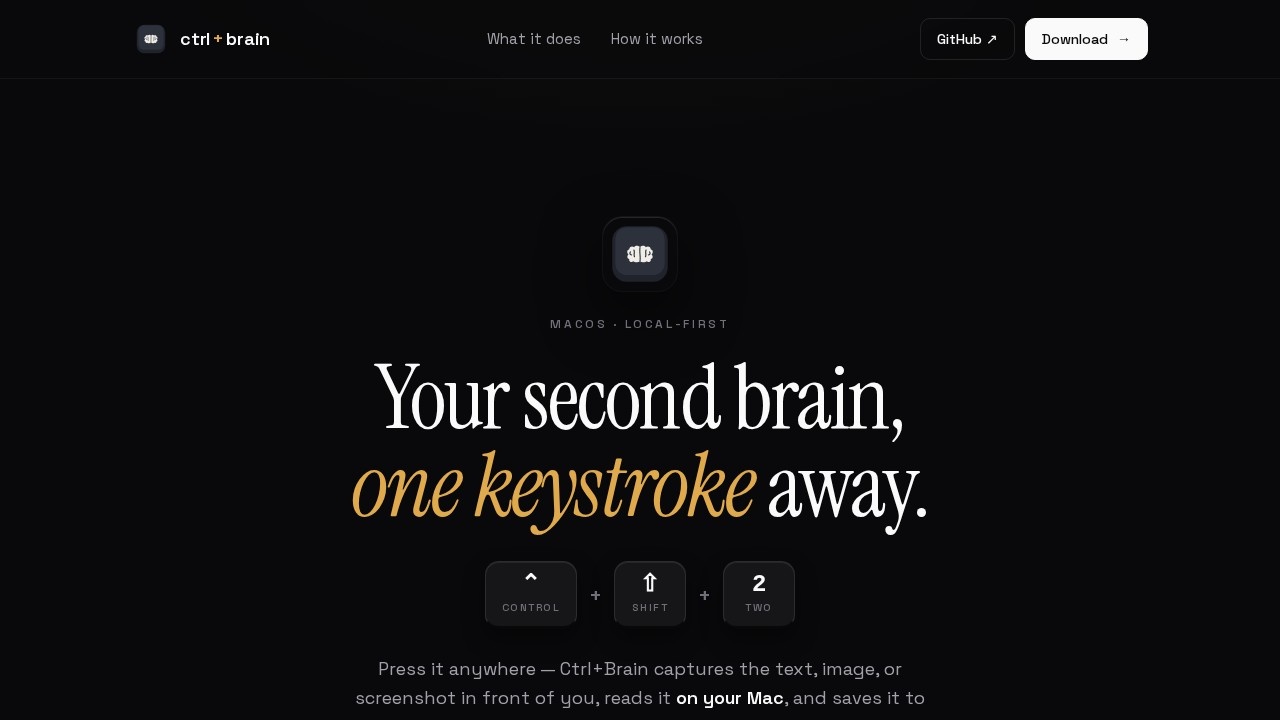
Ctrl+Brain by an independent developer lets you capture text, images, or screenshots with ⌃⇧2, process them on your Mac, and save them into a local second brain with optional Supermemory sync and MCP
What is Ctrl+Brain?
Ctrl+Brain is a macOS utility that turns a single keyboard shortcut into a local second brain. It captures text, images, or screenshots with ⌃⇧2, processes them entirely on your Mac using Apple Vision OCR and a local AI model, then saves everything into an editable Markdown file. The tool is built for users who want to collect and remember information without opening a separate app or sending data to the cloud. Optional Supermemory sync and MCP support let local agents search, read, and append to your brain.Application scenarios
Research and note-taking
Capture quotes, screenshots, or images from any app and save them as searchable Markdown notes.
Visual documentation
Use the global shortcut to grab screenshots of interfaces, diagrams, or code, which are then OCR'd and described by a local model.
Personal knowledge management
Build a local "second brain" that grows with every capture, with optional sync to Supermemory for cross-device access.
AI-assisted analysis
Let local MCP agents read and append to your Markdown brain, enabling automated summarization or search without leaving your Mac.
Privacy-sensitive work
Process sensitive documents or images entirely on-device, with no data leaving your machine.
Quick capture while multitasking
Press ⌃⇧2 from anywhere—no need to switch windows or open a new app—to save whatever is on screen.
Core Features
Global shortcut capture
Press ⌃⇧2 from any app to capture the current text, image, or screenshot in front of you.
On-device understanding
Apple Vision OCR extracts text from images, and a local Claude/Codex model describes them—everything stays on your Mac.
Editable Markdown brain
All captures are appended to a single, editable Markdown file that you can read, search, and modify.
Local MCP agent support
MCP agents can read, search, and append to your Markdown brain, enabling automated workflows entirely on your machine.
Optional Supermemory sync
Sync your second brain to Supermemory only if you add an API key—no data is sent by default.
Accessibility API integration
The shortcut reads selections via the Accessibility API, working globally in any macOS app.
Three-step workflow
Select anything, press ⌃⇧2, and the tool captures, understands, and saves—all in one keystroke.
Target users
Ctrl+Brain is designed for macOS power users, researchers, writers, and knowledge workers who want to capture information quickly without breaking focus. It also suits privacy-conscious users who need on-device processing and developers who want to integrate local MCP agents with a personal knowledge base.How to use Ctrl+Brain?
- Download the app from the official website or GitHub.
- Grant Accessibility API permissions so the global shortcut can read selections in any app.
- Press ⌃⇧2 anywhere on your Mac to capture text, images, or screenshots.
- The tool automatically OCRs images, describes them with a local model, and appends everything to your editable Markdown brain.
- Optionally add a Supermemory key to sync your brain, or let local MCP agents read and append to it.
Effect review
Ctrl+Brain delivers on its core promise: a single keystroke that captures, understands, and saves without interrupting your flow. The local-first approach is a strong differentiator for users who value privacy and offline reliability. While the tool is clearly functional and well-documented, the website does not include user testimonials or performance benchmarks, so real-world speed and accuracy depend on your Mac's hardware and the local AI model. For anyone tired of context-switching to note-taking apps, this utility offers a lean, focused alternative that stays out of your way.Frequently Asked Questions
What is Ctrl+Brain?
How do I capture content with Ctrl+Brain?
What is Supermemory sync?
What does MCP stand for in Ctrl+Brain?
Is Ctrl+Brain free?
Can I use Ctrl+Brain on Windows or Linux?
Ctrl+Brain - AI Tool Detail
Ctrl+Brain by an independent developer lets you capture text, images, or screenshots with ⌃⇧2, process them on your Mac, and save them into a local second brain with optional Supermemory sync and MCP
Category:Personal Assistant
Visit Link:https://www.ctrlbrain.xyz/
Tags:text capture、local second brain、screenshot tool、AI memory sync、MCP integration