
Mumble AI
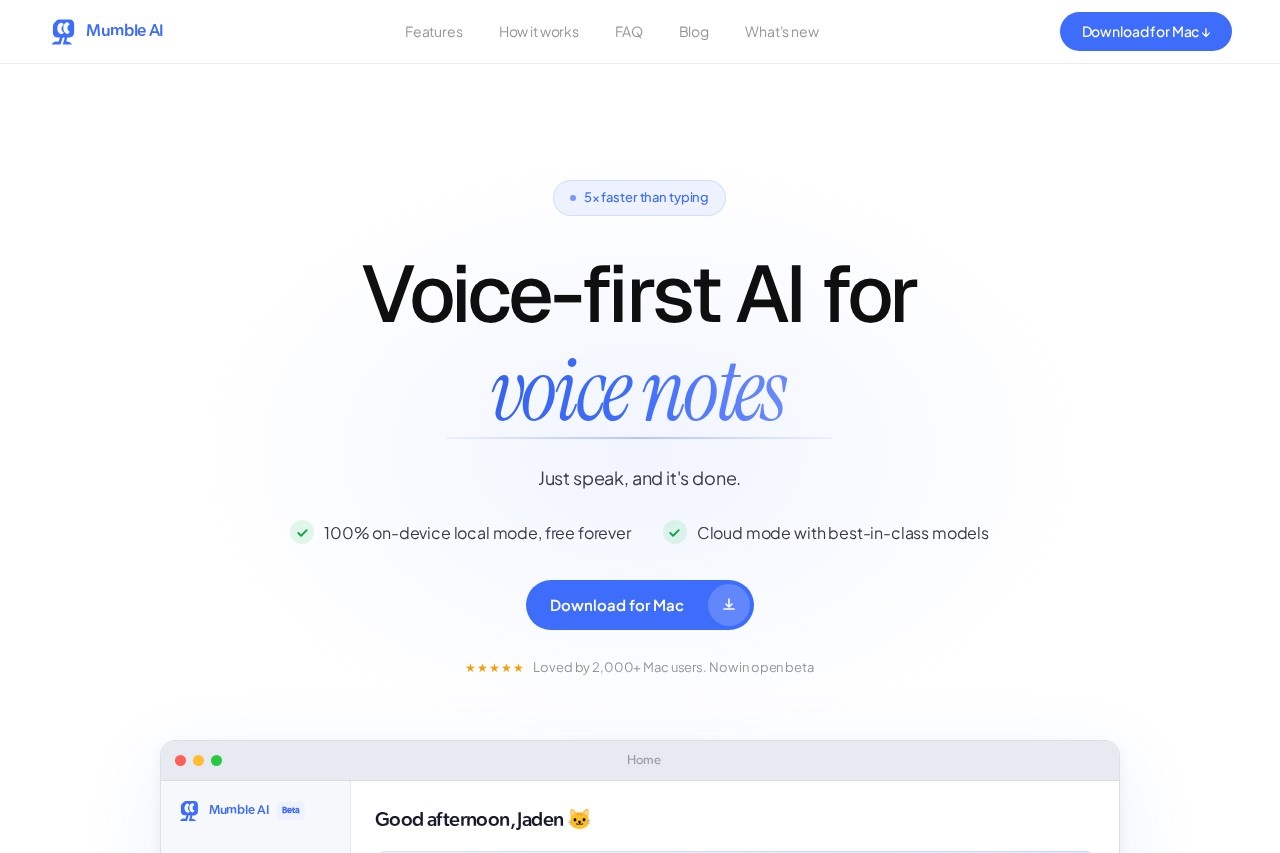
Mumble AI by HeyMumble is a voice-first Mac app for meeting recording, voice notes, and dictation, featuring 100% on-device processing and speeds five times faster than typing.
What is Mumble AI?
Mumble AI is a voice-first Mac application. It is designed for recording meetings, capturing voice notes, and dictation. The tool processes audio 100% on-device for privacy and operates at speeds five times faster than typing. Users speak to create clean notes, live meeting transcripts, and automatic summaries.Application scenarios
Meeting Management
Automatically record, transcribe, and summarize team meetings.
Voice Notes
Quickly capture ideas and thoughts by speaking, turning them into text notes.
Dictation
Compose messages, emails, or documents using your voice instead of typing.
Task Capture
Verbally schedule calendar events or create reminders from conversations.
Note Organization
Structure meeting outputs using customizable templates for consistency.
Core Features
On-device local mode
Process all audio and transcription completely on your Mac, with this mode being free forever.
Cloud mode
Access best-in-class AI models for processing when not using local mode.
Automatic meeting detection
The app auto-detects when a meeting starts and records directly from your Mac without a bot joining the call.
Live transcription with speaker labels
See a real-time transcript that identifies who is speaking during a meeting.
Instant meeting summaries
Receive a detailed, structured summary immediately after a meeting ends.
Customizable templates
Pick from existing templates or create your own to format meeting notes consistently.
Voice skill for dictation
Dictate text for notes, messages, or calendar events using your voice.
Integrated workspace
Manage all your notes, meetings, and dictation tasks within a single Mac application.
Target users
This tool benefits Mac users who frequently participate in meetings, such as project managers, team leads, and remote workers. It is also highly practical for professionals like marketers, developers, and operations staff who need to capture ideas quickly, dictate messages, or maintain structured meeting records without switching between multiple apps.How to use Mumble AI?
Download the application for Mac from the official website. Upon opening the app, you can get started using your voice. To capture an idea, select the option to turn your voice into a clean note. For meetings, the app can auto-detect and start recording, providing live transcripts and a post-meeting summary. You can also use dictation to schedule calendar events or send messages directly from the interface.Effect review
The website states the app is "loved by 2,000+ Mac users" and is currently in an open beta, indicating active development and user adoption. The core promise is eliminating the need for "sore-finger typing" and replacing three separate apps with one integrated solution. For a typical user, the combination of 100% on-device processing, speed, and automated meeting capture suggests a strong focus on productivity, privacy, and seamless workflow integration. The ability to see live speaker-labeled transcripts and get instant summaries addresses common pain points in meeting documentation.Frequently Asked Questions
What is Mumble AI?
Is Mumble AI free?
How does Mumble AI ensure privacy?
What are the main features of Mumble AI?
Is Mumble AI available on Windows or mobile?
How accurate is Mumble AI's transcription?
Mumble AI - AI Tool Detail
Mumble AI by HeyMumble is a voice-first Mac app for meeting recording, voice notes, and dictation, featuring 100% on-device processing and speeds five times faster than typing.
Category:AI voice assistant
Visit Link:https://heymumble.com/
Tags:voice dictation、meeting recording、voice notes、on-device AI、Mac app