
Megaphone
Megaphone by Kuber Studio is a free, open-source Mac dictation app. It uses Apple SpeechAnalyzer for fast live transcription and on-device Foundation Models to clean speech, understand app context, an
What is Megaphone?
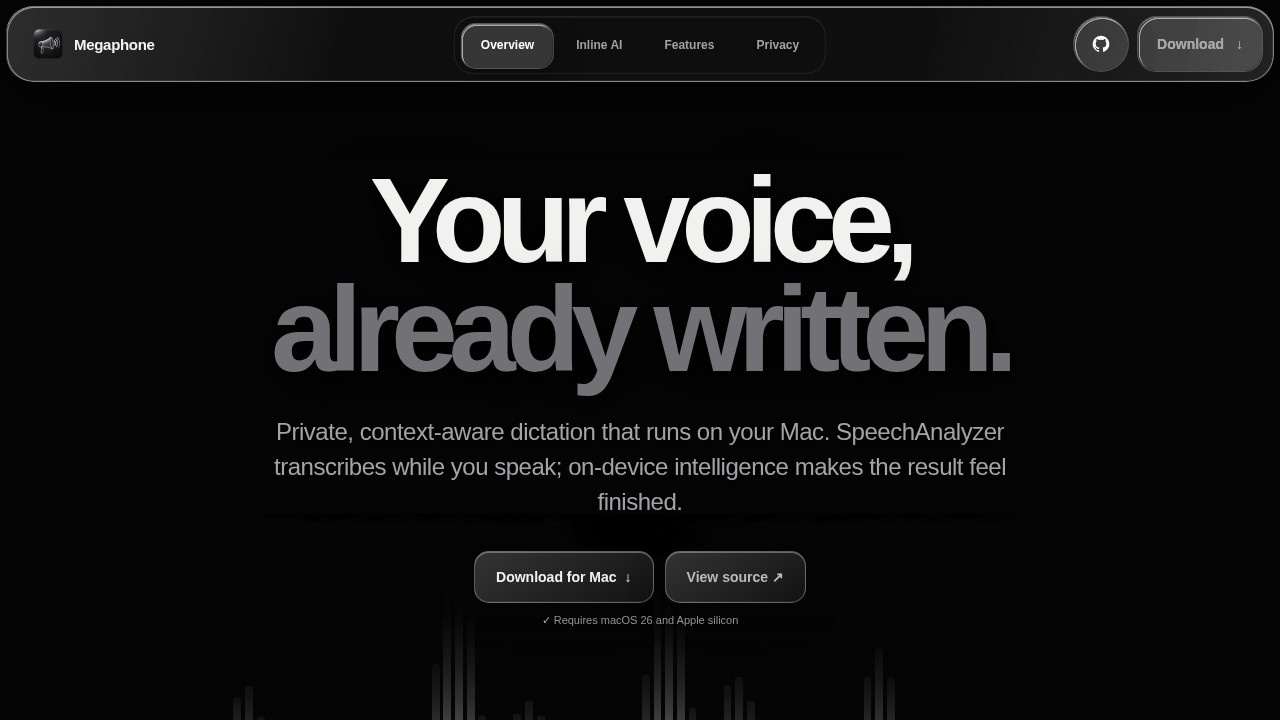
Megaphone by Kuber Studio is a free, open-source Mac dictation app that uses Apple's SpeechAnalyzer for fast live transcription and on-device Foundation Models to clean speech and understand app context. It allows you to begin dictation with the phrase "Hey Megaphone" and get answers directly inside the app you're already using, eliminating the need for separate chat windows or copy-paste loops. The app processes everything locally on your Mac, ensuring privacy and offline functionality.Application scenarios
Coding and development
Dictate code commands like `git push --force-with-lease` and get context-aware results that respect technical syntax.
Document editing
Use dictation in apps like Google Docs, Obsidian, or Mail to write and edit without leaving the cursor.
Release note creation
Quickly turn spoken thoughts into concise release notes with automatic cleanup.
Technical writing
Teach the app specialized terms, acronyms, and product names for accurate transcription.
Multilingual dictation
Automatic language detection works alongside live cleanup and personal Dictionary settings.
Workflow automation
Combine dictation with app context to get formatted results that match the tone and formatting of the active application.
Core Features
Hey Megaphone activation
Start dictation instantly by saying "Hey Megaphone" without clicking or switching apps.
On-device Foundation Model
The local AI model processes speech and provides answers inside your current app, with no cloud dependency.
Smart Cleanup
Automatically removes filler words (like "um" and "I think") and applies deterministic fallback for instant results.
Personal Dictionary
Add names, products, acronyms, and technical terms to ensure correct spelling; words become active after three successful dictations.
Automatic Learning
The app learns words you use often and adds them to the Dictionary automatically.
App Context awareness
Megaphone uses the active application and window as local hints for tone, spelling, and technical formatting.
Dictionary Import/Export
Save your private Dictionary (words, stars, suggestions, and Exact Corrections) to a JSON file and transfer it to another Mac.
Local Memory
The app remembers your preferences and learned terms across sessions while staying entirely on-device.
Target users
Megaphone is designed for developers, writers, and professionals who want to dictate text directly into their existing apps without interrupting their workflow. It's ideal for anyone who needs fast, accurate transcription with technical vocabulary support, including coders using tools like Codex and Claude Code, content creators working in Google Docs or Obsidian, and power users who prefer local, privacy-focused AI solutions.How to use Megaphone?
- Download the free, open-source app from the Megaphone website (megaphone.kuber.studio).
- Install and launch the app on your Mac.
- Begin dictation by saying "Hey Megaphone" while in any supported application.
- Speak naturally—the app transcribes live, cleans up filler words, and applies app-specific formatting.
- Use the Dictionary settings to add custom terms, acronyms, or product names for accurate spelling.
- Export your Dictionary to a JSON file for backup or transfer to another Mac.
Effect review
Megaphone delivers a genuinely useful dictation experience that stays out of your way. The combination of on-device processing, app context awareness, and a personal Dictionary makes it particularly strong for technical users who need accurate transcription of code, acronyms, and specialized terms. The live cleanup feature works well for removing filler words without distorting the intended message. While the app is currently Mac-only and relies on Apple's speech framework, its open-source nature and local processing make it a compelling choice for privacy-conscious users. For anyone tired of copy-pasting between dictation tools and their actual work apps, Megaphone offers a streamlined, integrated solution that just works.Frequently Asked Questions
What is Megaphone?
Is Megaphone free to use?
How does Megaphone process speech?
Can Megaphone understand app context?
Is Megaphone available for Windows or Linux?
Does Megaphone require an internet connection?
Megaphone - AI Tool Detail
Megaphone by Kuber Studio is a free, open-source Mac dictation app. It uses Apple SpeechAnalyzer for fast live transcription and on-device Foundation Models to clean speech, understand app context, an
Category:AI voice assistant
Visit Link:https://megaphone.kuber.studio/
Tags:open-source、macOS dictation、live transcription、on-device AI、speech-to-text