
Nano Banana
Nano Banana is an AI media generation platform offering image and video creation from text or existing images, featuring models like Veo, Sora, Seedream, and more.
What is Nano Banana?
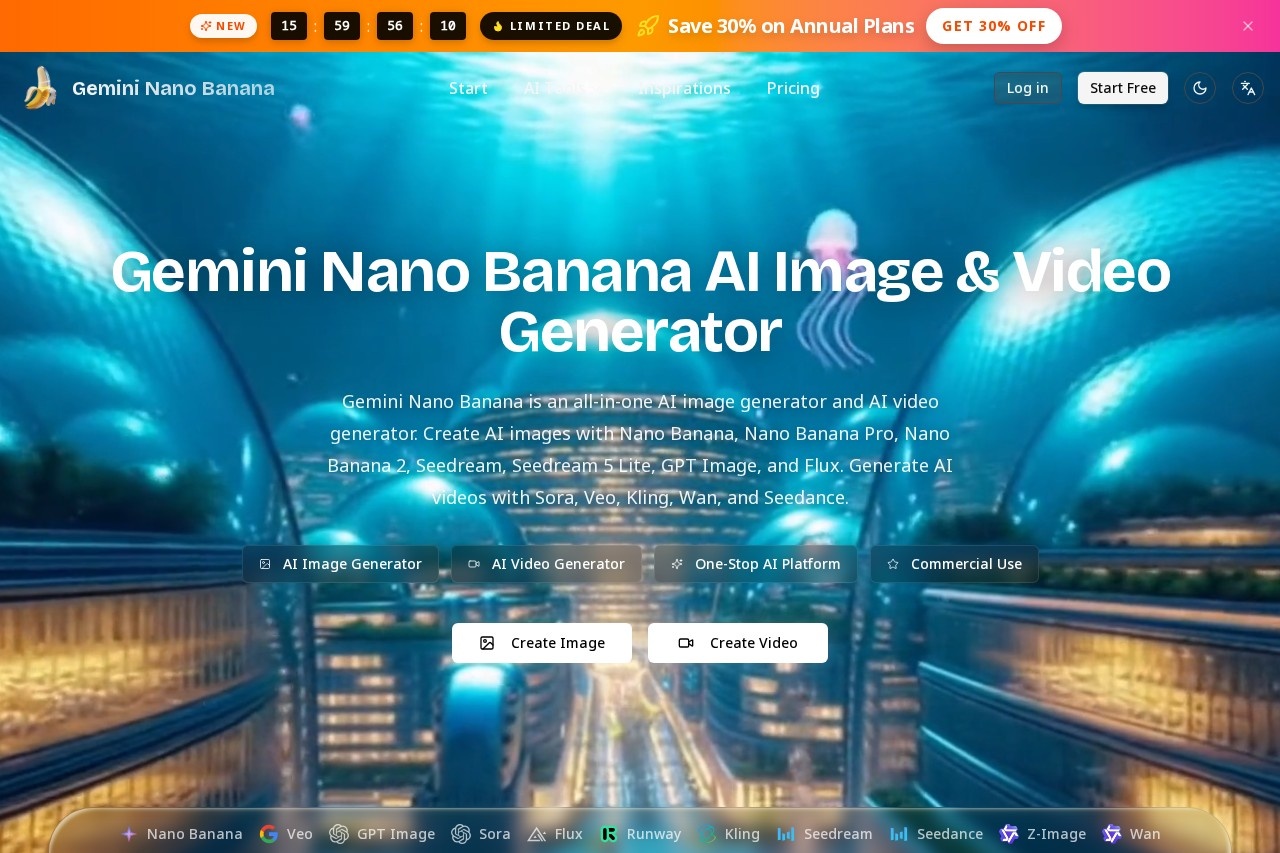
Nano Banana is an all-in-one AI media generation platform that lets you create images and videos from text prompts or existing images. It bundles multiple top-tier AI models—including Google’s Veo and Nano Banana family, OpenAI’s Sora and GPT Image, Seedream, Flux, Kling, Wan, and Seedance—into a single interface. Users can generate commercial-use visuals, from character-consistent images to cinema-grade videos with native audio. The platform emphasizes speed, quality, and flexibility, with options like 4K resolution output and accurate text rendering.Application scenarios
Image creation
Generate AI images from text prompts or reference images using models like Nano Banana, GPT Image, or Flux.
Image-to-image editing
Edit existing images with Nano Banana Pro, supporting up to 14 reference images and 4K resolution output.
Video generation
Produce cinematic AI videos from text or images with Sora, Veo, or Kling, including native AI-generated audio.
Character consistency
Maintain consistent character appearances across multiple image generations with the Nano Banana model.
Text rendering in images
Create logos, typography, and captions that other models struggle with using GPT Image.
Fast, high-quality output
Use Nano Banana 2 for Pro-level quality at Flash speed (4-8 seconds) with accurate text rendering.
Core Features
Multi-model access
One-stop platform for top AI models—Nano Banana, Veo, Sora, Seedream, Flux, Kling, Wan, Seedance, and more.
Text-to-image generation
Create AI images from text prompts with models like Nano Banana, GPT Image, and Flux.
Image-to-image editing
Upload reference images (PNG, JPG, WEBP, max 10MB each) and edit using Nano Banana Pro with up to 14 references.
4K resolution output
Generate images at up to 4K resolution for best detail, with faster options at 1K and 2K.
Video generation
Produce AI videos from text or images using Sora (cinematic motion), Veo (cinema-grade with audio), Kling, Wan, and Seedance.
Character consistency
Nano Banana model ensures exceptional character consistency across generations.
Accurate text rendering
Nano Banana 2 and GPT Image excel at rendering readable text inside AI images (logos, captions).
Google Search grounding
Nano Banana 2 supports Google Search grounding for up to 14 references.
Prompt library
Browse and reuse prompts from the AI Image & Video Gallery to recreate creations.
Commercial use
Generated media can be used commercially.
Target users
Content creators, marketers, designers, and video producers who need fast, high-quality AI-generated images and videos for commercial projects. Also suitable for anyone exploring AI media generation—from hobbyists to professionals—who want access to multiple top models in one platform.How to use Nano Banana?
- Visit the Gemini Nano Banana website.
- Choose between Create Image or Create Video.
- Select your preferred AI model (e.g., Nano Banana 2, Veo, Sora).
- Enter a text prompt or upload reference images (PNG, JPG, WEBP, max 10MB each).
- Adjust settings like aspect ratio, resolution (1K/2K/4K), and output number.
- Click generate and wait for the output (e.g., 30 seconds for Nano Banana 2, 4-8 seconds for Nano Banana 2 Flash).
- Download or reuse the prompt from the gallery.
Effect review
Nano Banana delivers a practical, all-in-one solution for AI media generation, bundling top-tier models that cover both image and video creation. The inclusion of models like Veo and Sora for video, plus GPT Image for text rendering, gives users flexibility for diverse tasks—from marketing assets to cinematic clips. The platform’s emphasis on speed (4-8 seconds for Nano Banana 2) and resolution options (up to 4K) suggests it’s built for production workflows. While no user feedback or awards are mentioned on the site, the feature set—especially character consistency and commercial use rights—makes it a strong contender for creators who want multiple AI engines without juggling separate subscriptions.Frequently Asked Questions
What is Nano Banana?
What models does Nano Banana support?
Can I create videos with Nano Banana?
Is Nano Banana free to use?
What can I create with Nano Banana?
How do I start using Nano Banana?
Nano Banana - AI Tool Detail
Nano Banana is an AI media generation platform offering image and video creation from text or existing images, featuring models like Veo, Sora, Seedream, and more.
Category:Image generation
Visit Link:https://www.gemininanobanana.net/
Tags:AI media generation、text-to-video、image-to-video、AI video models