
Typeahead
System-wide AI autocomplete by Typeahead that works in every app, runs locally, and ensures your data never leaves your computer.
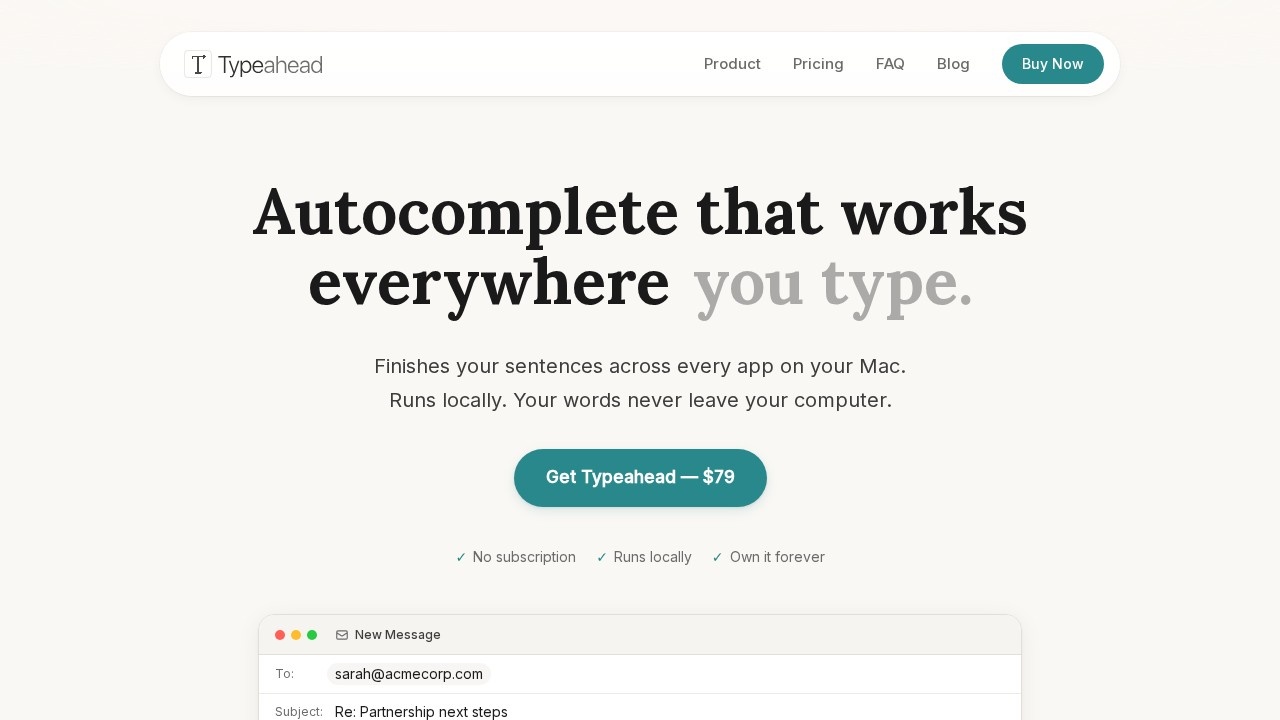
What is Typeahead?
Typeahead is a system-wide AI autocomplete tool for Mac that finishes your sentences across every app you type in. It runs entirely on your computer using local AI models, so your words never leave your Mac. You use it by pressing Tab to accept inline suggestions as you type. It's a one-time purchase that saves you hours each week on repetitive typing.Application scenarios
Email writing
Finish common phrases like "Thanks for reaching out" or "Just following up on" before you finish typing them.
Slack and Notion
Works in messaging apps and note-taking tools to speed up your daily communication.
PR descriptions and issue write-ups
Helps developers write faster in code review and project management platforms.
Creative writing
Adapts to your personal style after a few days, making suggestions that sound like you.
Non-native English communication
Assists with fluent phrasing so you spend less time second-guessing sentences.
Core Features
Native Mac app
Built for macOS and optimized for Apple Silicon—fast, lightweight, and feels integrated.
Tab-to-complete suggestions
Inline suggestions appear as you type; press Tab to accept them.
Learns your voice
Adapts to your writing style after a few days, sounding like you rather than a generic bot.
GPU-accelerated performance
Zero lag, even with local processing.
100% private
No servers, no accounts, no telemetry—your writing never touches a network.
Works in every Mac app
From email to code editors, Slack to Notion—if you can type in it, Typeahead works.
One-time purchase
Pay once ($79) and own it forever with free updates for life.
Offline capable
Works on a plane or anywhere without internet connectivity.
Target users
Typeahead is for anyone who types more than they'd like to. Specific user profiles include: email-heavy professionals who send 50+ messages daily, developers who spend half their day on Slack and PR descriptions, writers who want their own voice accelerated, and non-native speakers who need help with fluent phrasing.How to use Typeahead?
- Download and install the native Mac app from typeahead.ai.
- No account or sign-up required—it runs locally with zero telemetry.
- Start typing in any Mac app; inline suggestions appear automatically.
- Press Tab to accept a suggestion and finish your thought.
- Use it for a few days to let the model adapt to your writing style.
Pricing and free trial
Typeahead is a one-time purchase at $79 (launch day special, regularly $149). This includes unlimited usage forever with no caps, quotas, or subscriptions. All language models are included, and you get free updates for life. There's a 30-day money-back guarantee. No free trial is mentioned on the site.Effect review
Typeahead delivers on its promise of system-wide autocomplete that feels native and private. The local processing eliminates privacy concerns entirely, and the one-time pricing is refreshingly simple compared to subscription models. The "learns your voice" feature after a few days suggests genuine personalization rather than generic suggestions. For heavy typists on Mac, the claimed 5-8 hours saved weekly is plausible if the suggestions are accurate and fast. The main limitation is that it's Mac-only, so Windows users are out of luck. Overall, Typeahead offers a practical, privacy-first solution for anyone who types a lot.Frequently Asked Questions
What is Typeahead?
How does Typeahead protect my privacy?
Which apps are compatible with Typeahead?
Does Typeahead require an internet connection?
Is Typeahead free to use?
Can I customize Typeahead's suggestions?
Typeahead - AI Tool Detail
System-wide AI autocomplete by Typeahead that works in every app, runs locally, and ensures your data never leaves your computer.
Category:Personal Assistant
Visit Link:https://www.typeahead.ai/
Tags:AI autocomplete、local AI、privacy-first、system-wide tool、offline AI