
Text Blaze
Text expander by Blaze for auto text snippets, templates, and macros to streamline typing and boost productivity.
What is Text Blaze?
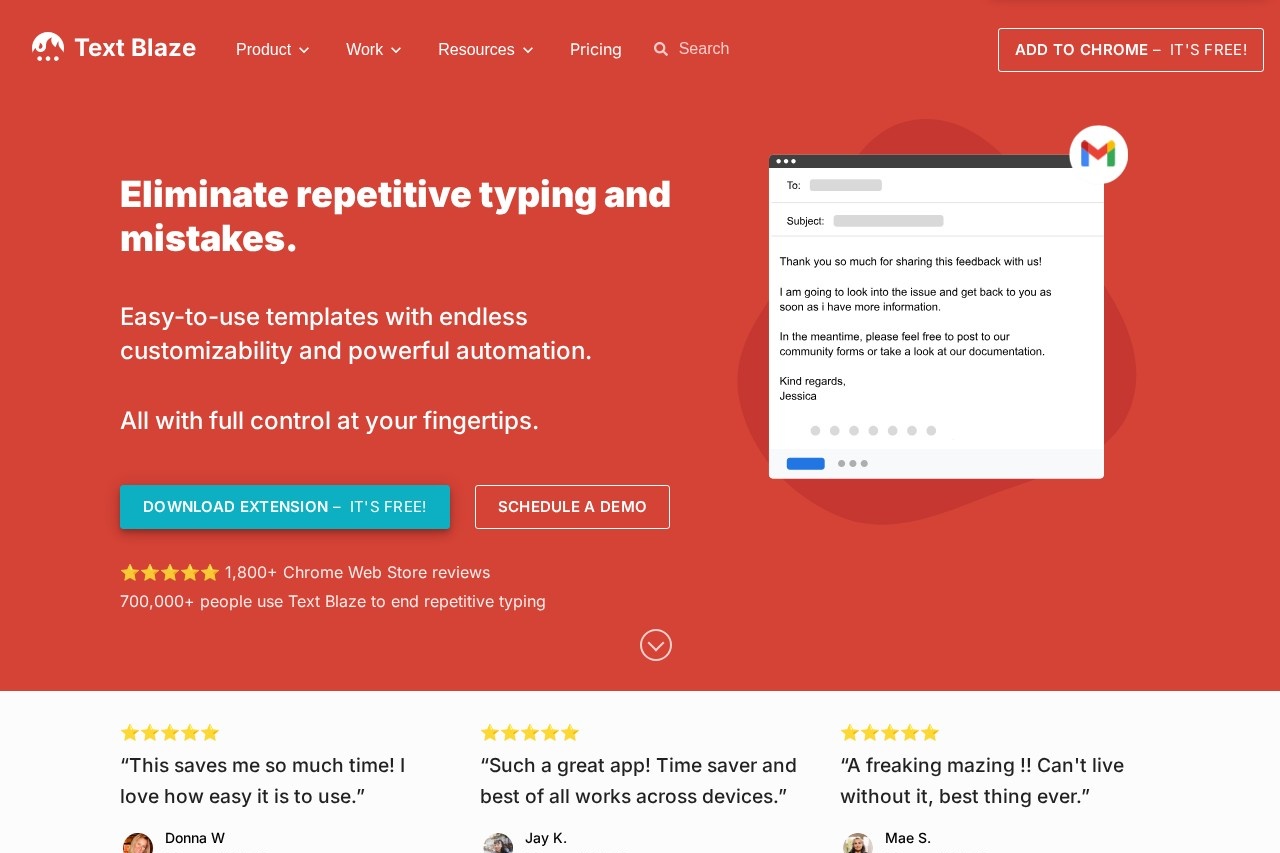
Text Blaze is a text expander tool that works as a Chrome extension, macOS app, or Windows app. It lets you save frequently used text as "snippets" with custom shortcuts, then instantly insert them anywhere in Chrome. Users can create dynamic templates with forms, formulas, and integrations to automate repetitive typing tasks. The tool is designed to boost productivity, with top users saving over 28 hours per month.Application scenarios
Customer support
Quickly insert canned responses for common inquiries in Gmail, Salesforce, or other apps.
Sales outreach
Use snippets for follow-up emails, proposals, or meeting notes to speed up communication.
Marketing content creation
Automate repetitive phrases, signatures, or disclaimers in Google Docs or LinkedIn.
Team collaboration
Share and co-edit snippet libraries with colleagues to maintain consistent messaging.
Data entry
Fill forms with dynamic fields and calculate values like taxes on the fly.
Process automation
Simulate clicks or key presses to automate parts of a workflow across websites.
Core Features
Snippet creation
Save any text as a snippet and assign a custom shortcut (e.g., "/ty" for a thank-you sentence).
Dynamic templates
Use forms, dynamic formulas, and site integrations to create templates that adapt to each use.
Sharing and collaboration
Share snippets with colleagues; updates sync automatically, and you can edit together.
Cross-app compatibility
Works in Gmail, Google Docs, LinkedIn, Salesforce, and all your favorite Chrome apps.
Personal assistant forms
Create forms with blank fields to fill in names or other data each time a snippet is used.
Dynamic formulas
Calculate values like taxes automatically within a snippet.
Workflow automation
Simulate clicks or key presses to automate repetitive steps in your browser.
Consistent process creation
Define repeatable processes for your team using forms, formulas, and integrations.
Target users
Text Blaze is built for individuals and teams who type frequently and want to eliminate repetitive work. It's ideal for customer support agents, sales professionals, marketers, content creators, and anyone who uses Chrome for daily tasks. The collaboration features make it especially useful for teams that need consistent messaging and shared workflows.How to use Text Blaze?
- Add to Chrome (free) or download the macOS or Windows app.
- Save any text as a snippet and give it a shortcut (e.g., "/ty" for a thank-you sentence).
- Type the shortcut anywhere in Chrome (Gmail, Google Docs, LinkedIn, Salesforce, etc.) to insert your snippet.
- Enhance with dynamic templates by adding forms, formulas, or integrations to automate more complex tasks.
- Share snippets with colleagues to build a shared library that updates automatically.
Pricing and free trial
The website states "Add to Chrome – It's Free!" and "Add Text Blaze to Chrome – It's Free!" but does not list any paid plans or trial details. Pricing information is not provided in the text.Effect review
Users on the Chrome Web Store rate Text Blaze 5 stars, calling it a huge time saver and praising its ease of use. One reviewer says it "saves me so much time" and works across devices, while another describes it as "amazing" and "can't live without it." The tool claims top users save over 28 hours per month (valued at over $10,000 annually) and achieve an 11x average productivity increase when using snippets. With 7 billion characters typed per month via Text Blaze, the user feedback strongly supports its effectiveness for reducing repetitive typing and streamlining workflows.Frequently Asked Questions
What is Text Blaze?
Is Text Blaze free to use?
How do I create a snippet in Text Blaze?
Which platforms does Text Blaze support?
Can I use dynamic content in Text Blaze snippets?
Text Blaze - AI Tool Detail
Text expander by Blaze for auto text snippets, templates, and macros to streamline typing and boost productivity.
Category:Automation
Visit Link:https://blaze.today/
Tags:text expander、productivity、auto text snippets、macros、typing automation