
Phantom
Voice-first AI assistant by Phantom for macOS, providing on-demand context to help users carry out work across their Mac efficiently.
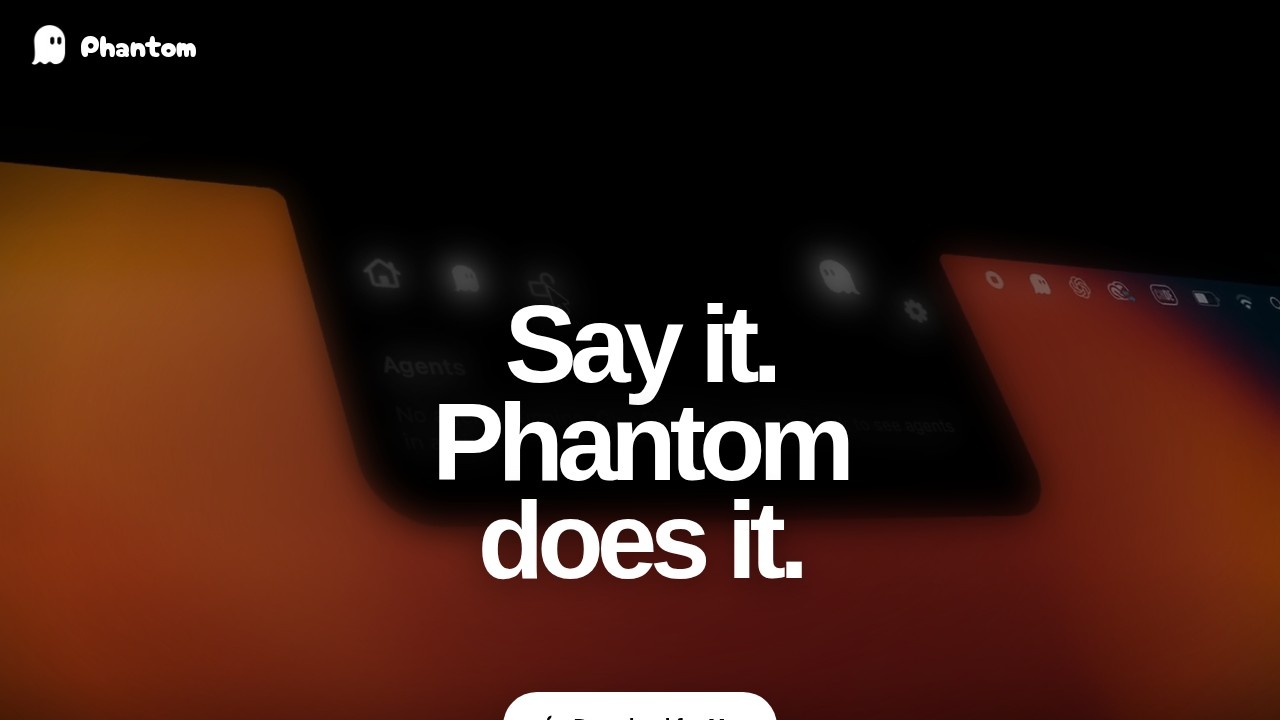
What is Phantom?
Phantom is a voice-first AI assistant for macOS. You tell it what you need by voice or text, and it uses relevant screen context on demand to help carry out the task. It can type, click, scroll, launch apps, use shortcuts, work with files, and send actions to connected services—all based on the permissions you grant. Think of it as an AI that listens and acts across your Mac, without requiring you to manually switch between tools.Application scenarios
Workflow automation
Describe a multi-step outcome, and Phantom plans the steps, works across apps, and verifies the result.
Voice dictation and commands
Use your voice to dictate text or trigger actions, turning thought into action with no interface in between.
File management
Ask Phantom to find, move, or organize files on your Mac using natural language.
App control
Launch apps, click buttons, scroll pages, and interact with software via voice or text commands.
Shortcut execution
Run macOS shortcuts by simply telling Phantom what you want done.
Connected service actions
Send actions to external services (e.g., web apps) through Phantom's agentic workflows.
Core Features
Voice-first interaction
Speak naturally to Phantom, and it executes tasks without requiring a mouse or keyboard.
Agentic workflows
Give Phantom the desired outcome; it plans the steps, works across apps, and verifies the result.
Screen context on demand
Phantom uses screenshots and Accessibility context only when a task needs them—it does not continuously watch your screen.
Computer actions
With your permission, Phantom can type, click, scroll, launch apps, use shortcuts, and work with files.
Privacy controls
You can change permissions in System Settings and limit computer actions via Phantom’s Action Policy.
Cross-app integration
Works with any macOS app you allow Phantom to access, enabling seamless multi-app workflows.
Text input support
In addition to voice, you can type your requests to Phantom.
Target users
Phantom is built for macOS users who want to speed up repetitive tasks and automate workflows without learning complex scripting. It suits power users, developers, designers, writers, and anyone who frequently juggles multiple apps and needs a faster way to execute commands. The tiered plans also cater to casual users (Free plan) and heavy automation users (Max plan).How to use Phantom?
- Download Phantom for Mac from the official website (heyphantom.app) and install it.
- Open the app and grant the necessary macOS permissions (Accessibility, screen recording, etc.) as prompted.
- Sign in to your account (or create one) and choose a plan (Free, Pro, or Max) within the app.
- Start using Phantom by speaking a command or typing a request. For example, say "Open Safari and search for weather" or "Move all PDFs from Downloads to Documents."
- For agentic workflows, describe the outcome you want (e.g., "Create a weekly report from these three files") and let Phantom plan and execute the steps.
Pricing and free trial
Phantom offers three simple plans, cancellable anytime:- Free plan: $0/month. Includes voice commands and dictation, starter capacity, and all Phantom features. Shared cloud capacity.
- Pro plan: $20/month (billed monthly). Includes voice commands and dictation, more capacity, and all Phantom features.
- Max plan: $100/month (billed monthly). Includes voice commands and dictation, highest capacity, and all Phantom features.
Yearly plans save 20% (prices shown as monthly equivalent on the site). Usage capacity resets monthly with no rollover, automatic overages, or top-ups.
Effect review
Phantom delivers on its promise of a voice-first assistant that actually acts on your Mac, not just a chatbot that talks back. The agentic workflow capability—where you give it an outcome and it plans the steps—is a standout feature that sets it apart from simple dictation tools. Privacy-conscious users will appreciate that it only uses screen context when needed and doesn't continuously watch your screen. The tiered pricing is straightforward, though the Free plan's shared cloud capacity may limit heavy usage. For anyone tired of repetitive clicking and typing on macOS, Phantom offers a genuinely hands-free alternative that feels like having a virtual assistant built into your operating system.Frequently Asked Questions
What is Phantom?
How does Phantom work?
Is Phantom free to use?
What can Phantom do on my Mac?
Is Phantom compatible with all macOS versions?
How do I install Phantom?
Phantom - AI Tool Detail
Voice-first AI assistant by Phantom for macOS, providing on-demand context to help users carry out work across their Mac efficiently.
Category:AI voice assistant
Visit Link:https://www.heyphantom.app/
Tags:voice assistant、macOS、AI productivity、context-aware、desktop automation