
Typeless
Typeless by Typeless offers AI-powered voice-to-text that transforms natural speech into polished messages, emails, and documents, ensuring your writing reads as if carefully typed.
What is Typeless?
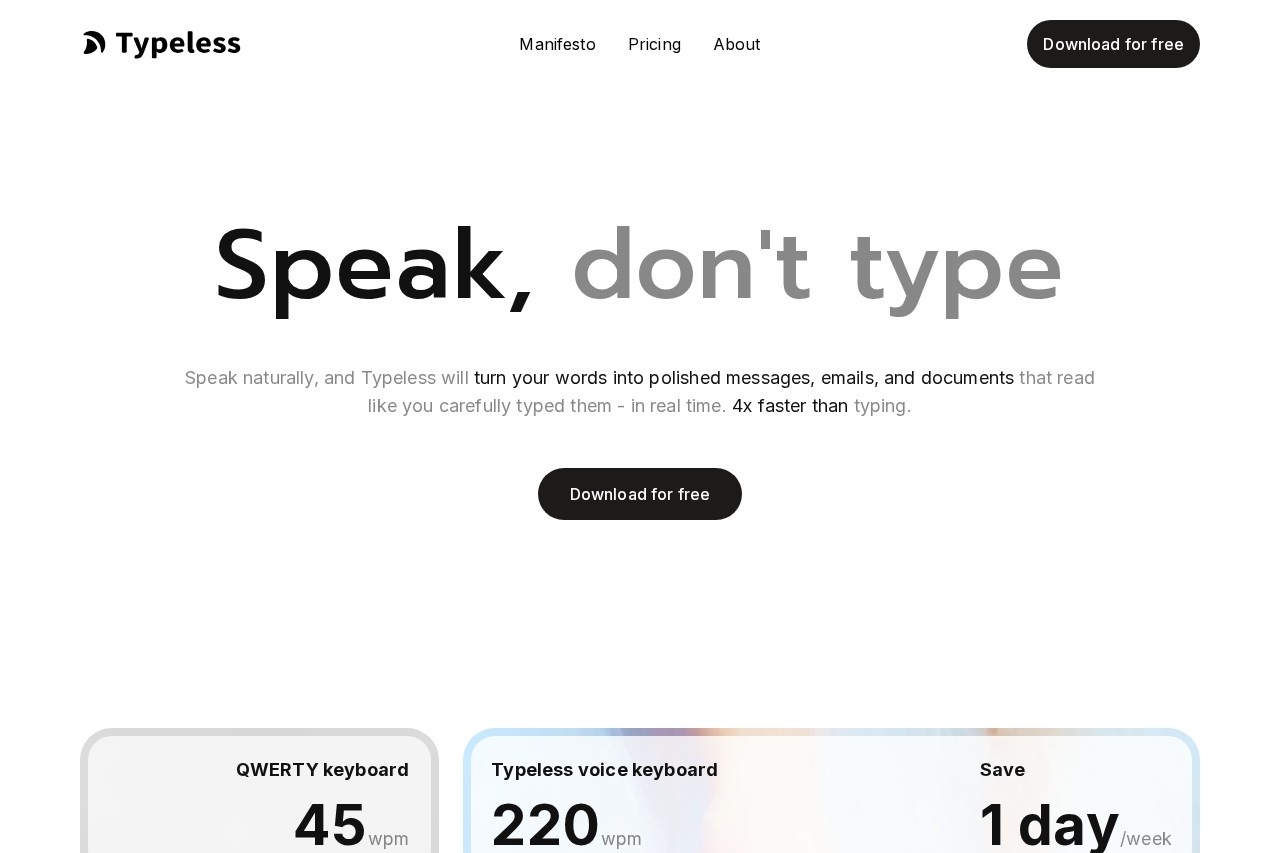
Typeless is an AI-powered voice-to-text tool that transforms natural speech into polished messages, emails, and documents in real time. It works across all apps on Mac, Windows, iOS, and Android, allowing users to dictate anywhere they write. The tool claims to be 4x faster than typing, with speeds up to 220 words per minute compared to a typical QWERTY keyboard's 45 wpm. It automatically removes filler words, repetition, and self-corrections, delivering clean, professional text that reads as if carefully typed.Application scenarios
Work emails
Dictate professional emails with automatic formatting and tone adaptation based on the app.
Document creation
Speak naturally to generate polished reports, memos, or notes without manual typing.
Multilingual communication
Speak in over 100 languages or mix them seamlessly, with instant translation into chosen languages.
Editing and rewriting
Select text and speak commands to shorten, lengthen, or change tone, acting as a personal editor.
Research and reading
Interact with read-only text by selecting paragraphs on websites or documents to get summaries, explanations, or translations.
Brainstorming and quick actions
Ask for information, brainstorm ideas, or search across sites and services without breaking flow.
Core Features
Real-time dictation
Speak naturally and your words instantly become perfect writing across all apps on Mac, Windows, iOS, and Android.
Filler word removal
Automatically removes "um," "uh," and "you know" for clear, professional transcriptions.
Repetition detection
Detects and removes unnecessary repeated words to keep language concise and easy to understand.
Auto-correction of self-edits
Recognizes when you correct yourself mid-sentence and keeps only your final intended message.
Auto-formatting
Automatically organizes spoken lists, steps, and key points into clean, structured text.
Personalized style and tone
Adapts to your tone, phrasing, and writing habits, with a personalization progress indicator to track alignment.
Personal dictionary
Recognizes names, terms, and expressions that matter to you, added automatically or manually.
100+ language support
Speaks and transcribes in any language or mixes them seamlessly with automatic language detection.
Tone adaptation per app
Adjusts tone and style based on the app you're using, from work emails to casual chats.
Instant translation
Translates your speech into chosen languages with phrasing that reads like a local would write it.
Speak to edit selected text
Select any text and speak commands to make it shorter, longer, change tone, or generate responses.
Speak to ask about text
Select read-only text on websites or documents and ask for summaries, explanations, or translations.
Quick answers and actions
Ask for information, brainstorm, search across sites, and open pages with details already in place.
Target users
Professionals who write frequently—such as executives, writers, marketers, customer support agents, and students—benefit from faster, hands-free dictation. The tool also suits multilingual workers needing instant translation and anyone who wants to reduce typing strain while maintaining polished output across apps.How to use Typeless?
Download the app for free on macOS, Windows, iOS, or Android from the official website. Once installed, it works across all apps you use—just speak naturally, and Typeless automatically transcribes, formats, and polishes your words in real time. You can also select existing text to edit or ask questions via voice commands. No additional setup beyond installation is required.Pricing and free trial
The website text does not provide specific pricing or free trial details. Users should visit the official site for current plans.Effect review
Typeless delivers a compelling promise: turning messy speech into clean, professional text at speeds far exceeding typing. The feature set is comprehensive, covering real-time dictation, editing, translation, and even interaction with read-only content. However, the website lacks user testimonials, quality benchmarks, or independent reviews, so real-world accuracy and reliability remain unverified. For users comfortable with voice input, this tool could significantly boost writing productivity—especially for those who struggle with typing speed or want to avoid manual formatting. The zero cloud data retention claim adds privacy appeal, but you'll need to test it yourself to gauge its polish.Frequently Asked Questions
What is Typeless?
How does Typeless ensure polished output?
Can I use Typeless for different types of writing?
Is Typeless free to use?
What languages does Typeless support?
Is my speech data secure with Typeless?
Typeless - AI Tool Detail
Typeless by Typeless offers AI-powered voice-to-text that transforms natural speech into polished messages, emails, and documents, ensuring your writing reads as if carefully typed.
Category:AI Writing
Visit Link:https://typeless.com/
Tags:voice-to-text、AI writing assistant、speech-to-text、productivity tool、email drafting