
Caret
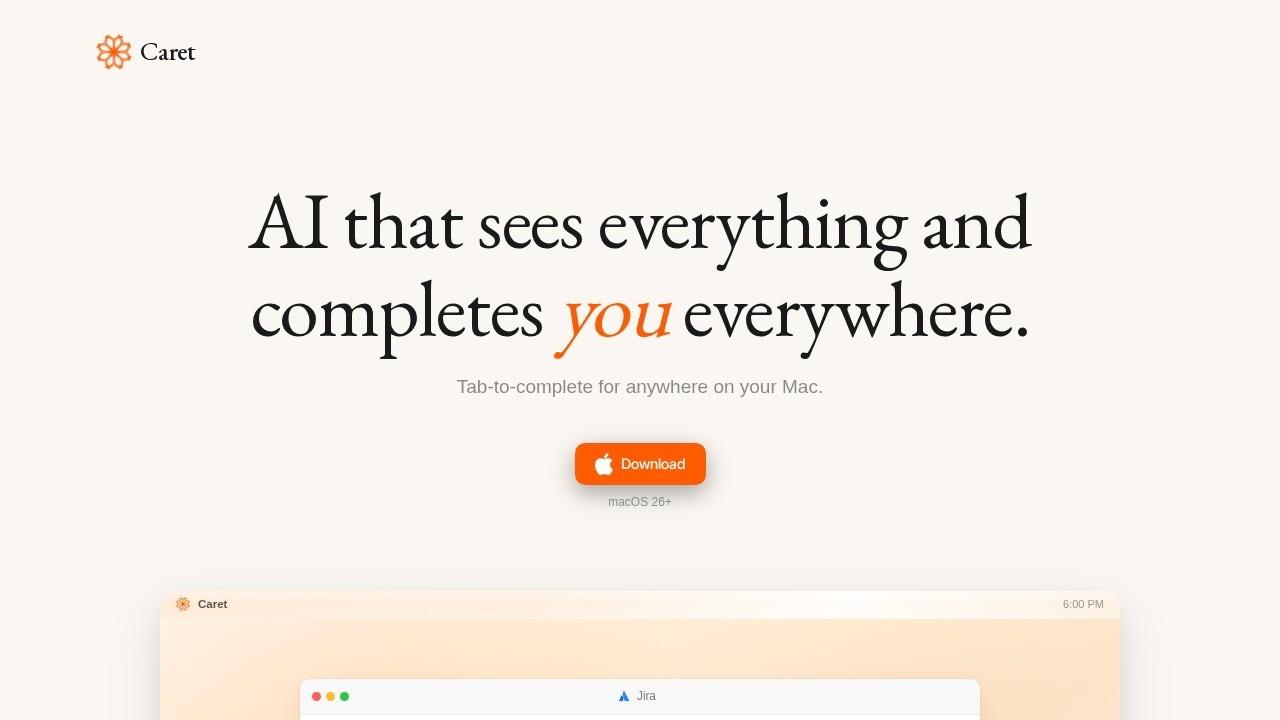
AI assistant by Caret that sees your entire Mac screen and completes actions anywhere. Press Tab in any app for instant, context-aware completions.
What is Caret?
Caret is an AI assistant that runs on your Mac (macOS 26+ required) and reads your entire screen to provide context-aware completions. It is not a chat app—instead, it appears inside any application you use, letting you press Tab to finish sentences, thoughts, or actions instantly. Caret continuously learns from your screen activity, building "memories" that make its suggestions more accurate over time.Application scenarios
Writing emails or messages
Caret reads your current context and finishes your sentence in your own voice when you hit Tab.
Coding or scripting
Get code completions that match the logic and syntax of your active editor window.
Document editing
Finish paragraphs or bullet points in word processors without switching to a separate AI tool.
Data entry and forms
Autocomplete repetitive fields or entries across any app on your Mac.
Creative brainstorming
Generate the next line of a script, outline, or project plan directly within your note-taking app.
Project management
Complete task descriptions or status updates inside project management tools like Notion or Trello.
Core Features
Screen-reading AI
Caret continuously reads your Mac screen to understand the full context of your current work.
Memory system
It creates memories from your screen activity and gets smarter the longer you use it.
Universal Tab-to-complete
Press Tab in any app—not just within Caret—to get instant, context-aware completions.
No chat interface
Caret works inside your existing apps, so you never need to switch to a separate window.
Voice-matching suggestions
Completions are tailored to your personal writing style and voice.
Persistent background operation
Caret is always on, ready to assist without manual activation.
Target users
Caret is built for Mac users who work across multiple applications daily—writers, developers, project managers, designers, and anyone who types frequently. It suits professionals who want to reduce repetitive typing and stay in flow without interrupting their workflow.How to use Caret?
- Download the app from the official website (macOS 26+ required).
- Install and launch Caret—it runs in the background automatically.
- Open any app on your Mac (email, text editor, browser, code IDE, etc.).
- Start typing normally; when you want a completion, simply press the Tab key.
- Caret reads your screen context and finishes your sentence, phrase, or action inline.
No sign-up or configuration is described on the site—just download and use.
Effect review
Caret’s core value is clear: it eliminates the friction of switching to a separate AI assistant by embedding completions directly into any app you already use. The screen-reading and memory features suggest it can become more useful over time, adapting to your specific workflows and writing patterns. However, the site provides no user testimonials, quality benchmarks, or performance data, so real-world accuracy and speed remain unverified. For Mac users who want a seamless, always-on AI that respects their current app context, Caret offers a genuinely different approach—but its effectiveness will depend entirely on how well the AI interprets complex screen layouts and delivers reliable completions.Frequently Asked Questions
What is Caret?
How does Caret work?
Is Caret compatible with all Mac apps?
Does Caret store or share my screen data?
How do I activate Caret?
Is Caret free?
Caret - AI Tool Detail
AI assistant by Caret that sees your entire Mac screen and completes actions anywhere. Press Tab in any app for instant, context-aware completions.
Category:Personal Assistant
Visit Link:https://www.trycaret.com/
Tags:mac ai assistant、context-aware automation、screen-aware ai、productivity tool