
Spotit
Spotit by Spotit Inc. is an AI screen reader that guides you through apps by analyzing your screen, identifying steps, and highlighting exactly where to click when you're stuck.
What is Spotit?
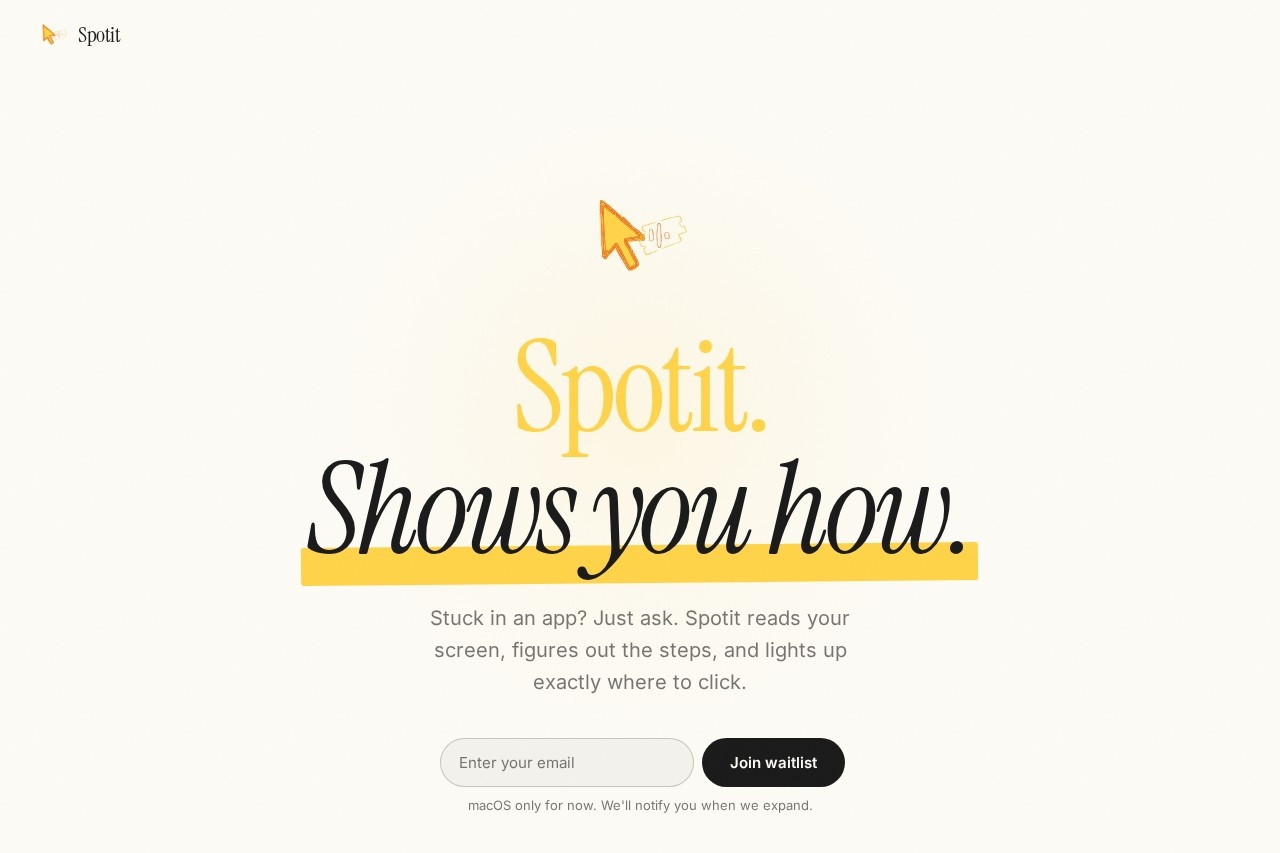
Spotit is an AI screen reader that shows you how to use any app by analyzing your screen, figuring out the steps, and highlighting exactly where to click. You simply ask Spotit a question when you're stuck, and it points to the answer on screen. The entire user interface is just three keys: hold to record, release to ask. It’s designed for macOS only at launch, with a waitlist for other platforms.Application scenarios
App navigation
Get step-by-step guidance through complex software like Photoshop, Figma, Excel, Logic, or Xcode.
Learning by doing
No need for tutorials or tabs—Spotit teaches you as you work in the actual app.
Productivity boost
Avoid googling for instructions; just ask Spotit and keep working.
Accessibility
Voice-first interaction lets you describe what you need without typing.
Automation
Spotit can click for you when asked, giving you control or letting it take over.
Design and development
Works in design tools (Figma, Photoshop) and coding environments (Xcode).
Core Features
Voice-first interaction
Your words never leave your machine—privacy is built in from the start.
Works in any app
Compatible with Photoshop, Figma, Excel, Logic, Xcode, and more.
Guided highlighting
Spotit points to the exact spot on screen where you need to click.
Click-on-request
You stay in control, or let Spotit perform the click for you.
Three-key UI
Hold ⌃⌥ to record your screen, release to ask a question—simple and fast.
Offline privacy
Voice data stays on your machine; nothing leaves your computer.
macOS native
Requires macOS 14+ and supports both Apple Silicon and Intel chips.
Target users
Spotit is built for anyone who gets stuck in apps—designers, developers, video editors, musicians, and office workers. Beta testers include a designer who said, “I stopped googling. I just ask Spotit.” It’s especially useful for users who learn by doing and want to avoid switching to tutorials or search engines.How to use Spotit?
Download the app for macOS (14+). Hold the ⌃⌥ keys to start recording your screen, then release to ask Spotit a question. It will analyze your screen, figure out the steps, and highlight exactly where to click. You can let Spotit click for you or do it yourself.Pricing and free trial
Spotit offers a free trial. The website says “Try Spotit for free” and provides a download button. No paid pricing tiers are listed.Effect review
Beta testers report they stopped googling and just ask Spotit instead—a strong sign that the tool saves time and reduces friction. The three-key UI and voice-first privacy approach make it feel like a natural extension of your workflow rather than another tab to manage. While it’s currently macOS-only, the core concept of learning by doing is well executed for power users in creative and technical apps. The free trial lets you test it before committing.Frequently Asked Questions
What is Spotit?
How does Spotit work?
Is Spotit compatible with all apps?
Does Spotit require an internet connection?
Is Spotit free to use?
Spotit - AI Tool Detail
Spotit by Spotit Inc. is an AI screen reader that guides you through apps by analyzing your screen, identifying steps, and highlighting exactly where to click when you're stuck.
Category:Personal Assistant
Visit Link:https://www.getspotit.com/
Tags:AI screen reader、app navigation assistant、click guidance、accessibility tool、screen analysis