
SpeakoFlow
SpeakoFlow is a free, open-source voice-to-text tool by its community developers for desktop use. Dictate into any app, say "Hey Flow" to convert speech into polished writing, clean up messy dictation
What is SpeakoFlow?
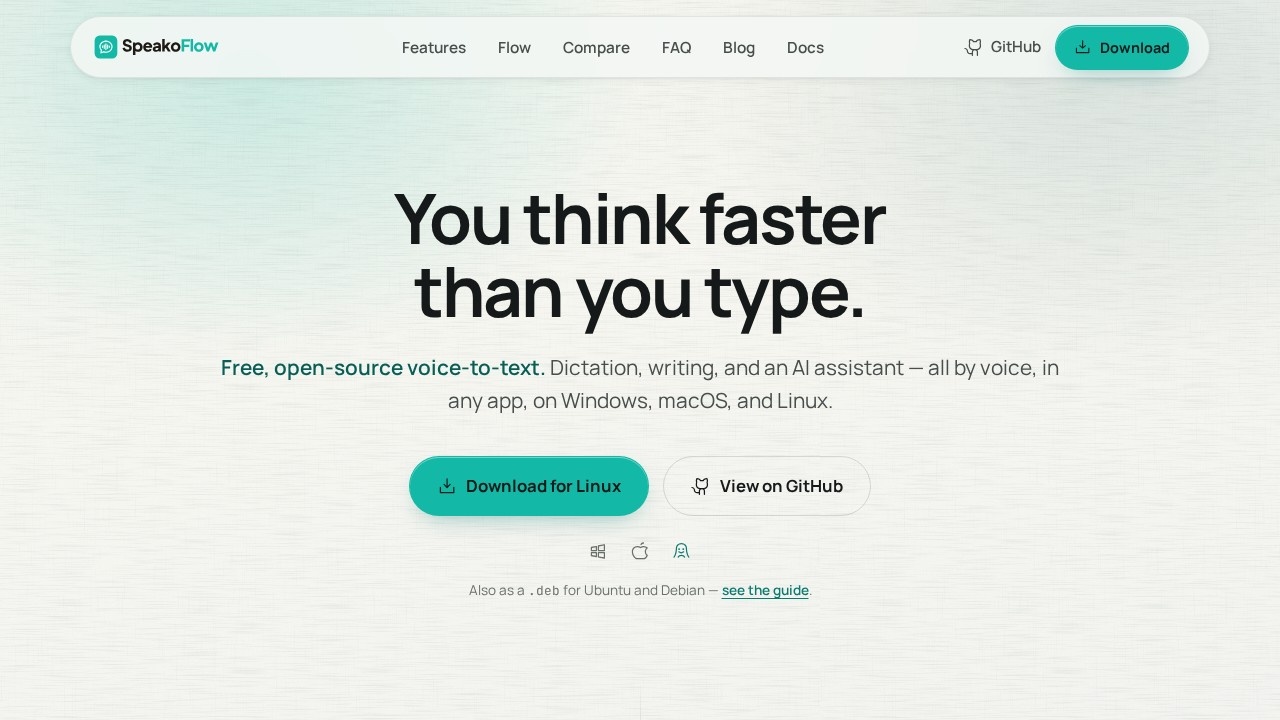
SpeakoFlow is a free, open-source voice-to-text tool for Windows, macOS, and Linux. It combines dictation, AI-powered writing assistance, and a voice-activated assistant into one desktop application that works in any app—email, editors, chat, or anywhere else you type. Users can dictate at over 150 words per minute, trigger AI generation with the phrase "Hey Flow," and clean up messy speech into polished text. The software runs locally on your device, is MIT licensed, and requires no account or payment.
Application scenarios
Email drafting
Speak a reply or compose a full email, and Flow drops the finished text directly into your email client.
Messaging
Dictate quick chat responses hands-free, or ask Flow to generate a reply in your own words.
Writing and editing
Transcribe spoken ideas into documents, then use AI cleanup to strip filler words and fix grammar.
Translation
Speak in Spanish, Hindi, French, Japanese, or other languages, and get clean English text typed where you're working.
Screen-based questions
Ask about an error message, chart, or email visible on your screen, and the assistant answers with that context.
Multitasking
Summon the assistant with a hotkey from any app, ask a question by voice or text, and hear the answer spoken back.
Core Features
Live dictation
Press a key and speak; your words appear in any app in real time, or all at once when you stop.
"Hey Flow" trigger
Say the phrase and ask for a reply, email, or prompt draft—Flow generates the text and inserts it where you're typing.
Customizable trigger
Rename the voice trigger to anything you prefer.
AI cleanup
Speak with all the "um"s and false starts, then clean up the text—fixing grammar and matching a tone you choose (Professional, Friendly, Concise, or custom).
Voice assistant
Summon a floating panel with Left Ctrl + Left Alt, ask questions by voice or text, and get streaming answers that it remembers in chat.
Spoken responses
The assistant talks back, with adjustable pace and reply length.
Screen awareness
The assistant can look at your screen when you ask, decide on its own when a question needs context, or skip looking entirely—nothing is captured unless you allow it.
Private memory and profiles
Optional, editable memory stored on your device helps the assistant match your writing style; separate profiles switch between different voices and reply lengths.
Local or custom models
Works with local models, your own server, or any provider you choose.
Target users
SpeakoFlow suits anyone who types regularly and wants to work faster by voice: writers, remote workers, customer support agents, students, and professionals who handle heavy email or chat loads. It's also a strong fit for developers and privacy-conscious users who want an open-source tool they can inspect, modify, or self-host. The translation and screen-aware features make it useful for multilingual teams and people who troubleshoot technical issues while working across multiple applications.
How to use SpeakoFlow?
Download the installer for Windows from the official site, or grab the macOS version (which requires one extra Terminal command on first install—see the guide). Ubuntu and Debian users can install the .deb package. After installation, press a key to start dictating into any app, or say "Hey Flow" to trigger AI generation. Use Left Ctrl + Left Alt to summon the assistant, and enable optional memory or profiles from the settings. The source code is available on GitHub for those who want to build or modify it themselves.
Pricing and free trial
SpeakoFlow is completely free. The website states: "Open source $0 Free. No account, no catch." There is no paid tier, subscription, or trial period—the full feature set, including dictation, AI cleanup, live transcription, and the talking assistant, is available at no cost.
Effect review
SpeakoFlow delivers a genuinely rare combination: full-featured voice dictation, AI writing assistance, and a screen-aware assistant, all free and open source. The 150+ WPM dictation speed and the ability to work in any app make it a practical daily driver, not just a demo. The local-first design and optional private memory address real privacy concerns that closed commercial tools often ignore. The translation feature is a standout—speaking naturally in one language and getting clean English text is a workflow shortcut most dictation tools lack. While the macOS setup requires a Terminal command, that's a minor hurdle for the capability and price. For anyone who types more than they'd like, SpeakoFlow is worth a serious look.
Frequently Asked Questions
What is SpeakoFlow?
How does SpeakoFlow work?
Is SpeakoFlow really free?
Can I use SpeakoFlow with any application?
Does SpeakoFlow support multiple languages?
Is my speech data private with SpeakoFlow?
SpeakoFlow - AI Tool Detail
SpeakoFlow is a free, open-source voice-to-text tool by its community developers for desktop use. Dictate into any app, say "Hey Flow" to convert speech into polished writing, clean up messy dictation
Category:AI voice assistant
Visit Link:https://www.speakoflow.com/
Tags:voice-to-text、open-source、dictation、desktop app、speech-to-text