
Speechify
Speechify is a text-to-speech tool that reads books, PDFs, and web pages aloud with natural-sounding voices, allowing you to listen to content anytime.
What is Speechify?
Speechify is a text-to-speech and voice AI tool. It reads digital text aloud from books, PDFs, documents, and web pages using natural-sounding voices. The tool also enables voice typing, document summarization, podcast creation, and answering questions via a Voice AI Assistant. Users can access it as a web app, browser extension, or mobile and desktop application.Application scenarios
Accessibility & Learning
Listen to textbooks, PDFs, or articles hands-free, potentially aiding comprehension and multitasking.
Content Creation
Quickly turn documents or ideas into podcast episodes or generate written drafts by dictating.
Work & Productivity
Dictate emails and documents across apps like Slack and Outlook to write faster, and get AI-generated summaries of meetings or long texts.
Research & Study
Have research papers or web pages read aloud and summarized, and ask contextual questions to an AI assistant about the material.
Core Features
Text-to-speech reading
Convert PDFs, documents, and web page text into natural-sounding audio.
Voice typing & dictation
Turn spoken words into polished text in applications like Google Docs and Gmail, reportedly up to five times faster than typing.
Voice AI Assistant
Ask questions about the content you are reading or listening to and receive contextual answers and summaries.
Podcast creation
Generate a podcast episode automatically from a document or a short text description.
AI Meeting Note Taker
Automatically record, summarize, and answer questions about meetings, calls, and conversations.
Cross-platform availability
Use the tool via a web app, Chrome and Edge extensions, and dedicated iOS, Android, and macOS apps.
Customizable listening
Choose from over 1,000 AI voices, control playback speed up to 4.5x, and use text highlighting to follow along.
Scan & listen
Take a photo of physical text and have it read aloud.
Target users
Students and researchers who need to consume large volumes of text. Professionals and knowledge workers seeking productivity gains through dictation and audio summaries. Content creators looking to repurpose text into podcasts. Individuals who prefer auditory learning or require accessibility support.How to use Speechify?
You can start by visiting the official website to try the service for free. Core workflows include uploading a PDF to the web app to have it read or summarized, adding the Chrome or Edge extension to read browser text aloud, or downloading the desktop/mobile apps for dictation and listening on the go. For voice typing, you talk within supported apps, and Speechify transcribes it into text.Effect review
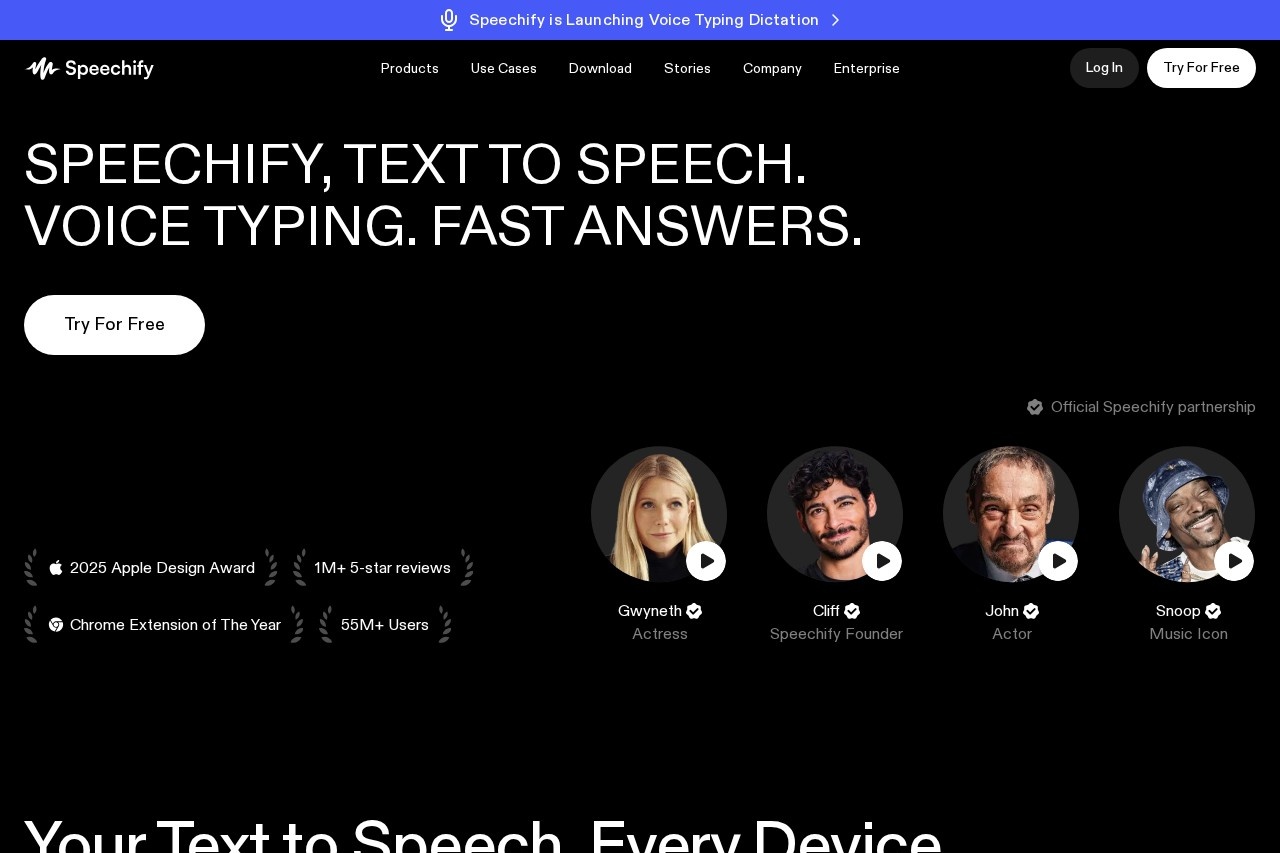
The platform highlights significant market validation, including an Apple Design Award, being named "Chrome Extension of The Year," and accumulating over 1 million 5-star reviews and 55 million users. These accolades and user ratings suggest a high degree of polish and user satisfaction. The expansive feature set—spanning from high-quality text-to-speech to a contextual voice assistant—positions Speechify as a comprehensive voice-first productivity layer rather than a simple reader. For users inundated with text, its promise is a fundamental shift toward consuming and creating information by voice.Frequently Asked Questions
What is Speechify?
What types of content can Speechify read?
Does Speechify offer natural-sounding voices?
Is Speechify available on multiple devices?
Can I use Speechify for free?
How does Speechify help with productivity?
Speechify - AI Tool Detail
Speechify is a text-to-speech tool that reads books, PDFs, and web pages aloud with natural-sounding voices, allowing you to listen to content anytime.
Category:Speech synthesis
Visit Link:https://speechify.com/
Tags:text-to-speech、audio、accessibility、productivity、listening