
SnapEdit
SnapEdit is an AI-powered online photo editor by SnapEdit. It enables easy removal of backgrounds and objects, photo enhancement, and more, offering free editing tools for quick, professional results.
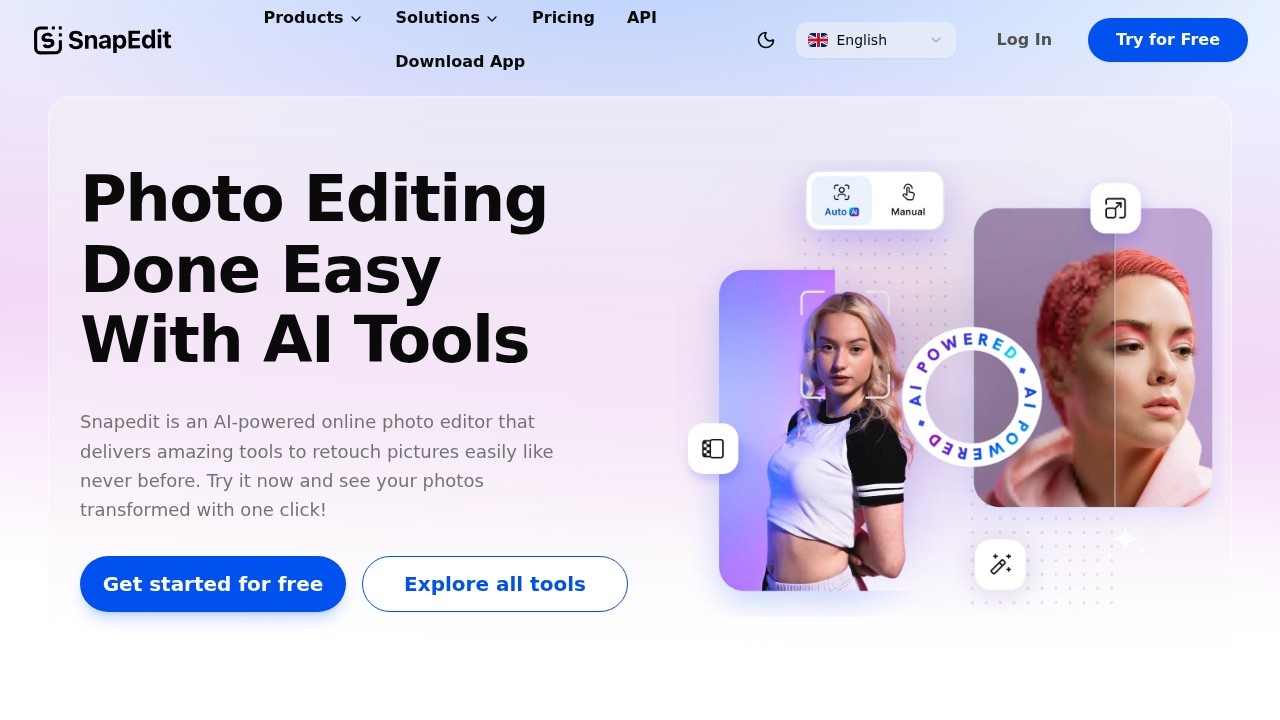
What is SnapEdit?
SnapEdit is an AI-powered online photo editor that uses one-click tools to retouch images. It handles tasks like removing unwanted objects, enhancing photo quality, and editing backgrounds. Users access it directly in a browser on smartphones, PCs, or tablets—no advanced editing skills required. The platform has processed over 300 million images and earned a 4.9/5 star rating on the App Store.Application scenarios
Photography
Quickly remove distractions like power lines or blemishes from personal photos.
Ecommerce
Clean up product images by removing backgrounds or unwanted objects for listing photos.
Fashion
Retouch skin and remove text or wirelines from fashion shots before sharing.
Travel
Enhance blurry travel photos and remove photobombers or clutter.
Real Estate
Edit property images by removing background distractions and upscaling low-resolution shots.
Core Features
Remove Object
One-touch AI detects and removes unwanted details from any picture, with manual removal also supported.
Enhance Photo
Automatically upscales blurry images and increases overall quality with a single click.
Remove Background
Seamlessly cuts out complex backgrounds and offers 100+ pre-designed templates for replacement.
AI Skin
Retouches skin by removing acne and blemishes, making skin glow for ready-to-share results.
Remove Text
Clears unwanted text from images using AI-powered detection and removal.
Remove Wireline
Eliminates pesky electric wires from photos without leaving traces.
HD Export
Saves edited images in high-definition quality directly to your device.
Cross-Platform Editing
Works smoothly on smartphones, PCs, and tablets with a clean, screen-optimized interface.
Target users
SnapEdit is built for creators and businesses across photography, ecommerce, fashion, travel, and real estate. It suits beginners who want professional results without learning complex software, as well as professionals needing quick batch edits. The platform already serves over 20 million happy users worldwide.How to use SnapEdit?
- Visit the SnapEdit website (https://snapedit.app/) and click "Get started for free."
- Upload your photo from your device or drag it into the editor.
- Choose a tool—like Remove Object, Enhance Photo, or Remove Background—and apply it with one click.
- Manually refine selections if needed using the built-in manual removal option.
- Download the final image in HD quality to your device.
Pricing and free trial
SnapEdit offers free editing tools with no upfront payment required. The site prominently states "Try it now" and "Try for FREE" across all tool pages, though specific paid plan details are not listed in the provided text.Effect review
With over 300 million images processed and a 4.9/5 star rating on the App Store, SnapEdit delivers reliable one-click results that match legacy editing software in effectiveness. User reviews highlight excellent email support and praise the app as "the best app ever" for its simplicity. The combination of object removal, background editing, and photo enhancement in a single free tool makes it a practical choice for anyone needing quick, professional-looking edits without a steep learning curve.Frequently Asked Questions
What is SnapEdit?
Is SnapEdit free to use?
How do I remove the background from a photo?
Can I remove unwanted objects from my images?
Do I need to install any software?
What file formats does SnapEdit support?
SnapEdit - AI Tool Detail
SnapEdit is an AI-powered online photo editor by SnapEdit. It enables easy removal of backgrounds and objects, photo enhancement, and more, offering free editing tools for quick, professional results.
Category:Image editing
Visit Link:https://snapedit.app/
Tags:AI photo editor、background removal、object removal、photo enhancement、free online tool