
Photo Editor AI
Photo Editor AI by photo-editor-ai.io offers AI-powered editing for stunning portraits, Studio Ghibli art, instant retouching, old photo restoration, and 4K upscaling.
What is Photo Editor AI?
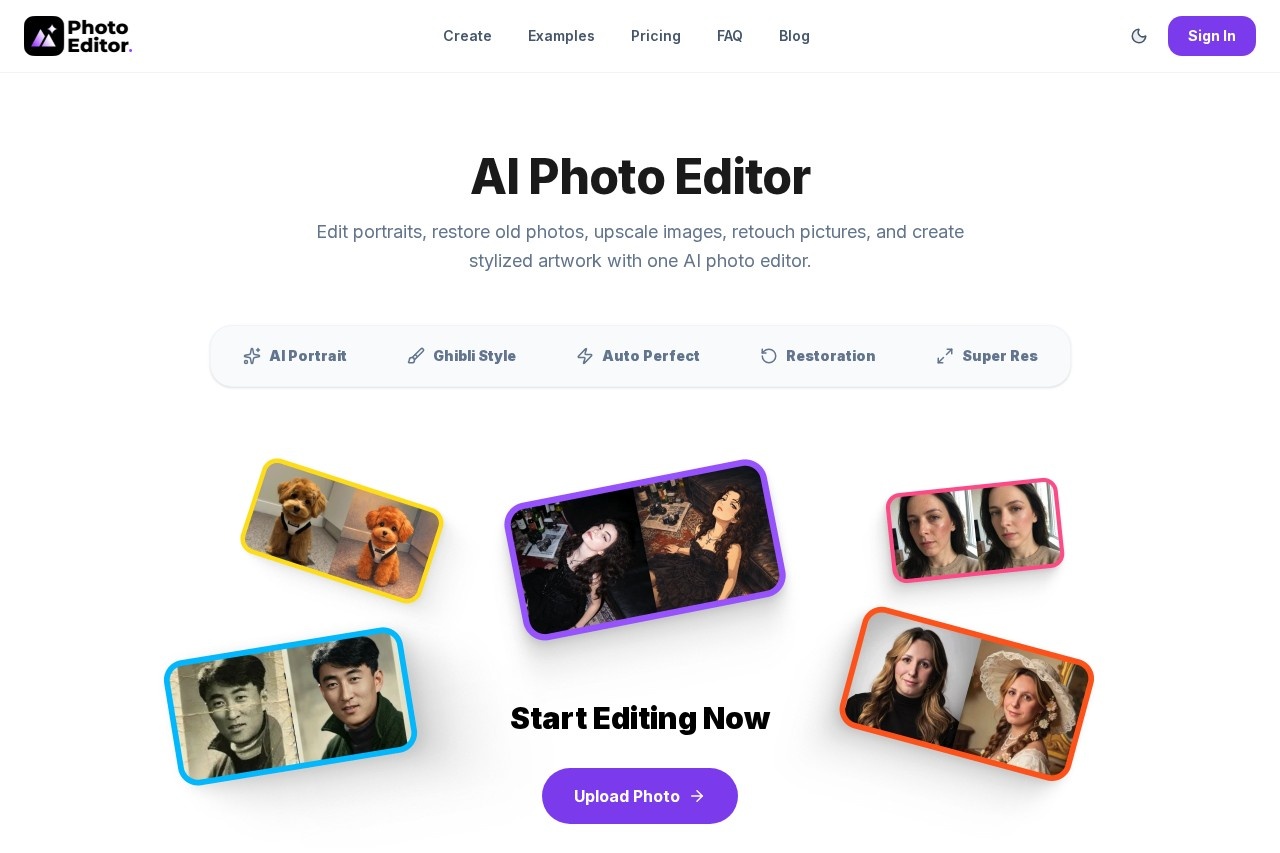
Photo Editor AI is a web-based platform that provides AI-powered image editing and enhancement. It consolidates multiple specialized tools into one hub for tasks like portrait enhancement, artistic style conversion, and photo restoration. Users can transform everyday photos into professional-quality images, restore damaged old pictures, and upscale low-resolution files. The tool is designed for instant, browser-based editing without requiring any design skills or software installation.Application scenarios
Professional Portraits
Create studio-quality headshots for LinkedIn profiles, CVs, and personal branding.
Artistic Stylization
Convert personal photos into artwork inspired by Studio Ghibli's cinematic anime style.
Photo Restoration
Repair and revitalize old, scratched, or faded family photographs to preserve memories.
Image Enhancement
Instantly improve lighting, contrast, and clarity in pictures with one-click retouching.
Quality Upscaling
Enlarge blurry, low-resolution images into crisp, high-resolution 4K files for printing or digital use.
Creative Projects
Generate stylized artwork and enhanced visuals for personal or commercial creative work.
Core Features
AI Portrait Generator
Transform selfies into professional, studio-quality portraits in seconds.
Ghibli Style Converter
Turn photos into hand-painted artwork inspired by the visual style of Studio Ghibli.
AI Auto Retouch
Instantly enhance lighting, contrast, and clarity with a one-click automatic perfecting tool.
AI Photo Restoration
Restore lost details and repair damage in old, scratched, or faded photographs.
AI Image Upscaler
Enlarge low-resolution photos into sharp 4K images without losing quality or adding noise.
Browser-Based Editing
Process images directly online in seconds without downloading or installing any software.
High-Resolution Output
Download finished images in crisp, sharp quality suitable for printing or digital sharing.
Private & Secure Processing
The service deletes user photos immediately after processing is complete.
Zero Watermarks
Receive completely unbranded output files that showcase only the original photo and edits.
Multiple Tool Integration
Access restoration, upscaling, stylization, and retouching tools all within a single platform.
Target users
This tool benefits individuals looking to enhance personal photos, professionals needing quick portrait edits for branding, and creatives seeking easy artistic stylization. It is also valuable for anyone preserving family archives through photo restoration, as well as users who need to upscale image quality for print or digital projects without professional editing skills.How to use Photo Editor AI?
The process involves three straightforward steps. First, upload any photo from your device. Second, select your desired AI mode from options like portrait, Ghibli style, restoration, upscale, or retouch. Third, let the AI generate the result and download the high-quality output. The entire workflow happens online in your browser, requiring no professional skills or software installation.Pricing and free trial
The service operates on a credit-based purchasing system. Plans do not expire and are bought as needed.Starter: $9.00 for 1,500 credits, includes a personal license, standard quality and speed, and community support.
Creator: $21.99 for 4,500 credits, includes a commercial license, HD/2K quality, priority speed, and early access to new features.
Pro: $48.99 for 12,000 credits, includes a commercial license, 4K Ultra HD quality, top priority queue access, API access, and dedicated support.
Effect review
The platform promotes its use of industry-leading diffusion models to deliver a superior sensory experience. By focusing on specific, high-demand editing tasks like portrait refinement and Ghibli-style conversion, it provides clear utility for users seeking instant, specialized results. The emphasis on high-resolution, watermark-free output and immediate file deletion addresses common user concerns about quality and privacy. For the typical user, this consolidated suite of tools eliminates the need to switch between multiple applications, making sophisticated photo enhancement accessible directly from a web browser.Frequently Asked Questions
What is Photo Editor AI?
Is Photo Editor AI free to use?
What types of photo editing does Photo Editor AI support?
How does the old photo restoration feature work?
Can I create Studio Ghibli-style art with this tool?
What file formats does Photo Editor AI support?
Photo Editor AI - AI Tool Detail
Photo Editor AI by photo-editor-ai.io offers AI-powered editing for stunning portraits, Studio Ghibli art, instant retouching, old photo restoration, and 4K upscaling.
Category:Image editing
Visit Link:https://photo-editor-ai.io/
Tags:photo editing、AI image enhancement、portrait retouching、photo restoration、image upscaling