
ImageEditor
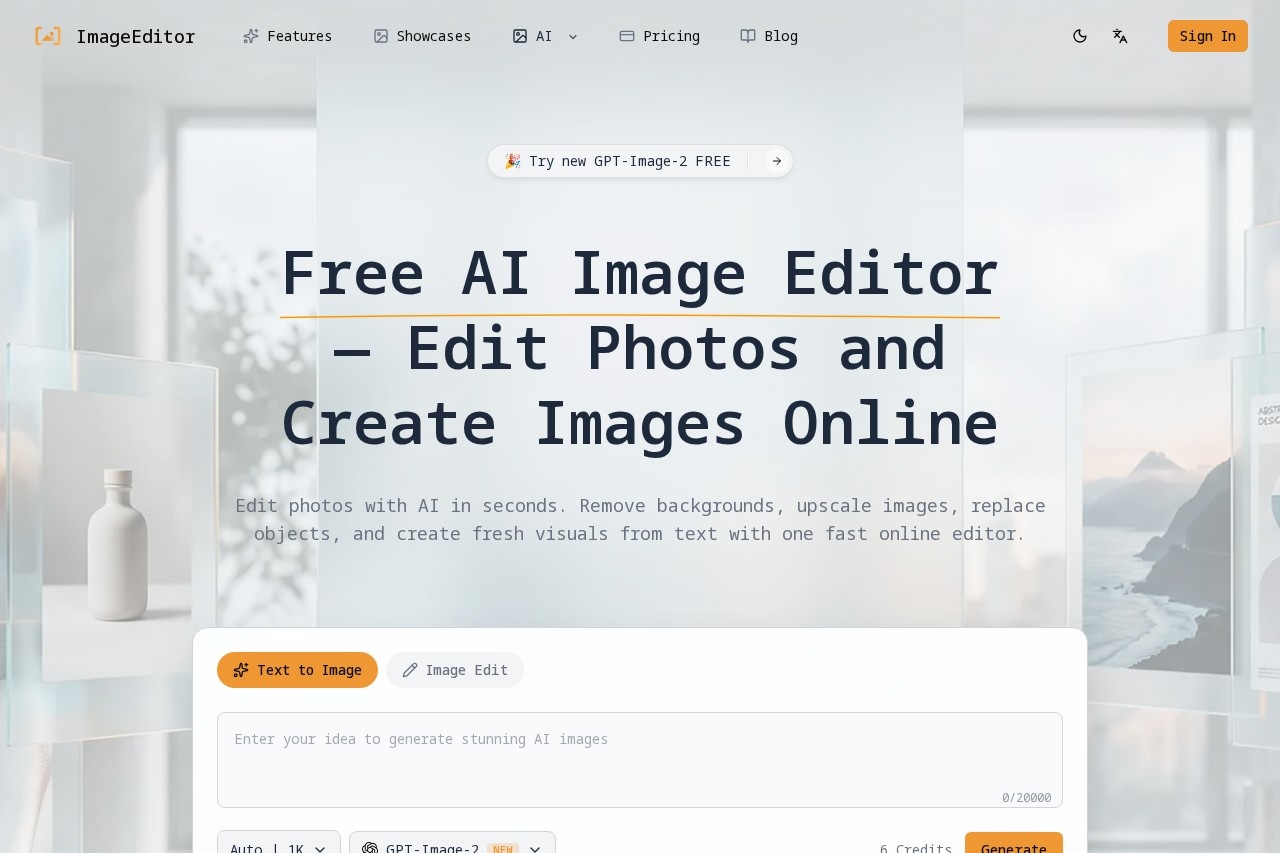
ImageEditor by its developer is a free AI tool for editing images online, enabling background removal, photo upscaling, object replacement, and text-to-image generation.
What is ImageEditor?
ImageEditor is a free AI-powered online tool that lets you edit photos and create images directly in your browser. It combines text-to-image generation, background removal, image upscaling, and object replacement into one unified platform. Users can transform text prompts into photorealistic visuals, enhance uploaded photos with intelligent edits, and refine images for professional use—all without needing design skills. The tool is built for speed and claims #1 in AI image benchmarks, with flash-speed processing.Application scenarios
E-commerce product photography
Remove backgrounds instantly to create clean product shots or transparent PNGs for listings.
Marketing and social media
Generate custom visuals from text descriptions for ads, posts, and banners without hiring a designer.
Portrait and ID photo editing
Enhance and upscale portraits, or create professional ID photos with background removal.
Creative content creation
Generate artistic images like geometric art, cozy coffee shops, or northern lights scenes from simple prompts.
Print and high-resolution projects
Upscale images to 2K or 4K resolution for professional marketing materials, prints, and publications.
Style transfer and photo modification
Upload any photo and apply style transfers, creative transformations, or object replacement while preserving the original composition.
Core Features
Text-to-image generation
Convert detailed text descriptions into photorealistic visuals with accurate details and lifelike features.
Image-to-image enhancement
Upload photos and apply intelligent enhancements, style transfers, and creative modifications while keeping the original composition intact.
Background removal
Remove backgrounds instantly with AI precision, ideal for product photos, portraits, and creating transparent PNGs.
Image upscaling
Enhance image resolution and quality without losing detail, supporting up to 2K or 4K output for professional projects.
Batch processing
Handle multiple images at once for efficient editing workflows.
Multiple output formats
Export images in various formats with advanced customization options.
Commercial license included
Use generated and edited images for commercial purposes without additional licensing concerns.
No signup required
Start creating instantly without needing to create an account for your first generation.
Target users
ImageEditor is designed for content creators, marketers, e-commerce sellers, small business owners, and anyone who needs quick, professional-quality image editing without design expertise. It also suits photographers, social media managers, and print professionals who require high-resolution outputs and batch processing capabilities.How to use ImageEditor?
- Access the free AI image generator: Visit the platform and start creating instantly—no signup required for your first generation.
- Enter your image prompt: Type a detailed text description of the visual you want to create. The AI understands natural language and converts it into professional-quality images.
- Customize image settings: Select your preferred style preset, set output resolution (2K or 4K), choose an aspect ratio, and configure enhancement options.
- Generate and export: Click generate and download your edited or created image in your desired format.
Pricing and free trial
The website text does not specify any pricing tiers or free trial limitations. It explicitly states "free AI image editor" and "no signup required for your first generation," but does not detail usage limits beyond a "6 Credits" counter visible in the interface. Pricing information is not available from the provided content.Effect review
ImageEditor delivers a practical all-in-one solution for AI image generation and editing, combining text-to-image, photo enhancement, background removal, and upscaling in a single tool. The inclusion of a commercial license and no-signup entry makes it especially accessible for quick professional tasks. While the "6 Credits" counter suggests a usage limit for free users, the tool's flash-speed processing and #1 benchmark claim indicate strong performance for typical editing needs. For creators who need fast, high-quality visuals without complex software, ImageEditor offers a solid, no-fuss alternative to standalone editing apps.Frequently Asked Questions
What is ImageEditor?
Is ImageEditor free to use?
Can I remove the background from an image?
Does ImageEditor support upscaling photos?
Can I replace objects in an image?
How does text-to-image generation work?
ImageEditor - AI Tool Detail
ImageEditor by its developer is a free AI tool for editing images online, enabling background removal, photo upscaling, object replacement, and text-to-image generation.
Category:Image editing
Visit Link:https://imageditor.net/
Tags:AI image editor、background removal、photo upscaling、text-to-image、object replacement