
Remove Background
AI tool by CropForMe that instantly removes backgrounds from JPG, PNG, or WebP portraits. Processes entirely in your browser, shows a side-by-side preview, and exports a transparent PNG—no registratio
What is Remove Background?
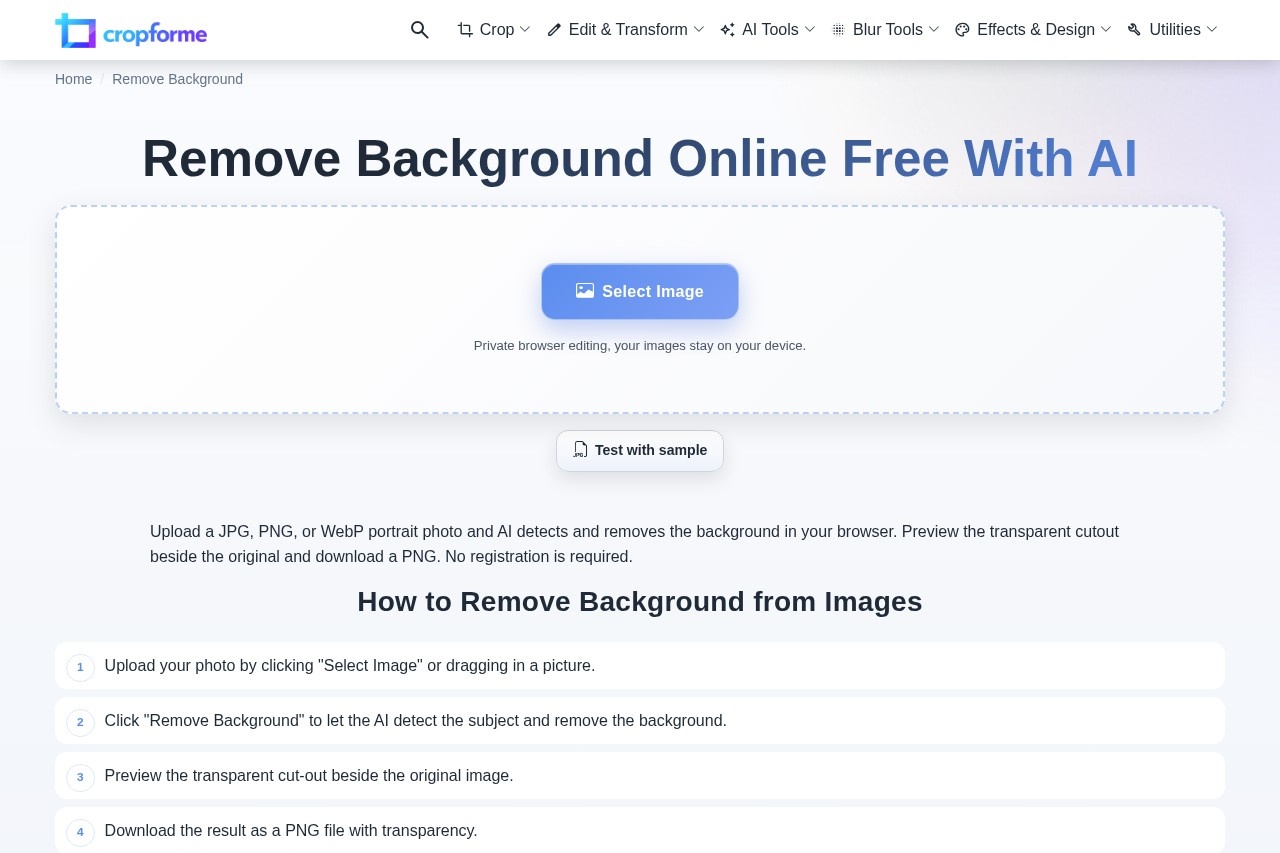
Remove Background is a free, browser-based AI tool by CropForMe that instantly removes backgrounds from JPG, PNG, or WebP portrait photos. It processes entirely on your device—no uploads or server storage—and delivers a transparent PNG cutout. The tool requires no registration, making it a quick, private solution for creating clean subject cutouts.Application scenarios
E-commerce product images
Remove backgrounds from product photos to create clean, transparent images for online stores.
Marketing and ads
Extract people from photos for use in social media ads, banners, or slides without distracting backgrounds.
Portrait editing
Quickly isolate a person from a photo for use in collages, presentations, or profile pictures.
Logo and branding
Create transparent logo files by removing white or black backgrounds from existing logos.
Signature extraction
Cleanly extract signatures with transparent backgrounds for digital documents or branding.
Social media content
Prepare transparent cutouts of people for Instagram stories, YouTube thumbnails, or other visual posts.
Core Features
People-focused cutout
The AI is tuned specifically for photos of people, ensuring fast and accurate subject separation.
Transparent PNG export
Downloads the result as a PNG with a clear background, ready for placement into slides, ads, or new layouts.
Fast one-tap flow
Upload, remove background, preview the cutout, and download in a short, streamlined workflow.
Private browser editing
All processing happens in your browser; images stay on your device and are not uploaded or stored.
No registration required
Use the tool immediately without signing up or providing personal information.
One-at-a-time batch processing
Process multiple images sequentially with no daily limits; each image typically processes in a few seconds.
Sample image testing
Test the tool with a provided sample image before using your own photos.
Side-by-side preview
View the transparent cutout beside the original image before downloading.
Target users
This tool is ideal for e-commerce sellers, marketers, social media managers, and anyone who needs quick, private background removal for portrait photos. It also suits designers, content creators, and small business owners who require transparent PNG cutouts without complex software or registration.How to use Remove Background?
- Open the tool at https://cropforme.com/remove-background.
- Click "Select Image" or drag in a JPG, PNG, or WebP portrait photo.
- Click "Remove Background" to let the AI detect the subject and remove the background.
- Preview the transparent cutout beside the original image.
- Download the result as a PNG file with transparency.
Effect review
The tool delivers on its promise of fast, private background removal with no registration friction. For well-lit portraits with clear subjects, the claimed 90–95% accuracy is practical for most e-commerce or social media use cases. The browser-based processing means zero server uploads, which is a strong privacy advantage. While it lacks advanced editing controls or batch processing in one go, the one-tap flow and free pricing make it a reliable choice for quick, no-fuss cutouts. The inclusion of related tools for white, black, logo, and signature backgrounds adds useful versatility for common design tasks.Frequently Asked Questions
What types of images can I use with Remove Background?
Does the tool require registration or login?
Is my image data safe?
Can I see a preview before exporting?
What format does the exported image use?
Remove Background - AI Tool Detail
AI tool by CropForMe that instantly removes backgrounds from JPG, PNG, or WebP portraits. Processes entirely in your browser, shows a side-by-side preview, and exports a transparent PNG—no registratio
Category:Image editing
Visit Link:https://cropforme.com/remove-background
Tags:background removal、AI photo editor、transparent PNG、online image tool、no registration