
AI Image Editor
AI Image Editor by ImageFK for editing photos with text prompts. Upload an image, describe your changes, and transform pictures instantly using AI.
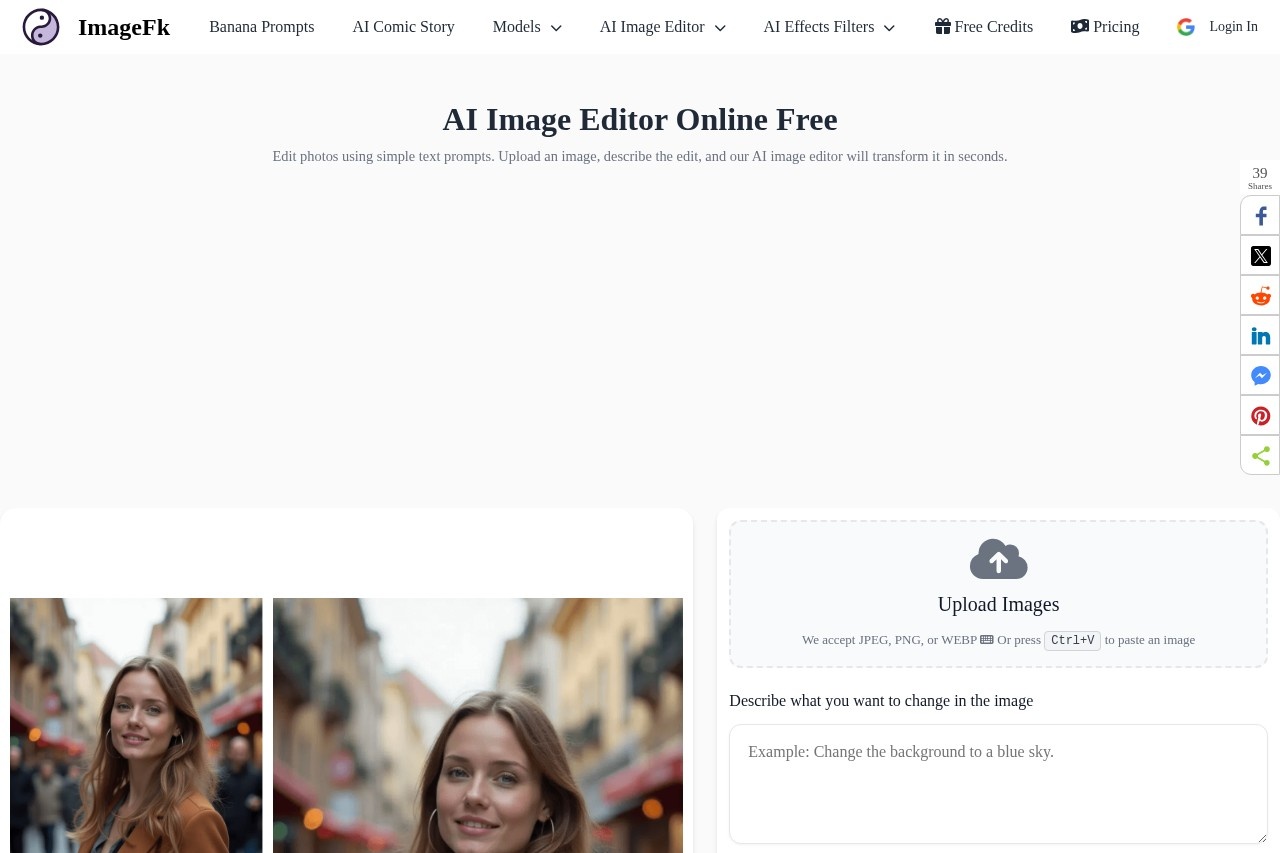
What is AI Image Editor?
AI Image Editor by ImageFK is a free, web-based tool for editing photos using text prompts. Users upload an image, describe the changes they want in plain language, and the AI transforms the picture in seconds. It is designed for instant, text-driven photo manipulation without requiring complex software. The platform also provides a library of curated prompts to help users generate better results.Application scenarios
Photo editing
Quickly alter existing photos by describing changes like removing objects or swapping backgrounds.
Creative transformation
Convert standard photos into different artistic styles, such as anime illustrations.
Content creation
Generate stylized or enhanced images for social media posts and digital content.
Visual inspiration
Use the prompt library to discover new creative ideas and techniques for image generation.
Rapid prototyping
Experiment with visual concepts by applying different styles and edits to a base image.
Core Features
Text-prompt editing
Upload an image and describe the desired edit in a text box to have the AI transform it.
Multiple format support
Upload images in JPEG, PNG, or WEBP formats directly or paste them using Ctrl+V.
Prompt inspiration gallery
Explore a curated library of professional prompts to use as templates or inspiration.
Shareable creations
Generate a shareable link, QR code, or post directly to social media platforms like Twitter, Facebook, WhatsApp, and Telegram.
Object removal
Edit photos to remove specific elements, such as a person from the background.
Background replacement
Change the scene behind a subject, for example, to a tropical sunset beach.
Style conversion
Transform a photograph into a different artistic style, like an anime illustration.
Prompt customization
Take proven prompts from the library and adapt them for your specific needs.
Target users
This tool benefits individual creators, social media managers, and hobbyists who need quick, accessible photo editing without professional software skills. It is also useful for anyone seeking creative inspiration or wanting to experiment with AI-driven image transformation through simple text commands.How to use AI Image Editor?
- Navigate to the official website.
- Upload an image in JPEG, PNG, or WEBP format, or paste one from your clipboard.
- In the text box, describe the change you want to make to the image.
- Generate the edit and then download the result or use the built-in tools to share it via a link, QR code, or social media.
Effect review
The tool positions itself as a solution for saving time and achieving higher-quality results by leveraging expert-crafted prompts, bypassing the need for extensive trial and error. The provided examples, such as cleanly removing a person or convincingly swapping a background, demonstrate a practical range of edits. For a user seeking fast, concept-driven edits, the combination of a simple text interface and a prompt library offers a straightforward path from idea to visual result. The immediate sharing options further streamline the workflow for content creation.Frequently Asked Questions
What is AI Image Editor?
How do I use AI Image Editor?
What types of edits can I make with AI Image Editor?
Is AI Image Editor free to use?
What image formats are supported?
How does the AI understand my text prompts?
AI Image Editor - AI Tool Detail
AI Image Editor by ImageFK for editing photos with text prompts. Upload an image, describe your changes, and transform pictures instantly using AI.
Category:Image editing
Visit Link:https://imagefk.com/
Tags:AI image editing、photo editing、text-to-image、image generation、AI photo manipulation