
Photo Editor Online
PhotoQuill offers a free online photo editor and Photoshop alternative, featuring an unrestricted AI image editor with no sign-up required. It also serves as an online PSD editor and viewer for quick,
What is Photo Editor Online?
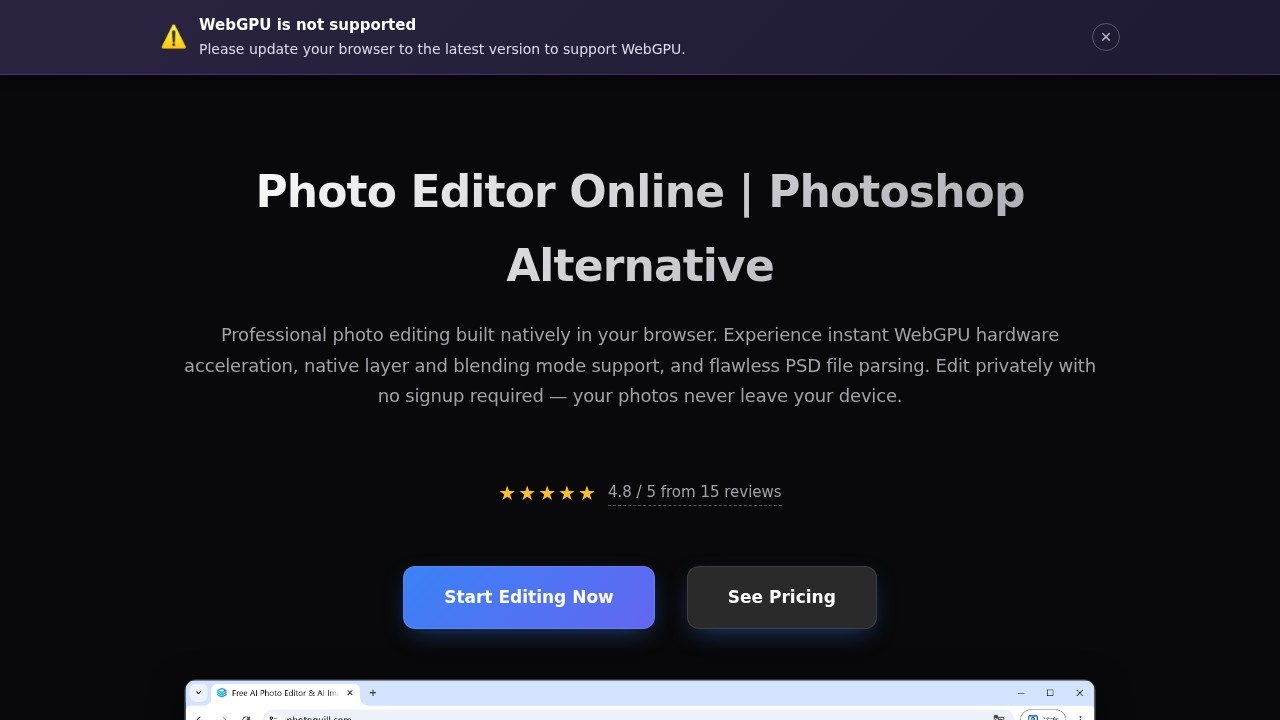
Photo Editor Online, branded as PhotoQuill, is a professional-grade browser-based photo editor that serves as a free alternative to Photoshop. It runs entirely in your browser using WebGPU hardware acceleration, enabling instant rendering of large canvases without sending your images to a remote server. The tool supports full PSD file parsing, native layer and blending mode management, and AI-powered editing features—all with no sign-up required. Users can edit photos privately, as all processing happens locally on their device.
Application scenarios
Professional photo editing
Adjust colors, apply filters, and use advanced layer tools for high-quality image retouching.
PSD file editing
Open, edit, and save fully layered Photoshop documents directly in the browser, preserving layer masks, text vectors, and blending modes.
Background removal
Instantly isolate subjects or create transparent PNGs using the AI background remover.
Logo and template customization
Download free PSD logo mockups or social templates and customize them online without needing Photoshop.
Graphic design
Merge layers, crop, resize, and apply non-destructive adjustments for professional design work.
Typography and text layouts
Create formatted text directly on the canvas with a robust text engine, no external downloads needed.
Image blending and masking
Use smart masking and advanced blur algorithms to blend multiple images naturally.
Core Features
WebGPU-accelerated editing
All processing uses hardware acceleration, making large canvas rendering virtually instant without relying on cloud servers.
Full PSD support
Instantly parse and edit layered Photoshop documents, preserving layer masks, text vectors, grouping, and blending modes locally.
AI background remover
Remove backgrounds from photos with a single click to isolate subjects or create transparent PNGs.
Smart photo adjustments and filters
Apply advanced local AI models for precise control over mood, composition, and image enhancement.
Professional filters and effects
Apply blurs, sharpening, noise reduction, and stylization filters instantly with parallel processing for complex convolutions.
Layer management tools
Full layer support with opacity, blending modes (Multiply, Screen, Overlay), and non-destructive editing for professional graphic design.
Image blending with smart masking
Use advanced blur algorithms and masking to blend multiple images together naturally.
Color editing tools
Swap background colors, recolor objects, or shift hues non-destructively using adjustment layers.
Typography engine
Create text layouts with rich formatting directly on the canvas without external downloads.
Crop, resize, and merge
Quickly crop to size, resize individual layers, and merge assets for perfect compositions.
Target users
Graphic designers, photographers, social media managers, and anyone needing professional photo editing without the cost or complexity of Photoshop. It's ideal for users who work with PSD files, need AI-powered editing tools, or want a private, browser-based solution that doesn't require sign-up or uploads.
How to use Photo Editor Online?
Visit the PhotoQuill website and click "Start Editing Now" to open the editor directly in your browser. No sign-up or account creation is required. Upload your image or PSD file, then use the layer panel, AI tools, and filters to edit. All processing happens locally on your device, so your photos never leave your computer. When finished, export your edited image or save the PSD file.
Pricing and free trial
The website text does not include specific pricing details or free trial information. It only mentions "See Pricing" as a link on the page, but no prices are listed in the provided content.
Effect review
With a 4.8 out of 5 rating from 15 reviews, PhotoQuill delivers a polished, professional editing experience that rivals desktop software. The combination of WebGPU acceleration, full PSD support, and AI-powered tools running entirely client-side makes it a standout free alternative to Photoshop. Users can edit privately without sign-up, and the instant rendering of large canvases ensures a smooth workflow. For anyone needing professional photo editing in a browser—especially PSD users—this tool offers impressive capability without the usual cloud-based compromises.
Frequently Asked Questions
What is PhotoQuill?
Do I need to sign up to use PhotoQuill?
What file formats does PhotoQuill support?
Is the AI image editor really unrestricted?
Can I use PhotoQuill as a Photoshop alternative?
Is PhotoQuill compatible with mobile devices?
Photo Editor Online - AI Tool Detail
PhotoQuill offers a free online photo editor and Photoshop alternative, featuring an unrestricted AI image editor with no sign-up required. It also serves as an online PSD editor and viewer for quick,
Category:Image editing
Visit Link:https://photoquill.com/
Tags:AI image editor、free photo editor、online PSD viewer、no sign-up needed、Photoshop alternative