
Pixlr
Pixlr is a free online photo editing and design suite by 123RF, featuring AI image generation, batch editing, animation tools, and enhancement for creative projects.
What is Pixlr?
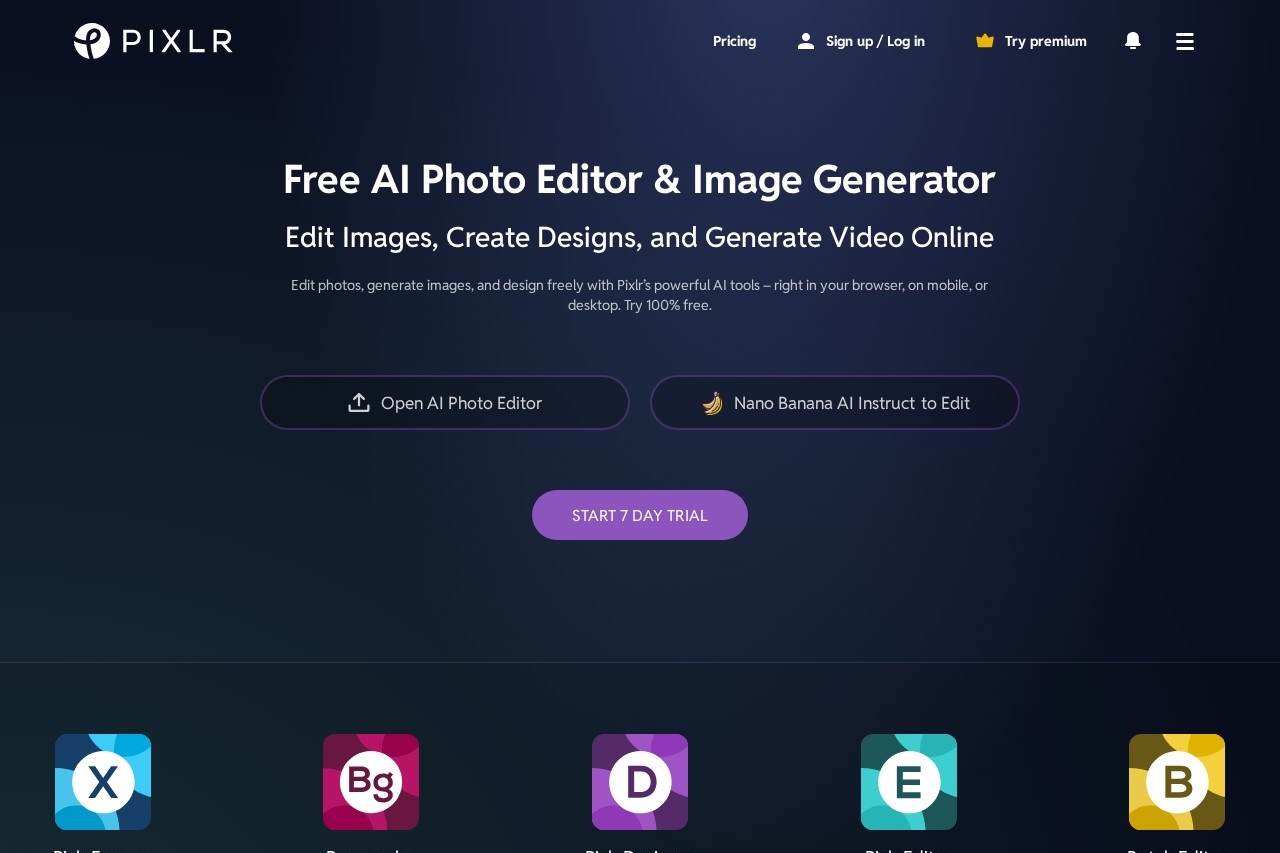
Pixlr is a free online photo editing and design suite. Users edit images, create designs, and generate video directly in their browser, on mobile, or desktop. It is powered by AI tools for tasks like image generation and object removal. The platform serves as an all-in-one creative hub for various projects.Application scenarios
Photo Editing
Edit and enhance photographs using advanced or express editing tools.
Graphic Design
Create designs from templates and utilize animation tools.
Content Creation
Generate original AI artwork from text prompts for digital content.
Image Cleanup
Remove unwanted objects, backgrounds, or noise from images.
Social Media Content
Quickly create photo collages, crop images, or swap faces for engaging posts.
Asset Preparation
Batch edit multiple photos or upscale images for professional use.
Core Features
AI Image Generator
Convert text descriptions into visually captivating AI-generated artwork.
Generative Fill
Make complex edits and refinements to images by generating new content to fill areas.
Generative Expand
Expand an image's canvas in any direction with AI-generated content that blends seamlessly.
AI Remove Object
Erase any unwanted object from an image by drawing around it.
AI Remove Background
Remove an image's background with a single click.
AI Face Swap
Replace faces in an image to transform a subject's identity.
AI Super Scale
Upscale images using AI while maintaining high quality.
AI Super Sharp
Enhance image clarity and bring precision to digital photographs.
Batch Editor
Edit multiple photos in bulk for efficient workflow.
Design Templates
Access templates to jumpstart design and animation projects.
Target users
Pixlr is built for a broad creative audience. It directly serves beginners looking for accessible online tools and seasoned professionals requiring advanced editing capabilities. Marketing teams, social media managers, graphic designers, and content creators can all benefit from its integrated AI and design suite.How to use Pixlr?
You can start using Pixlr by visiting its website. The platform runs directly in your web browser and is also accessible on mobile and desktop. To begin editing, you can open the AI Photo Editor, Pixlr Express, or Pixlr Designer. For AI generation, tools like the AI Image Generator or Generative Fill are available to test, often initiated by entering a text prompt or selecting an area of an image. You can try the service 100% free or start a 7-day trial for premium features.Effect Review
Pixlr positions itself as a comprehensive and mature solution, noting it has maintained a top position as a web-based photo editing service for over 15 years. Its suite of generative AI tools is presented as revolutionary, aiming to redefine artistic expression by making complex edits like object removal, background replacement, and image generation intuitive and fast. For the typical user, this integrated approach suggests a significant reduction in technical barriers, allowing more focus on creative vision. The breadth of tools, from batch processing to AI face swapping, implies a platform capable of handling everything from quick social media fixes to in-depth creative projects.Frequently Asked Questions
What is Pixlr?
Is Pixlr completely free to use?
What AI features does Pixlr include?
Can I edit multiple photos at once with Pixlr?
Does Pixlr require software installation?
What types of projects can I create with Pixlr?
Pixlr - AI Tool Detail
Pixlr is a free online photo editing and design suite by 123RF, featuring AI image generation, batch editing, animation tools, and enhancement for creative projects.
Category:Image editing
Visit Link:https://pixlr.com/
Tags:photo editing、AI image generation、online design、batch editing、animation tools