
AI Image Generator
AI Image Generator by GenImage for creating and editing images from text, removing backgrounds, upscaling, and enhancing photos with over 100 AI effects.
What is AI Image Generator?
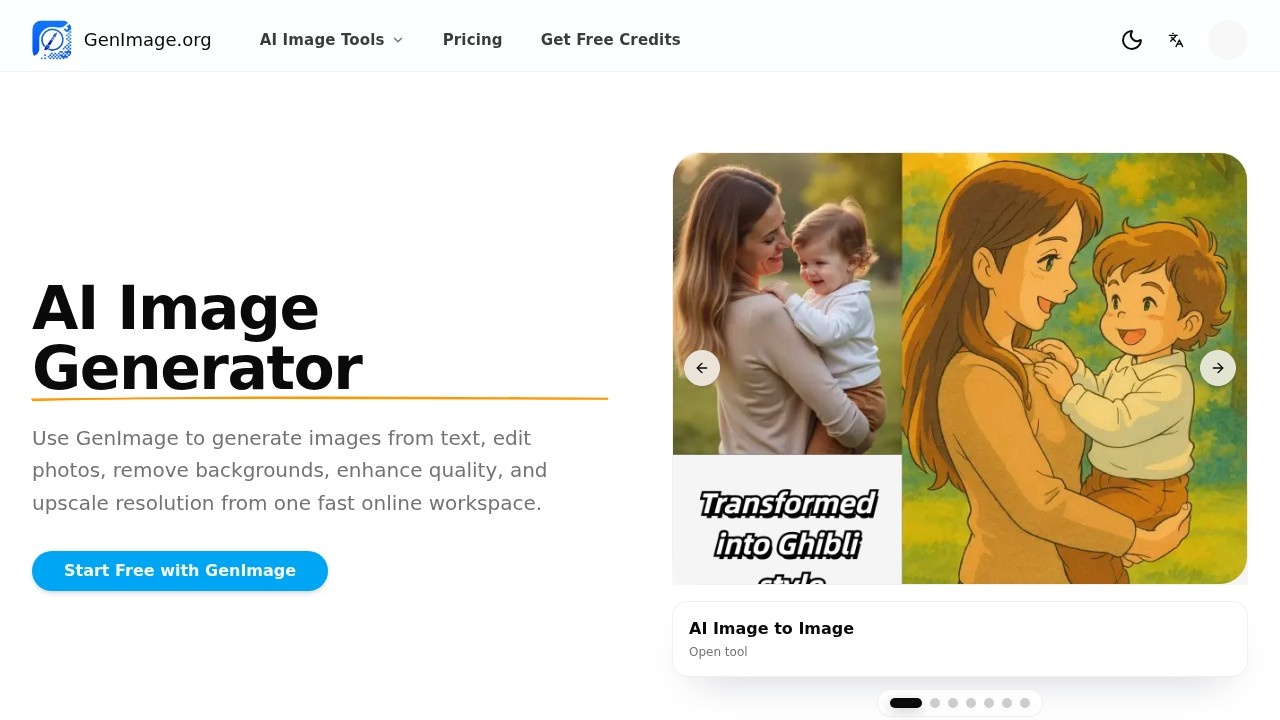
AI Image Generator by GenImage is a fast online workspace for creating and editing images. Users can generate images from text prompts, edit photos, remove backgrounds, enhance quality, and upscale resolution. It combines multiple AI tools in one platform, including image generation, image-to-image editing, background removal, and enhancement. The service is designed for speed, supporting workflows from concept testing to finished assets.Application scenarios
Campaign visuals
Creative teams test concepts and generate multiple directions for client-facing drafts.
Ad creative iterations
Growth marketers produce quick ad variations and cleaner landing page visuals.
Product image updates
E-commerce store owners improve product photos and create cleaner backgrounds without new photo shoots.
Blog graphics and thumbnails
Content creators generate blog graphics and thumbnails for faster publishing.
First-pass edits
Photographers and designers use it for fast concept generation and speeding up client review cycles.
Visual production
Teams move faster on visual production from concept testing to finished assets for stores, campaigns, and content publishing.
Core Features
AI Image Generator
Generate images from text prompts using AI.
AI Image to Image
Transform existing photos using image-to-image AI.
AI Image Editor
Edit photos directly within the platform.
AI Background Remover
Remove backgrounds from images with one click.
AI Background Changer
Change backgrounds in photos.
AI Image Enhancer
Enhance image quality and details.
AI Image Upscaler
Upscale image resolution for higher-quality outputs.
Over 100 AI effects
Apply a wide range of AI-powered effects to images.
File format support
Supports JPG, PNG, and WebP file uploads.
Fast generation and editing
Designed for quick image creation and editing workflows.
Target users
AI Image Generator is best for creative directors, growth marketers, e-commerce store owners, photographers, designers, and any team involved in visual production. It serves users who need fast image generation, editing, and enhancement for campaigns, ads, product photos, blog graphics, and client projects.How to use AI Image Generator?
- Enter a Prompt or Upload an Image: Start with a text prompt for new images, or upload a JPG, PNG, or WebP file to edit, enhance, upscale, or transform an existing photo.
- Pick the Right AI Image Tool: Choose the workflow that matches your goal—AI image generation, image-to-image AI, background removal, background changing, enhancement, or upscaling.
- Generate, Compare, and Download: Run the task, review the output, and download the final image. If needed, update the prompt or settings and generate another variation.
Pricing and free trial
Yes, GenImage offers a free way to try the service. The website states "Start Free with GenImage" and answers "Is there a free way to try GenImage?" with an affirmative FAQ response. Specific pricing tiers are not mentioned in the provided text.Effect review
Based on user testimonials, AI Image Generator delivers meaningful time savings for creative and marketing teams. Creative directors report faster campaign visual development, while growth marketers note reduced production time for ad creatives and landing page visuals. E-commerce owners appreciate avoiding new photo shoots for product updates, and photographers find it excellent for first-pass edits and concept generation. The platform's combination of generation, editing, background tools, and enhancement in one workspace makes it a practical choice for fast visual production workflows.Frequently Asked Questions
What is AI Image Generator by GenImage?
How do I generate an image from text?
Can I edit existing photos with this tool?
Is the AI Image Generator free to use?
What image formats are supported for output?
How accurate are the AI-generated images?
AI Image Generator - AI Tool Detail
AI Image Generator by GenImage for creating and editing images from text, removing backgrounds, upscaling, and enhancing photos with over 100 AI effects.
Category:Image generation
Visit Link:https://genimage.org/
Tags:AI Image Generator、text-to-image、background removal、image upscaling、photo enhancement