
GPT Image 2
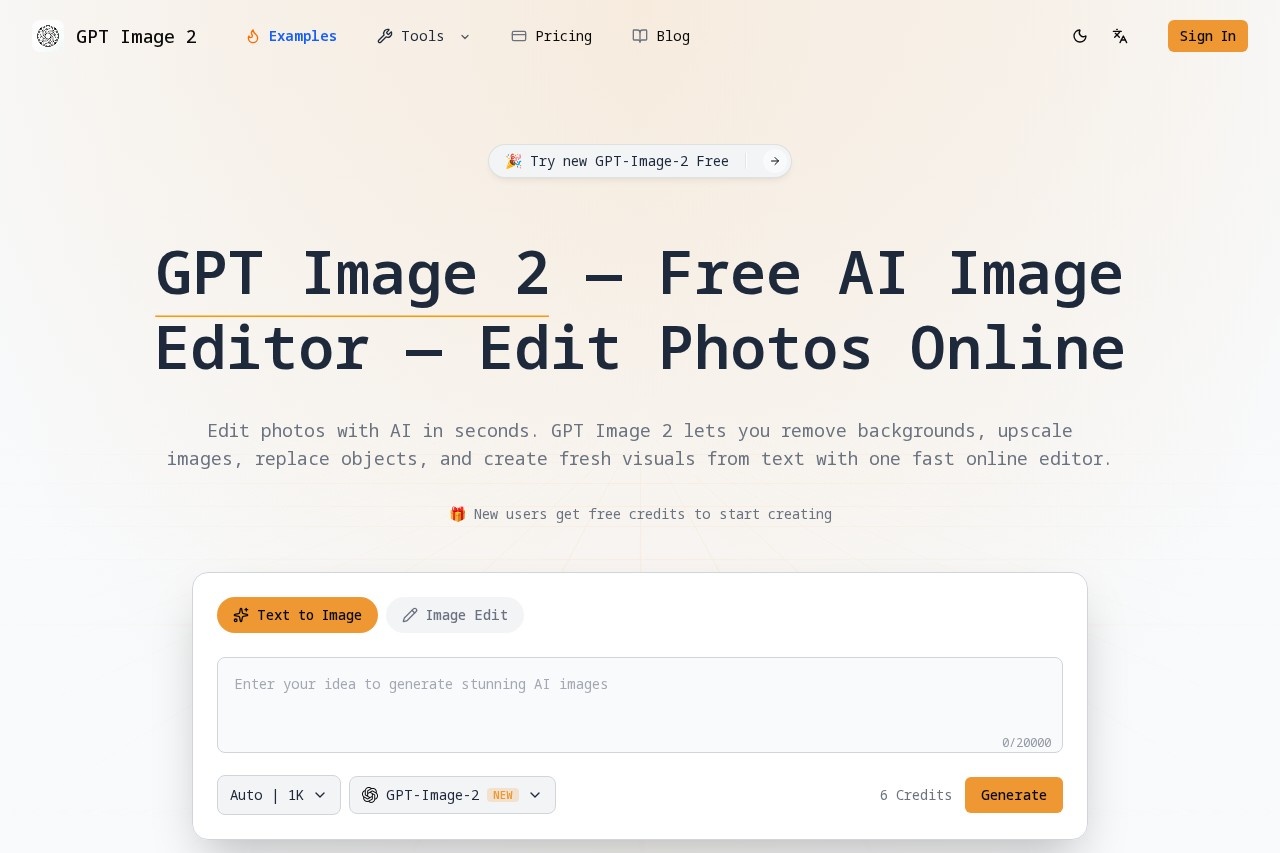
GPT Image 2 by gpt-image2.me is a free AI image editor for removing backgrounds, upscaling photos, replacing objects, and generating new visuals from text.
What is GPT Image 2?
GPT Image 2 is a free AI image editor that lets you edit photos online in seconds. It combines image generation, editing, enhancement, and cleanup into one workflow, so you can go from idea to finished asset faster. Users can remove backgrounds, upscale images, replace objects, and create fresh visuals from text without needing design skills. It claims to be #1 in AI image benchmarks and offers flash-speed performance.Application scenarios
Product photography
Remove backgrounds cleanly for product shots and ecommerce assets.
Social media content
Upscale images and polish visuals for social posts and presentations.
Marketing materials
Generate polished visuals from text prompts for ads, luxury skincare ads, or cyberpunk alley scenes.
Portrait editing
Create professional headshots by editing existing images.
Commercial use
Generate and edit images with a commercial license included.
Creative projects
Restyle or transform existing images while keeping the original structure close to your intended result.
Core Features
Text to Image Creation
Turn simple prompts into polished visuals with strong composition, better detail, and cleaner text-to-image output for creative and commercial work.
Image to Image Editing
Upload an existing image and refine, restyle, or transform it while keeping the original structure close to your intended result.
Background Removal
Remove backgrounds cleanly for product shots, portraits, ecommerce assets, and ready-to-use transparent images.
Image Upscaling
Improve sharpness and resolution for marketing assets, social content, presentations, and other high-quality final output.
AI Image Generation
Generate original images from text prompts with stronger quality, cleaner composition, and more usable final output.
End-to-End Image Workflow
Create from prompts, edit existing images, remove backgrounds, and improve final quality without switching between separate tools or fragmented workflows.
Better Control Over Output
Adjust format, style direction, and other settings to match your use case.
Commercial License Included
Use generated images for commercial purposes without additional licensing.
Target users
GPT Image 2 is built for creators, marketers, ecommerce sellers, and anyone who needs fast, usable image output for real workflows. It suits professionals who want to generate, edit, and refine high-quality AI images in one place without design skills or switching between tools.How to use GPT Image 2?
- Open GPT Image 2 and start a new task—choose whether to generate a new image or edit an existing one.
- Write a prompt in natural language or upload a source image if you want to edit, restyle, enhance, or clean it up.
- Adjust settings for your output, including format and style direction.
- Generate your result, compare versions if needed, and download the final image when it is ready for publishing, sharing, or commercial use.
Pricing and free trial
New users get free credits to start creating. The site does not list specific paid pricing tiers, but the tool is described as "free" and offers free credits for new users.Effect review
GPT Image 2 delivers a streamlined, all-in-one approach to AI image editing and generation that eliminates the need for multiple tools. The free credits for new users make it easy to test its capabilities, and the commercial license adds practical value for creators and businesses. While the site claims #1 in AI image benchmarks and flash speed, no independent user reviews or quality metrics are provided. For typical users, the feature set covers the most common image tasks—generation, editing, background removal, and upscaling—in a single, accessible interface.Frequently Asked Questions
What is GPT Image 2?
Is GPT Image 2 free to use?
What can I do with GPT Image 2?
Do I need to create an account?
Can I use it for commercial purposes?
GPT Image 2 - AI Tool Detail
GPT Image 2 by gpt-image2.me is a free AI image editor for removing backgrounds, upscaling photos, replacing objects, and generating new visuals from text.
Category:Image editing
Visit Link:https://gpt-image2.me/
Tags:AI image editor、background removal、image upscaling、object replacement、text-to-image generation