
AI Image Creator
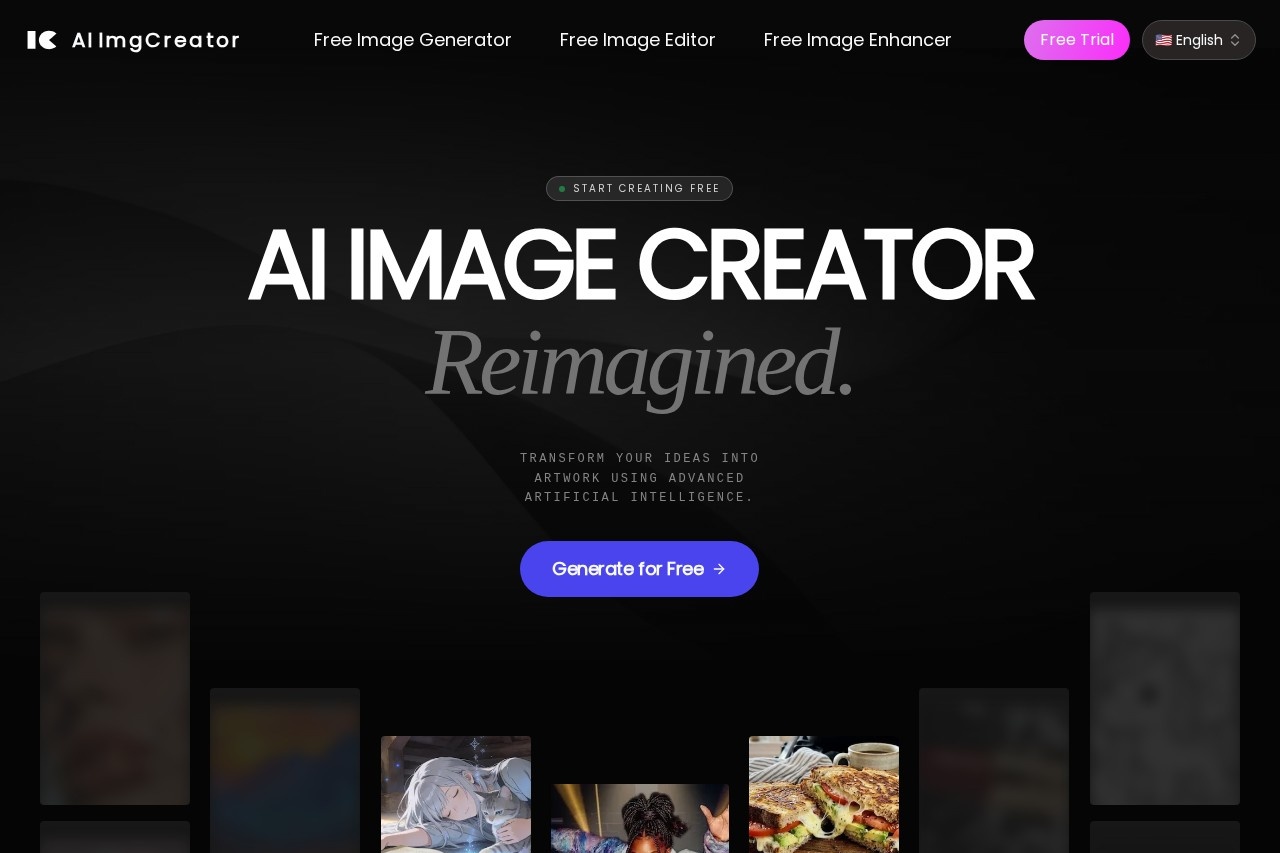
AI Image Creator by AIimgcreator.com for generating, editing, and enhancing images from text descriptions instantly, free with no signup required.
What is AI Image Creator?
AI Image Creator is a web-based tool that generates, edits, and enhances images using artificial intelligence. Users input text descriptions to create visuals instantly. The platform operates on a freemium model, offering a free tier with no sign-up or credit card required. Its core function is to transform ideas into production-ready artwork through automated, AI-driven processes.Application scenarios
Content Creation
Generate original artwork and visuals from text descriptions for digital content.
Photo Enhancement
Retouch, upscale, and improve the quality of existing low-resolution photographs.
Concept Visualization
Quickly bring scenes, styles, or abstract concepts to life for brainstorming and planning.
Graphic Design
Create visual assets without needing manual artistic skill or complex software.
Marketing & Social Media
Produce stunning, photorealistic visuals for campaigns and social posts in seconds.
Core Features
Text-to-Image Generation
Turn written prompts into complete images, handling composition, lighting, and details autonomously.
AI Image Editor
Enhance, retouch, and transform existing photos with intelligent tools that understand image content.
Picture Upscaler
Boost image resolution to professional-grade 8K without losing quality, enhancing details in low-res pictures.
Free Lite Model
Generate images for free using a basic model, though it may involve processing queues.
Instant Generation (Premium)
Upgrade for faster processing without waiting in queues.
Advanced Models (Premium)
Access more sophisticated AI models beyond the free lite version.
Commercial License (Premium)
Obtain a license for commercial use of generated images.
No-Signup Access
Start creating immediately without providing an email address or creating an account.
Simple Three-Step Workflow
Follow a streamlined process of upload/configure, AI generation, and download/share.
Target users
This tool benefits individual creators, marketers, social media managers, and small business owners who need quick visuals without design expertise. It’s also suited for anyone looking to experiment with AI art generation or enhance personal photos without a financial commitment upfront.How to use AI Image Creator?
The process involves three simple steps. First, upload a base image or input your text prompt and configure any generation parameters. Second, wait momentarily while the AI algorithms synthesize and render your artwork. Finally, instantly download your high-resolution creation and share it. You can start this process directly on the website with no account setup.Effect review
The platform positions itself as a tool that replaces hours of manual design work, making visual creation accessible to users without artistic skill. By leveraging advanced diffusion models, it promises to autonomously build images with intricate details from simple text. The feature set, particularly the upscaler for 8K results and contextual editing tools, suggests a focus on producing crisp, usable assets. The immediate, no-signup free access lowers the barrier to experimentation, while the premium upgrade path caters to users needing faster, commercial-grade output.Frequently Asked Questions
What is AI Image Creator?
Is AI Image Creator free to use?
Do I need to create an account to use AI Image Creator?
What can I do with AI Image Creator?
How quickly does AI Image Creator generate images?
Where can I access AI Image Creator?
AI Image Creator - AI Tool Detail
AI Image Creator by AIimgcreator.com for generating, editing, and enhancing images from text descriptions instantly, free with no signup required.
Category:Image generation
Visit Link:https://www.aiimgcreator.com/
Tags:AI image generator、text-to-image、image editing、free AI tool、no signup required