
Gling
Gling is an AI-powered video editing tool by Gling that automatically removes silences, bad takes, and filler words from raw footage, streamlining the editing process for content creators and YouTuber
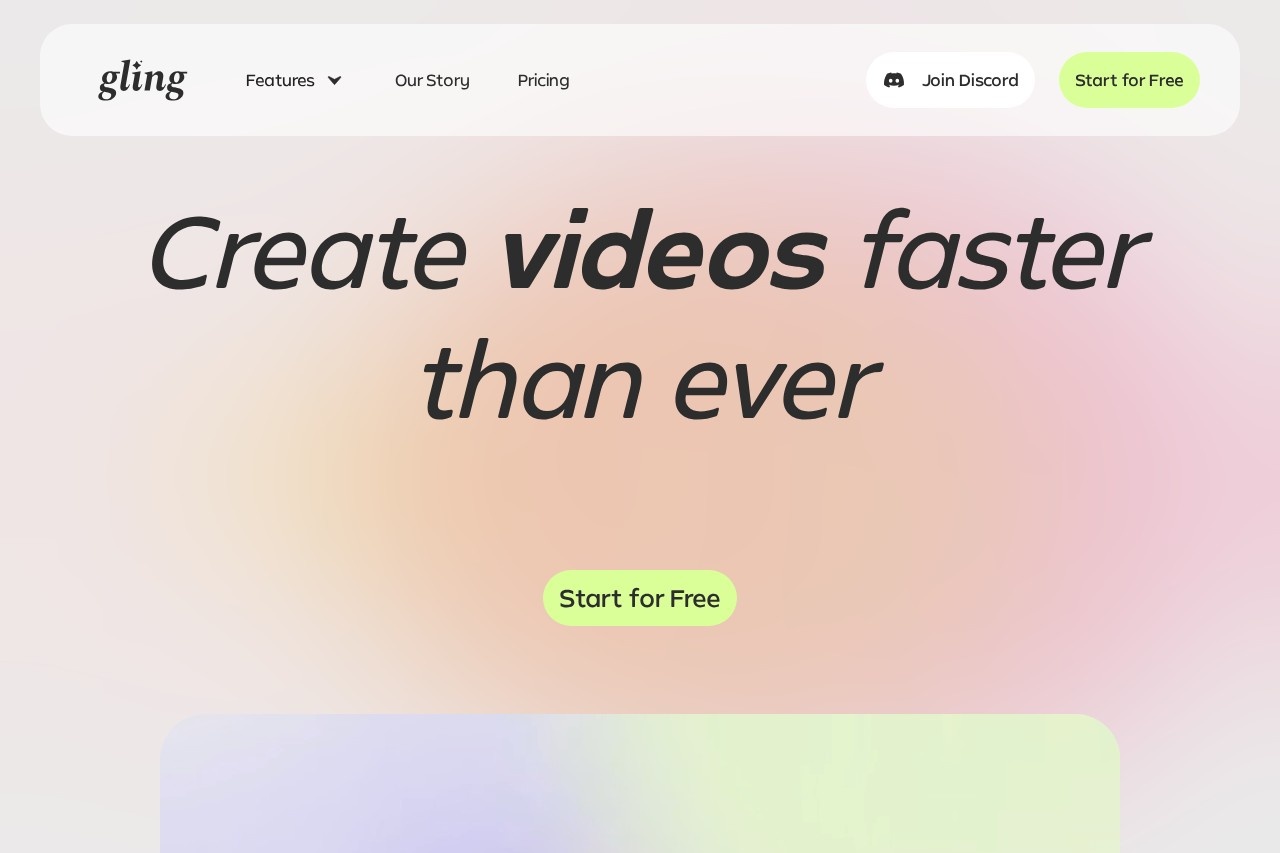
What is Gling?
Gling is an AI-powered video editing tool that automatically removes silences, bad takes, and filler words from raw footage. It transcribes your content, analyzes the text, and cuts unwanted sections, streamlining the editing process for content creators and YouTubers. The tool also offers features like AI captions, automated zoom in/out, noise removal, and YouTube title/chapter generation. It integrates with popular editors like Final Cut Pro, DaVinci Resolve, and Adobe Premiere.Application scenarios
YouTube content creation
Quickly clean up raw recordings by removing silences, bad takes, and filler words before final editing.
Podcast or voiceover editing
Process audio files for voiceover integration, removing unwanted pauses and noise.
Social media clip creation
Generate viral clips from longer videos by using AI to trim and refine content.
Professional video production
Export edited videos to MP4 or MP3, with captions in SRT format, for use in professional workflows.
Content brainstorming
Use the "Next Video Suggestions" feature to generate ideas for future videos that get noticed.
Accessibility enhancement
Auto-generate captions and subtitles to make content more accessible to a wider audience.
Core Features
AI text-based trimmer
Automatically remove bad takes, silences, and filler words by analyzing the transcribed text of your recording.
Noise removal
Clean up audio by eliminating background noise from your video or audio files.
Auto-generate captions & subtitles
Automatically create captions and subtitles for your video content.
Auto framing (zoom in/out)
Automatically adjust the framing of your video to keep the focus on the speaker or key action.
YouTube title generator
Generate titles that have the best chance of performing well on YouTube.
Automated video chapters
Automatically create chapters for your YouTube videos to improve viewer navigation.
Next video suggestions
Get AI-powered ideas for your next video to keep your content pipeline flowing.
Seamless editor integration
Export directly to Final Cut Pro, DaVinci Resolve, or Adobe Premiere for further refinement.
Target users
Content creators and YouTubers who want to save time on tedious editing tasks like cutting silences and bad takes. It's ideal for solo creators, small teams, and anyone who produces regular video content and needs to streamline their post-production workflow.How to use Gling?
- Upload your raw video or audio recording to Gling. The AI will transcribe the content, analyze the text, and automatically remove unwanted takes and silences.
- Review the AI-edited video and refine manually by adjusting parts of the text or removing clips from the timeline.
- Download the final video as an MP4 or MP3 file, with captions in SRT format, or export directly to Final Cut Pro, DaVinci Resolve, or Adobe Premiere.
Pricing and free trial
The website prominently features a "Start for Free" call-to-action, but does not list specific pricing tiers or free trial limitations. Pricing details are not provided in the available text.Effect review
User testimonials from established YouTubers (Shelby Church, DamiLee, Luke Barousse) highlight significant time savings—hours or even "whole days" of tedious work eliminated. The tool is praised for its accuracy in detecting pauses and its ability to make video editing a breeze. For a tool focused on removing the most repetitive part of editing (cutting silences and bad takes), the feedback suggests it delivers on its core promise. The additional features like auto-captions, zoom, and YouTube optimization make it a practical sidekick for creators who want to focus on content rather than manual trimming.Frequently Asked Questions
What does Gling do?
Who is Gling for?
Does Gling work with any video format?
Is Gling free to use?
Can I customize what Gling removes?
How does Gling handle privacy?
Gling - AI Tool Detail
Gling is an AI-powered video editing tool by Gling that automatically removes silences, bad takes, and filler words from raw footage, streamlining the editing process for content creators and YouTuber
Category:Video editing
Visit Link:https://gling.ai/
Tags:AI video editor、silence removal、filler word removal、YouTube video editing、content creator tool