
ChatCut
ChatCut by ChatCut.io is an AI-powered video editing tool that automatically trims and cuts long-form content into short, engaging clips for social media, marketing, and content repurposing.
What is ChatCut?
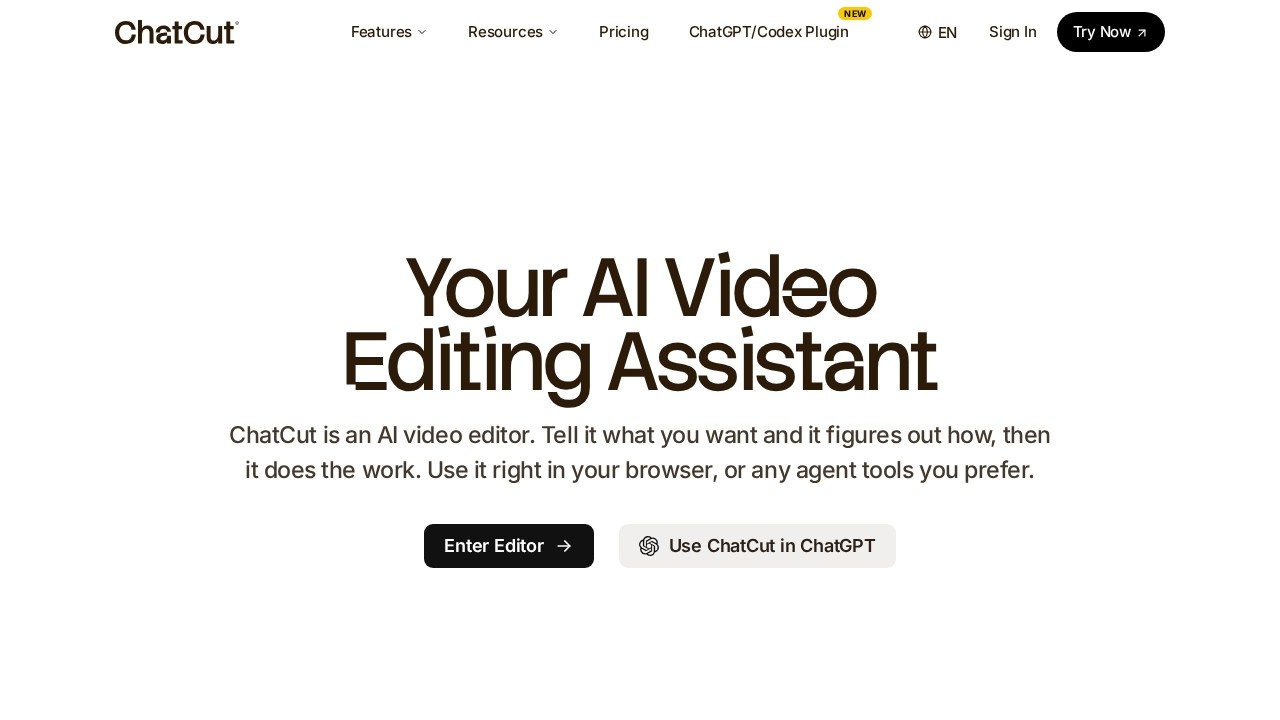
ChatCut is an AI-powered video editing assistant that automatically trims, cuts, and repurposes long-form content into short, engaging clips. It works directly in your browser or through agent tools like ChatGPT. You tell it what you want, and the AI figures out how to execute the edit—whether that's trimming dead air, finding highlights, or adding motion graphics. The tool is designed for social media, marketing, and content repurposing workflows.
Application scenarios
Social media clip creation
Automatically cut long videos into short, shareable clips for platforms like TikTok, Instagram, or YouTube Shorts.
Talking head cleanup
Remove filler words, repeated takes, and dead air from vlogs or educational content.
Content repurposing
Turn a single long-form video into multiple shorter assets for different channels.
Motion graphics for creators
Generate chapter cards, charts, timelines, and emphasis effects without After Effects or keyframing.
Text-based editing for video
Edit video like a document—change or cut text in the transcript, and the timeline updates automatically.
Auto-captioning
Generate accurate captions in 100+ languages straight from the transcript.
Core Features
Prompt-based video editing
Describe what you want in plain English, and the AI finds highlights, cuts repeated takes, and builds a real first cut—not a template.
AI motion graphics generator
Type a description like "chapter card with page number icon" or "bar chart growth animation," and the tool builds the animation directly onto your timeline.
Text-based editing
Edit your video transcript like a document—change a word, cut a sentence, or remove filler words, and the timeline follows automatically.
Auto AI captions
Generate captions in over 100 languages directly from the transcript, with high accuracy on the first pass.
Multi-clip timeline management
The agent watches your footage, understands what each clip is about, and arranges them in a logical order.
Browser-based editor
Use ChatCut directly in your browser or integrate it with ChatGPT via the desktop app plugin.
Target users
Content creators, social media managers, video editors, marketers, and anyone who repurposes long-form video into short clips. It's especially useful for talking head creators, vloggers, and educators who need to quickly clean up footage and add visual polish without deep editing skills.
How to use ChatCut?
- Open ChatCut in your browser or paste the plugin link into the ChatGPT desktop app (Work or Codex tab).
- Upload your video or paste a transcript.
- Describe your edit in plain English—e.g., "Find the highlights and add B-roll," or "Clean up filler words."
- Use the text-based editor to fine-tune by editing the transcript.
- Add motion graphics by describing the animation you want.
- Export your final clip or share directly.
Pricing and free trial
The website text does not mention any pricing plans, free trials, or subscription tiers. This section is omitted.
Effect review
ChatCut's core value is its ability to replace manual trimming and template-based editing with prompt-driven workflows. The text-based editing feature is particularly strong for talking head content—it eliminates the need to scrub through timelines. The AI motion graphics generator is a standout for creators who want professional-looking chapter cards and data overlays without learning After Effects. However, the tool's effectiveness depends on the clarity of your prompts and the quality of your source footage. For most social media and marketing teams, ChatCut offers a practical shortcut to producing polished short-form content quickly.
Frequently Asked Questions
What is ChatCut?
How does ChatCut work?
What types of videos can ChatCut process?
Is ChatCut free to use?
Can I customize the clips generated by ChatCut?
What platforms are the clips optimized for?
ChatCut - AI Tool Detail
ChatCut by ChatCut.io is an AI-powered video editing tool that automatically trims and cuts long-form content into short, engaging clips for social media, marketing, and content repurposing.
Category:Video editing
Visit Link:https://chatcut.io/
Tags:AI video editor、automatic video trimming、content repurposing、social media clips、video clipping tool