
Cleanvoice AI
Cleanvoice AI by Cleanvoice is an audio tool for podcasters that removes background noise, filler words, mouth sounds, and silence, delivering studio-quality sound without manual editing.
What is Cleanvoice AI?
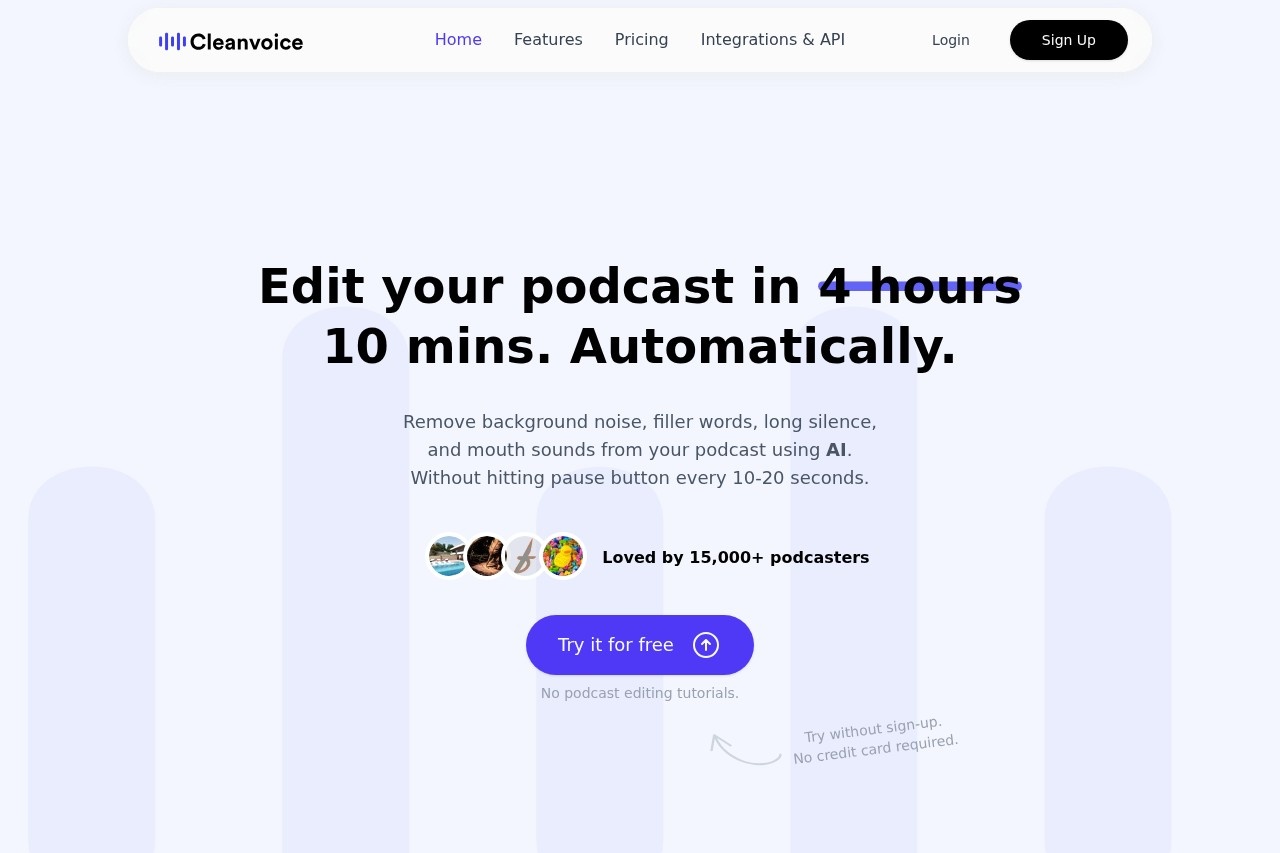
Cleanvoice AI is an automated audio and video editing tool designed specifically for podcasters. It uses artificial intelligence to remove background noise, filler words, long silences, mouth sounds, and breaths from recordings—without requiring manual editing or technical know-how. The platform promises to clean up a podcast in hours rather than days, letting creators focus on content instead of post-production. Over 15,000 podcasters have adopted it to streamline their workflow.Application scenarios
Podcast production
Clean up audio or video recordings by stripping out unwanted noises, filler words, and dead air in a few clicks.
Multitrack editing
Simultaneously edit separate guest tracks and sync them into a single, uninterrupted podcast episode.
Transcription and summarization
Generate error-free transcripts and podcast summaries without reading through pages of text, then create show notes and chapter markers.
Social media content creation
Boost your podcast’s reach by generating social content from the cleaned audio or summary.
Enterprise-scale editing
Use the Cleanvoice API to edit podcasts or videos at scale for companies or projects, with setup in five clicks.
Core Features
Background noise remover
Automatically removes honking vehicles, crying babies, barking dogs, slamming doors, and other ambient sounds—no need to re-record.
Filler words remover
Detects and eliminates filler words in 20+ languages, cleaning up speech patterns.
Audio enhancer (studio sound)
Polishes the overall audio quality to deliver a studio-grade listening experience.
Long pauses/dead air remover
Cuts out extended silences to keep the podcast flowing naturally.
Mouth sounds and breath remover
Removes distracting mouth clicks, smacks, and heavy breaths.
Podcast transcription
Provides error-free transcription regardless of accent, with downloads in multiple formats.
Podcast summary + social content
Generates a concise summary, highlights key points, and creates show notes and chapter markers—without manual effort.
Multitrack editing
Handles multiple guest tracks simultaneously, syncing them into one seamless file.
Timeline export
Exports timelines of removed parts for reference, allowing manual fine-tuning in other editors.
Target users
Podcasters of all levels—from solo hosts to multi-guest shows—who want to save time on editing. Also suitable for content creators, media teams, and enterprises that need to process large volumes of audio or video content at scale.How to use Cleanvoice AI?
- Upload your files: Drag and drop your audio or video file onto the platform.
- Let AI process: Sit back while Cleanvoice automatically removes background noise, filler words, silences, and mouth sounds.
- Download or export: Once cleaned, download the polished file or export it directly to your preferred editor. You can also generate a transcript, summary, or social content from the same interface. No sign-up or credit card is required to try it.
Pricing and free trial
The website clearly states you can "Try it for free" and "Try without sign-up. No credit card required." It also mentions "free credits initially" in the FAQ section. No specific paid pricing tiers or subscription amounts are listed in the provided text.Effect review
Cleanvoice AI delivers exactly what it promises: a hands-off editing experience that handles the most tedious parts of podcast post-production. The ability to remove background noise, filler words, and mouth sounds in one pass—without needing to learn editing jargon—makes it a practical choice for busy creators. The inclusion of transcription, summarization, and social content generation adds real value beyond basic cleanup. With over 15,000 users and positive feedback implied by the "stories of why 15k+ podcasters love Cleanvoice," the tool appears to reliably save time and improve audio quality. For podcasters who dread editing, this is a straightforward, effective solution.Frequently Asked Questions
What file formats does Cleanvoice AI support?
How long does it take to process an audio file?
Can I customize what Cleanvoice removes?
Is Cleanvoice AI free to use?
Does it work with multiple speakers?
Will my audio quality be affected?
Cleanvoice AI - AI Tool Detail
Cleanvoice AI by Cleanvoice is an audio tool for podcasters that removes background noise, filler words, mouth sounds, and silence, delivering studio-quality sound without manual editing.
Category:Speech processing
Visit Link:https://cleanvoice.ai/
Tags:podcast editing、audio cleaning、noise removal