
Kling
Kling by Kuaishou generates 3.5 video clips from text prompts or reference images. Start with free credits and upgrade for more high-quality AI video renders.
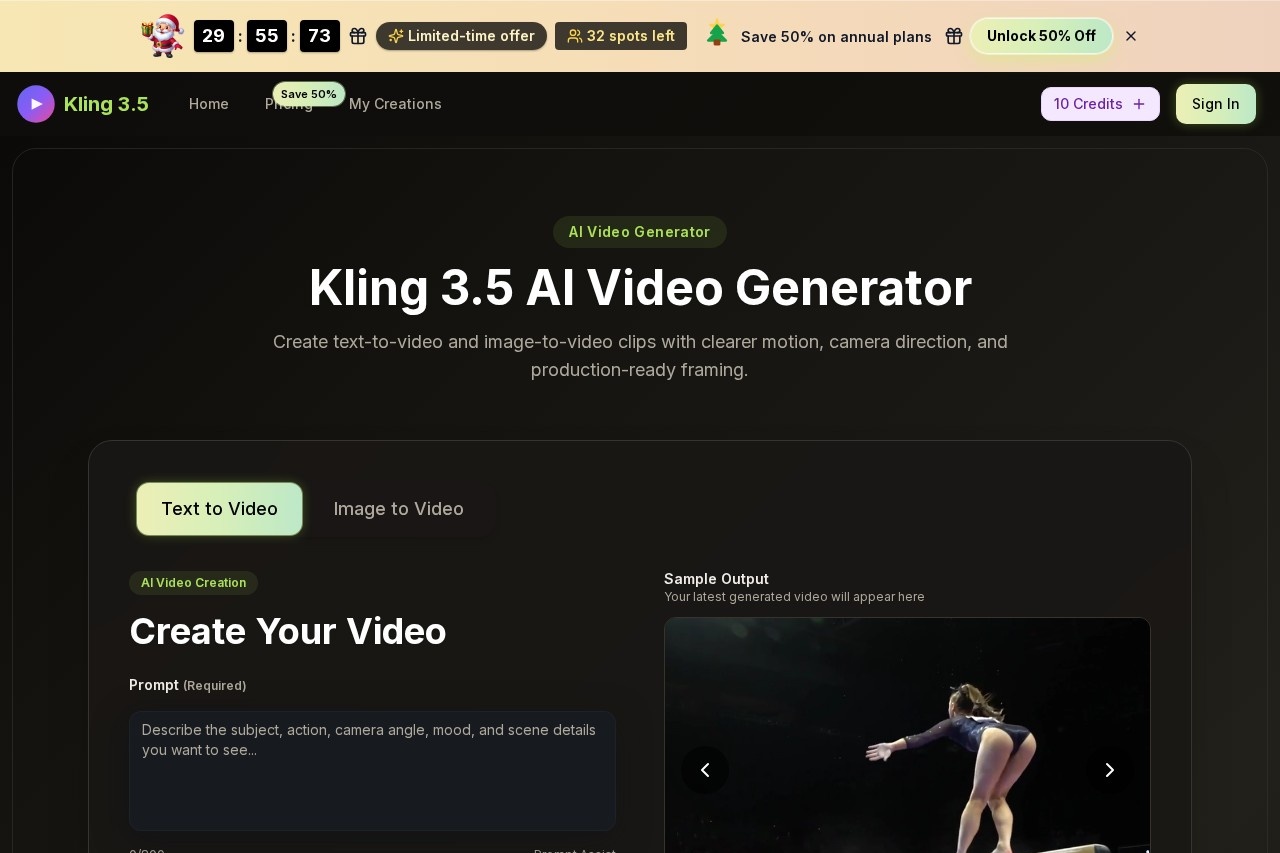
What is Kling?
Kling is an AI video generator that creates short video clips from text prompts or reference images. It is designed to produce clips with clear motion, camera direction, and production-ready framing. Users employ it to quickly generate motion drafts for concepts, ads, social content, and client reviews.Application scenarios
Product marketing
Turn product photos into short promotional video clips.
Portrait animation
Create moving portraits from still images.
Concept visualization
Generate video drafts for early-stage creative concepts.
Branded content production
Develop short clips for advertising campaigns and social media posts.
Storyboarding
Test scene angles and visual pacing before final production.
Client reviews
Create visual drafts to present and refine ideas with clients.
Core Features
Text-to-video generation
Describe a scene in plain language to generate a first moving draft.
Image-to-video generation
Use a product photo, portrait, or illustration as a consistent starting frame for animation.
Prompt Assist
Get help crafting effective text prompts up to 800 characters long.
Cinematic camera direction
Guide specific camera moves like push-ins, pans, tracking shots, and close-ups.
Aspect ratio control
Choose from multiple formats including 16:9, 9:16, 4:3, 3:2, 21:9, and 1:1.
Video quality settings
Render clips in 720p HD or 1080p Full HD resolution.
Duration control
Generate clips in either 5-second or 10-second lengths.
Physics-led motion
Create movement that feels clear and realistic across subjects and environments.
Multi-shot planning
Test different scene angles and story beats within the generation workflow.
Preview and refine
Preview the rendered video and adjust the prompt to save the best version for a project.
Target users
This tool is built for creators and marketing teams who need to quickly visualize ideas. It benefits content creators, social media managers, product marketers, and advertising teams looking to produce draft video assets without immediate need for full-scale filming or editing.How to use Kling?
The process involves a three-step workflow. First, set the scene by writing a text prompt or uploading a reference image. Second, direct the movement by choosing the camera angle, motion speed, visual style, duration, and aspect ratio. Third, pick the usable take by previewing the render, adjusting the prompt if needed, and saving the final version. You can start by visiting the official website and entering a scene idea.Pricing and free trial
The website states that Kling offers free credits to start. It mentions special annual discounts and the ability to cancel anytime, but specific pricing details for paid plans are not provided in the given text.Effect review
Based on the described feature set, Kling 3.5 is positioned as a practical tool for controlled pre-production. Its emphasis on camera direction, consistent styling from reference images, and physics-led motion suggests a focus on generating usable, coherent drafts rather than purely experimental clips. For creators needing to quickly validate visual concepts or produce early-stage assets for client feedback and campaign planning, the tool's structured workflow aims to bridge the gap between a static idea and a moving first draft efficiently.Frequently Asked Questions
What is Kling?
Is Kling free to use?
How long are the videos Kling creates?
What inputs does Kling accept?
Can I upgrade my Kling plan?
Who created Kling?
Kling - AI Tool Detail
Kling by Kuaishou generates 3.5 video clips from text prompts or reference images. Start with free credits and upgrade for more high-quality AI video renders.
Category:Video generation
Visit Link:https://www.kling35.org/
Tags:AI video generator、text-to-video、image-to-video、video synthesis、AI video creation