VidBrief
VidBrief by an independent developer offers AI-powered YouTube video summaries in 30 seconds, with clickable chapter outlines, full transcripts, and a timestamp-cited chat. Free to use with no credit
What is VidBrief?
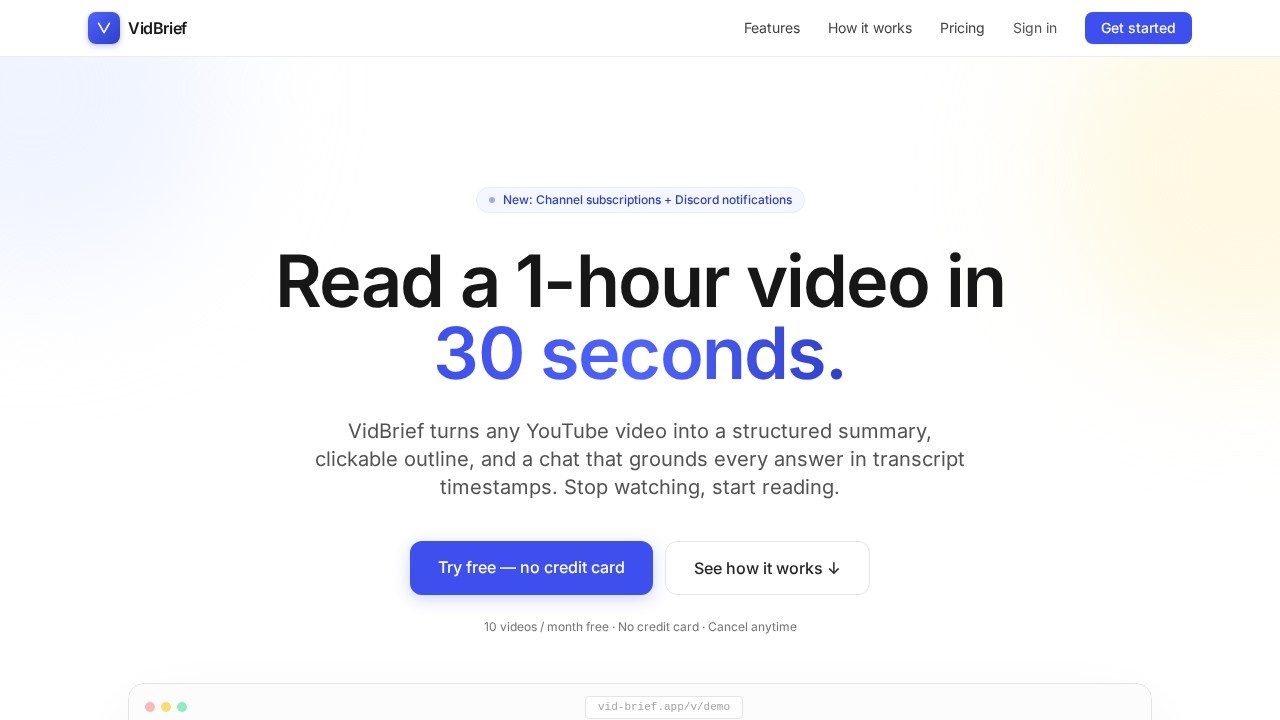
VidBrief is an AI-powered tool that turns any YouTube video into a structured summary, clickable outline, and a timestamp-cited chat. It processes videos in under a minute, letting you read a 1-hour video in 30 seconds. Users paste a URL, and the AI generates a one-paragraph summary, key takeaways, a chapter map, and a searchable knowledge base. It’s free to start with no credit card required, offering 10 videos per month at no cost.Application scenarios
Research
Quickly extract key points from long academic talks or lectures without watching the full video.
Education
Students can get summaries and chapter outlines of educational content, then jump to specific timestamps for verification.
Podcast consumption
Listeners can read structured summaries of podcast episodes and chat with the transcript for specific insights.
Content creation
Creators can analyze competitor videos or research topics by scanning summaries and exporting notes to tools like Notion or Obsidian.
Investing
Investors can review lengthy earnings calls or industry deep-dives in seconds, with timestamp-cited answers for fact-checking.
Lifelong learning
Curious minds can build a personal knowledge base by processing multiple videos and searching across them semantically.
Core Features
Summary + key takeaways
A one-paragraph summary plus 3–5 key points that matter, letting you decide in 30 seconds whether to watch the full video.
Clickable outline
A chapter-by-chapter map of the video with timestamps; click any timestamp to jump directly to that moment without scrubbing.
Chat with the video
Ask any question about the video, and every answer cites a [mm:ss] timestamp so you can verify in one click.
Personal knowledge base
Semantic search across every video you’ve processed—ask “Where did I hear about attention heads?” and get instant results.
Channel subscriptions
Follow YouTube channels; new uploads are summarized and added to your library automatically, even videos without captions.
Export to your tools
One-click export to Markdown, Notion, Obsidian, or a JSON feed, keeping your notes in your preferred workspace.
Audio/video file upload
You can upload an audio or video file directly, not just YouTube URLs—the AI processes either path (captions or audio).
Discord notifications
New: Channel subscriptions can trigger Discord notifications for newly summarized videos.
Target users
VidBrief is built for researchers, students, creators, and curious minds. It specifically targets students, researchers, journalists, podcasters, investors, and lifelong learners who need to consume video content at reading speed.How to use VidBrief?
- Paste a URL: Enter any YouTube link, channel, @handle, or upload an audio/video file directly.
- AI processes the video: The system runs transcript + DeepSeek summary + chapter outline + knowledge base index—most videos finish in under a minute.
- Read, search, chat, export: Jump to any timestamp, ask grounded questions, or export your notes to Notion, Obsidian, Markdown, or JSON.
Pricing and free trial
VidBrief offers a free tier: process 10 videos per month for free, forever, with no credit card required. Paid upgrades are available for higher limits, Notion/Discord push, channel subscriptions, and AI alerts. The site states “Free to start. Pay only when you grow.”Effect review
The tool delivers on its promise of turning long videos into structured, verifiable notes in under a minute. The combination of a clickable outline, timestamp-cited chat, and personal knowledge base makes it genuinely useful for anyone who regularly watches educational or research content. The free tier is generous (10 videos/month with no credit card), and the export options to Notion and Obsidian integrate well with existing note-taking workflows. While the site doesn’t provide user testimonials or quality metrics, the feature set is solid and directly addresses the pain point of consuming video at reading speed. It’s a practical tool for students, researchers, and podcast listeners who want to save time without losing the ability to verify sources.Frequently Asked Questions
What is VidBrief?
How does VidBrief create summaries?
Is VidBrief free to use?
Can I interact with the video content?
What formats does VidBrief provide?
Who developed VidBrief?
VidBrief - AI Tool Detail
VidBrief by an independent developer offers AI-powered YouTube video summaries in 30 seconds, with clickable chapter outlines, full transcripts, and a timestamp-cited chat. Free to use with no credit
Category:Speech synthesis
Visit Link:https://vidbrief.org/
Tags:YouTube summarizer、AI video tool、video transcript chat、timestamp-cited summaries、free AI tool