
Minimi
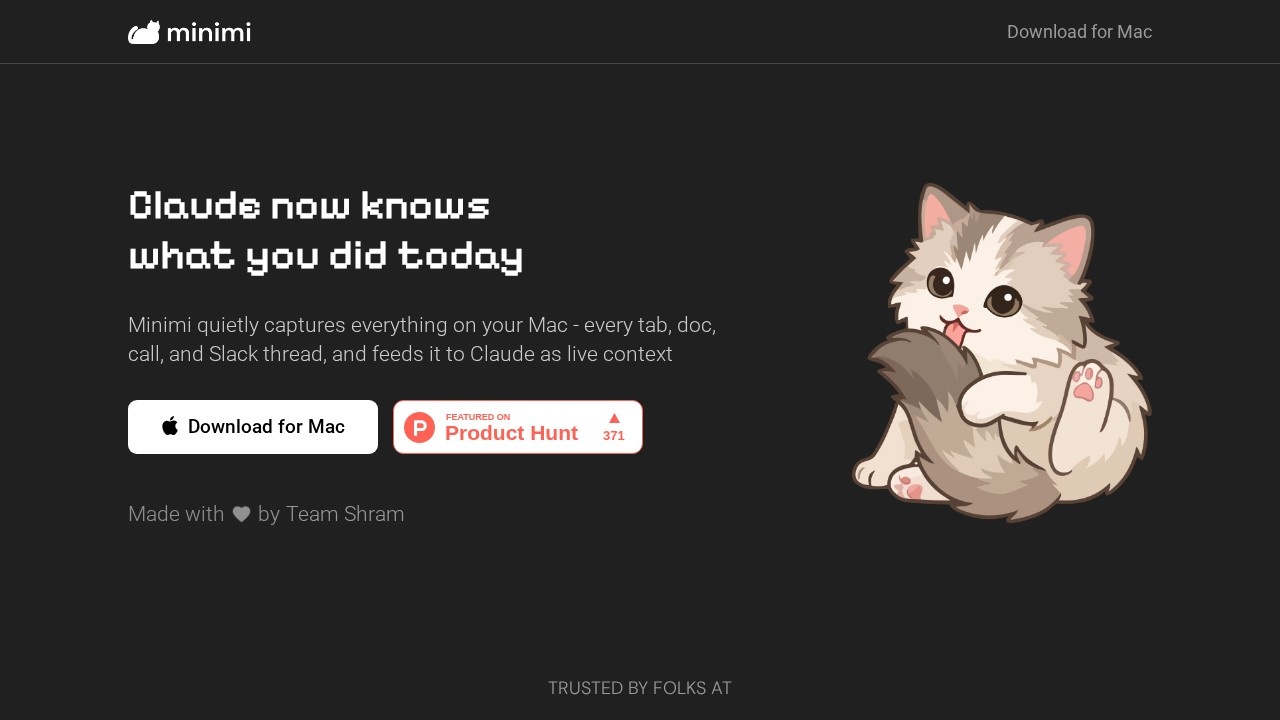
Minimi by Project Minimi captures and organizes everything you read, say, or hear on your Mac, providing Claude with full context for more informed and personalized AI interactions.
What is Minimi?
Minimi is a Mac app that quietly captures everything you read, say, or hear on your computer—every tab, document, call, and Slack thread. It feeds this live context directly to Claude, so the AI knows what you’ve done today without extra prompting. Users install it once, connect it to Claude via an MCP link, and then ask Claude anything about their digital activity. It acts as an ambient memory layer, letting Claude answer questions like “What did I promise to send by Friday?” or “Find that article I was reading last Tuesday.”Application scenarios
Work recall
Ask Claude “What did we decide in yesterday’s meeting?” or “Who sent me the screenshot about the bug?” without digging through notes.
Task management
Get instant answers to “What did I promise to send by Friday?” and “What were the action items from this morning’s call?”
Research and learning
Use “Show me everything I’ve read about this topic” or “Find that article I was reading last Tuesday” to retrieve past reading.
Personal reflection
Ask “What was I worried about a month ago?” or “How has my thinking on this changed?” to track your own thought evolution.
Productivity tracking
Query “What did I actually do today?” or “What have I been quietly avoiding?” for a candid daily summary.
Context switching
Use “Where did I leave off on this?” to resume work on a project without re-reading everything.
Core Features
Live context capture
Minimi silently records every tab, document, call, and Slack thread on your Mac and feeds it to Claude as real-time context.
On-device memory storage
All captured memory lives on your Mac’s local vector database—nothing is stored in the cloud.
High accuracy
The app claims 54% accuracy on the BEAM benchmark (ICLR 2026), which is 50% more accurate than previous state-of-the-art models.
Privacy-first design
Memory retrieval works using embeddings generated by Gemini on a paid plan, but Gemini itself has no access to your data. Data in transit to the LLM is decrypted just before processing and re-encrypted on return.
One-click installation
Download the app, sign in, and the Minimi icon appears in your tray. No complex setup.
Simple Claude connection
Copy the MCP link from Minimi and paste it into Claude’s custom connector to enable memory access.
Natural language queries
Start a chat with Claude and ask anything—from “What did I do today?” to “What should I focus on right now?”—without extra prompting.
Target users
Minimi is built for professionals who rely on Claude for daily work and want to stop re-explaining their context. It’s ideal for knowledge workers, project managers, researchers, and anyone juggling multiple tabs, documents, and Slack threads who needs instant recall of what they’ve read, said, or heard. The app is also suited for privacy-conscious users who want on-device memory rather than cloud storage.How to use Minimi?
- Install and forget: Download the Mac app, sign in, and the Minimi icon appears in your tray. It runs silently in the background.
- Connect to Claude: Copy the MCP link provided by Minimi and paste it into Claude’s custom connector.
- Start chatting: Open a new chat with Claude and ask it to use Minimi to answer any question about your activity—no extra prompting needed.
Effect review
Minimi delivers on its promise of ambient memory for Claude, making it feel like the AI truly knows your day. The 54% accuracy on the BEAM benchmark is a strong claim, though real-world performance will depend on the variety of your daily digital activity. The on-device storage and encryption-in-transit approach addresses legitimate privacy concerns, which is critical for a tool that captures everything on your Mac. For users who already rely on Claude for deep work, Minimi eliminates the friction of manually feeding context—just ask and get an answer. It’s a practical, well-designed companion for anyone tired of repeating themselves to their AI.Frequently Asked Questions
What does Minimi do?
Is Minimi compatible with all Mac versions?
How does Minimi ensure privacy?
Can I control what Minimi captures?
Does Minimi work with other AI tools besides Claude?
Minimi - AI Tool Detail
Minimi by Project Minimi captures and organizes everything you read, say, or hear on your Mac, providing Claude with full context for more informed and personalized AI interactions.
Category:Personal Assistant
Visit Link:https://www.projectminimi.com/
Tags:AI memory、context-aware AI、Mac productivity、personal AI assistant