
Keel
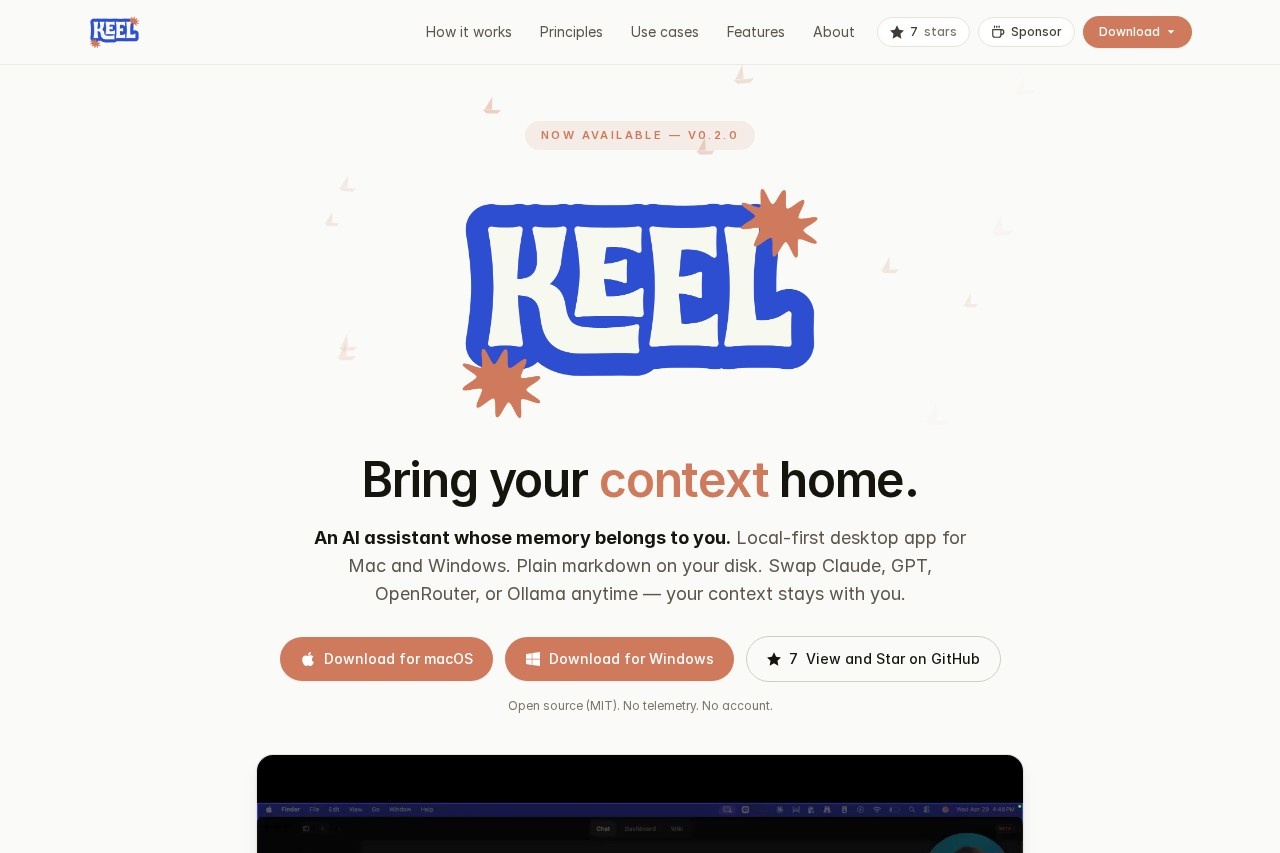
Local-first desktop app by Keel Labs for Mac and Windows. Uses plain markdown stored on your disk. Seamlessly swap between Claude, GPT, OpenRouter, or Ollama while your context remains intact.
What is Keel?
Keel is a local-first desktop app for Mac and Windows that acts as an AI assistant with memory you control. It stores all your notes, captures, and projects as plain markdown files on your disk, so you own the data. You can swap between Claude, GPT, OpenRouter, or Ollama models at any time without losing your conversation context. Keel is open source (MIT), has no telemetry, and requires no account or server.Application scenarios
Daily workflow
Start with a morning brief generated from your workspace, surface open tasks, and end the day with a structured end-of-day summary written back into your daily log.
Project knowledge bases
Turn any project folder into a queryable wiki by ingesting markdown and PDFs, then keep it synced as files change.
Meeting notes
Record a meeting or import audio; Keel transcribes locally with Whisper and writes a structured summary with decisions, action items, and attendees.
Task management
Create and track first-class to-dos backed by markdown, with reminders surfaced on launch.
Offline work
Use a local model via Ollama for full offline capability, no internet required.
Multi-model flexibility
Switch between Claude, GPT, OpenRouter, or Ollama in settings, with automatic fallback when one provider is down.
Core Features
Markdown workspace
A folder on your disk (typically ~/Keel) full of plain markdown—project notes, daily logs, wiki bases, tasks—editable in any editor and backed up by you.
Context engine
Indexes your workspace, assembles relevant context for every conversation, and writes captures, decisions, and tasks back as markdown.
Model swapping
Swap Claude, GPT, OpenRouter, or Ollama anytime; your context stays intact across provider changes.
Auto-capture
When a chat produces something worth keeping—a decision, a fact, a new task—Keel quietly saves it back into your workspace.
Wiki bases
Turn any project folder into a structured, queryable knowledge base from markdown and PDFs.
Dashboard
Open tasks, reminders, morning brief, weather, and recent activity surfaced on launch so the day starts with momentum.
Tasks & reminders
First-class to-dos backed by markdown, with reminders.
Meeting transcription
Record or import audio; Keel transcribes locally with Whisper and writes structured summaries.
Local-first privacy
No telemetry, no account, no server—your workspace never leaves your machine unless you explicitly ask it to.
Open source (MIT)
Full code available on GitHub; no telemetry, no account required.
Target users
Keel is built for professionals and teams who want an AI assistant with full data ownership—developers, project managers, researchers, and knowledge workers who need to keep their notes, tasks, and project context in plain markdown on their own machine. It's ideal for anyone who values privacy, offline capability, and the freedom to switch AI models without losing context.How to use Keel?
Download the app for macOS or Windows from the official site. After installation, point Keel to a folder on your disk (~/Keel by default) containing plain markdown files. The app indexes your workspace automatically. Start a conversation, and Keel assembles relevant context from your files. You can swap AI providers (Claude, GPT, OpenRouter, Ollama) in settings. Use commands like/create-kb and /refresh-kb to build project knowledge bases, or record meetings for local transcription and structured note-taking.Effect review
Keel delivers on its core promise: a local-first AI assistant that respects your data ownership. The markdown-based workspace is refreshingly simple—no proprietary formats, no cloud lock-in. The ability to swap models mid-conversation while keeping context intact is genuinely useful for power users who want to compare outputs or fall back when a provider is down. The auto-capture feature and meeting transcription (with local Whisper) add practical daily value. For anyone tired of AI tools that hoard your data in a database, Keel offers a clean, open-source alternative that puts you in control.Frequently Asked Questions
What is Keel?
How does Keel handle my data?
Can I switch AI models in the middle of a conversation?
Is Keel free to use?
What platforms does Keel support?
Keel - AI Tool Detail
Local-first desktop app by Keel Labs for Mac and Windows. Uses plain markdown stored on your disk. Seamlessly swap between Claude, GPT, OpenRouter, or Ollama while your context remains intact.
Category:Personal Assistant
Visit Link:https://keel-labs.github.io/
Tags:local-first、markdown、multi-model、desktop、privacy-focused