
img2.ai
img2.ai is a free-to-try platform for turning photos into AI art, new styles, and animated video clips. It offers image-to-image and image-to-video AI transformations in seconds.
What is img2.ai?
img2.ai is a free-to-try platform that turns any image into AI-generated art, new styles, or animated video clips. It combines image-to-image and image-to-video AI into one clean workflow, letting users upload a photo, choose a mode, and get polished results in seconds. No editing skills are required. The tool also supports text-to-image and text-to-video generation, plus an image upscaler for improving quality.Application scenarios
Creative art generation
Transform a single photo into a new image with a different style, mood, or look while keeping the main subject consistent.
Short video creation
Animate any static photo into a short video clip with smooth motion and natural camera movement.
Product visualization
Use image-to-video AI to turn product shots into motion content for marketing or e-commerce.
Concept development
Generate scenes, backgrounds, and visual ideas from text prompts without needing a timeline editor.
Image enhancement
Upscale low-resolution images to 4x quality with one click, improving sharpness and details.
Quick content loops
Create short video loops and visual ideas from text prompts for social media or presentations.
Core Features
Image-to-image AI
Upload a photo and transform it into a new image in a different style, creating clean variations while preserving the core composition.
Image-to-video AI
Animate any static photo into a short video clip with smooth motion and natural camera movement.
Text-to-image
Turn a short prompt into fresh visuals in seconds, generating scenes, backgrounds, and concepts for download.
Text-to-video
Convert a short prompt into a video clip, creating quick loops and visual ideas without editing a timeline.
Image upscaler
Improve image quality with one click, enhancing sharpness, cleaning up details, and exporting in higher quality (up to 4x).
Multiple AI model selection
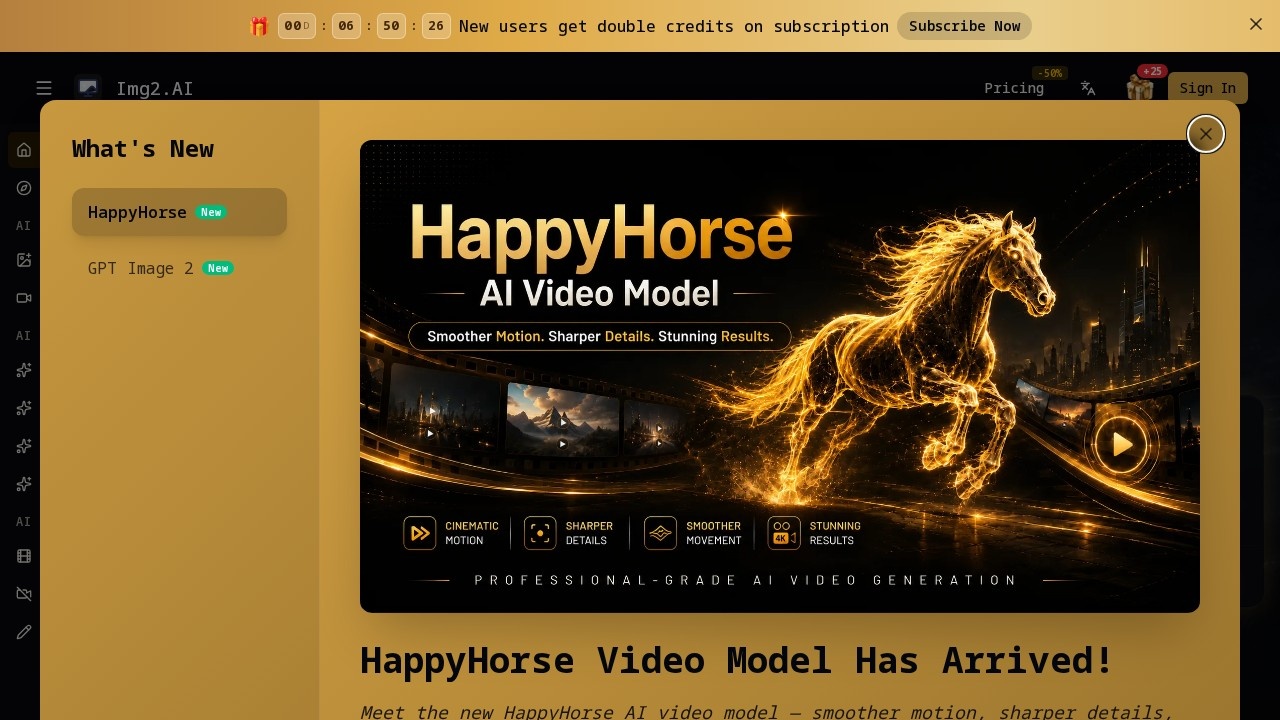
Choose from top AI models including GPT Image 2, HappyHorse 1.0, Nano Banana, Seedance 2.0, Gemini, ImageGPT, Seedream, Flux, Grok, and Veo.
Inspiration gallery
Browse a gallery of "Create Same" examples to see what others have made and replicate styles.
One clean hub
All workflows (image-to-image, image-to-video, text-to-image, text-to-video, upscaling) are integrated into a single interface, so you don’t need to switch tools.
Target users
img2.ai is designed for anyone who wants to create AI-generated images and videos quickly without editing skills. This includes content creators, marketers, social media managers, product designers, artists, and hobbyists looking to experiment with AI art or animate static photos.How to use img2.ai?
- Visit img2.ai and upload a photo (or enter a text prompt).
- Choose a mode: Image to AI (image-to-image), Image to Video AI, Text to Image, or Text to Video.
- Select an AI model from the available options (e.g., GPT Image 2, HappyHorse 1.0, Seedance 2.0).
- Adjust settings if needed (e.g., aspect ratio 1:1, HD 1080p).
- Click generate and wait for polished results in seconds.
- Download or upscale the output as needed.
Pricing and free trial
The website states img2.ai is "free-to-try," but no specific pricing tiers, credits, or subscription costs are mentioned in the provided text. For detailed pricing, visit the official website.Effect review
img2.ai delivers a straightforward, no-frills experience for turning images into AI art and videos. The integration of multiple AI models (from GPT Image to Grok) gives users variety in style and output quality, while the image upscaler adds practical value for improving low-res assets. The "Create Same" gallery suggests a community-driven inspiration layer, though no user feedback or performance benchmarks are provided. For casual creators and marketers who need fast, one-click transformations without editing timelines, this tool is a solid entry point—but power users may want more granular control over motion or style parameters.Frequently Asked Questions
What is img2.ai?
Is img2.ai free to use?
How fast are the transformations?
What types of output can img2.ai create?
Do I need technical skills to use img2.ai?
Can I use my own photos with img2.ai?
img2.ai - AI Tool Detail
img2.ai is a free-to-try platform for turning photos into AI art, new styles, and animated video clips. It offers image-to-image and image-to-video AI transformations in seconds.
Category:Image generation
Visit Link:https://img2.ai/
Tags:AI art generator、image-to-video、photo transformation