Wispro
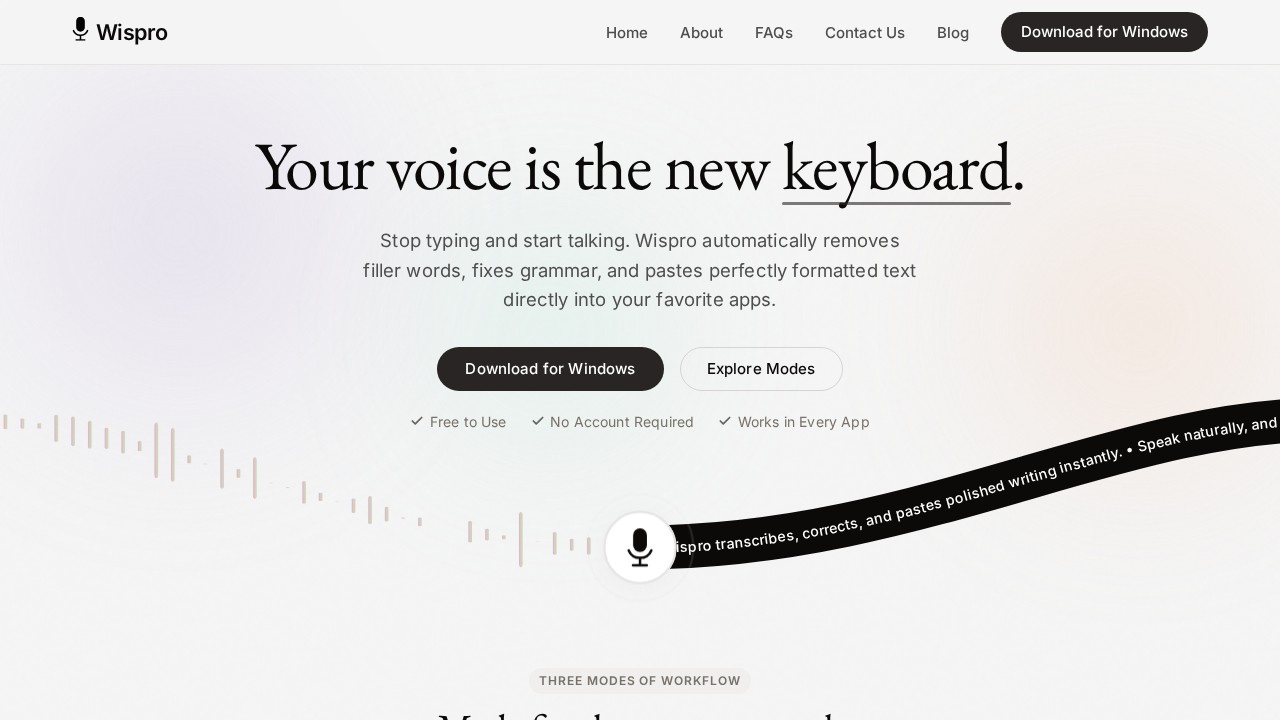
Wispro by Wispro is a desktop voice dictation assistant for Windows that converts natural speech into polished, formatted prose, pasting instantly into any application.
What is Wispro?
Wispro is a native Windows desktop voice dictation assistant that transforms natural speech into polished, formatted prose. It automatically removes filler words, fixes grammar, and pastes perfectly formatted text directly into any application you're using. The tool runs silently in the background, ready to capture your voice with a simple hotkey trigger. It’s completely free to use, requires no account, and supports over 100 languages with real-time detection and translation.Application scenarios
Messaging
Dictate fast replies in chat apps without typing, with automatic cleanup of hesitations and typos.
Document drafting
Speak naturally into word processors; Wispo formats messy thoughts into polished prose.
Email composition
Use command mode to instantly generate emails like “draft an email to John” or “write a polite decline.”
Code writing
Dictate code snippets while custom formatting rules adapt output to coding syntax and style.
Meetings & notes
Capture spoken ideas in real-time during meetings, with automatic editing of filler words.
Legal or technical writing
Set custom formatting rules for precise document structure, acronyms, and industry jargon.
Multilingual work
Dictate in your native language; Wispro automatically detects and translates over 100 languages in real-time.
Core Features
Basic Mode
Fast, raw speech-to-text that places words on screen instantly exactly as spoken, with no filtering or delay.
Smart Mode
Speak naturally and the AI automatically edits out “ums,” fixes typos, and formats messy thoughts into polished prose.
Command Mode
A voice-activated assistant that generates text from instructions like “draft an email to John” or “write a polite decline.”
Personal Dictionary
Teach Wispro unique names, acronyms, and industry jargon so it never gets them wrong.
Voice Snippets
Save frequently used text templates and insert them anywhere using a short voice command.
Context Awareness
Wispro recognizes the application you’re typing into and automatically adapts formatting and tone to match the environment.
Custom Formatting Rules
Set rules for how Wispro formats text, whether you’re coding or drafting legal documents.
Maximum Privacy
Your API keys are encrypted locally; you maintain full ownership of your data and voice recordings.
100+ Languages
Speak in your native language; Wispro automatically detects and translates over 100 languages in real-time as you dictate.
Global Keyboard Shortcuts
Trigger dictation with a hotkey in any Windows application, then release to instantly paste polished text.
Target users
Wispro is ideal for professionals who type extensively—writers, developers, legal professionals, customer support agents, and anyone who wants to speed up text entry. It also suits multilingual workers and those who need hands-free dictation for accessibility or productivity.How to use Wispro?
- Download the native Windows app from the official website (no account required).
- Hold your chosen hotkey in any Windows application to trigger dictation.
- Speak naturally, ignoring mistakes and hesitations.
- Release the hotkey to instantly paste polished, perfectly formatted text into the active app.
Pricing and free trial
Wispro is completely free to use with zero subscriptions and no strings attached. You get full access to all features: global keyboard shortcuts, 100% local data control, custom formatting rules, voice snippets, context-aware dictation, personal dictionary, automatic media pausing, over 100 languages, and all three modes (Basic, Smart, Command).Effect review
Wispro delivers a frictionless dictation experience that feels genuinely useful for daily Windows workflows. The three-mode system—raw dictation, AI-polished prose, and command-based generation—covers everything from quick notes to complex document drafting. Its context awareness and custom formatting rules add a layer of precision that many dictation tools lack. Privacy-conscious users will appreciate local encryption and full data ownership. While the tool is Windows-only and lacks a web or mobile version, its zero-cost, no-account model makes it an easy recommendation for anyone tired of typing.Frequently Asked Questions
What is Wispro?
How does Wispro work?
Which applications does Wispro support?
Is Wispro available for Mac or Linux?
Does Wispro require an internet connection?
Can Wispro handle multiple languages?
Wispro - AI Tool Detail
Wispro by Wispro is a desktop voice dictation assistant for Windows that converts natural speech into polished, formatted prose, pasting instantly into any application.
Category:AI voice assistant
Visit Link:https://wisproapp.com/
Tags:voice dictation、speech-to-text、desktop assistant、Windows tool、AI writing