
Lispr
Lispr is a free, lightweight voice dictation tool for Windows by an independent developer. It lets you dictate text in ~99 languages and translates it instantly, requiring no account. Simply hold righ
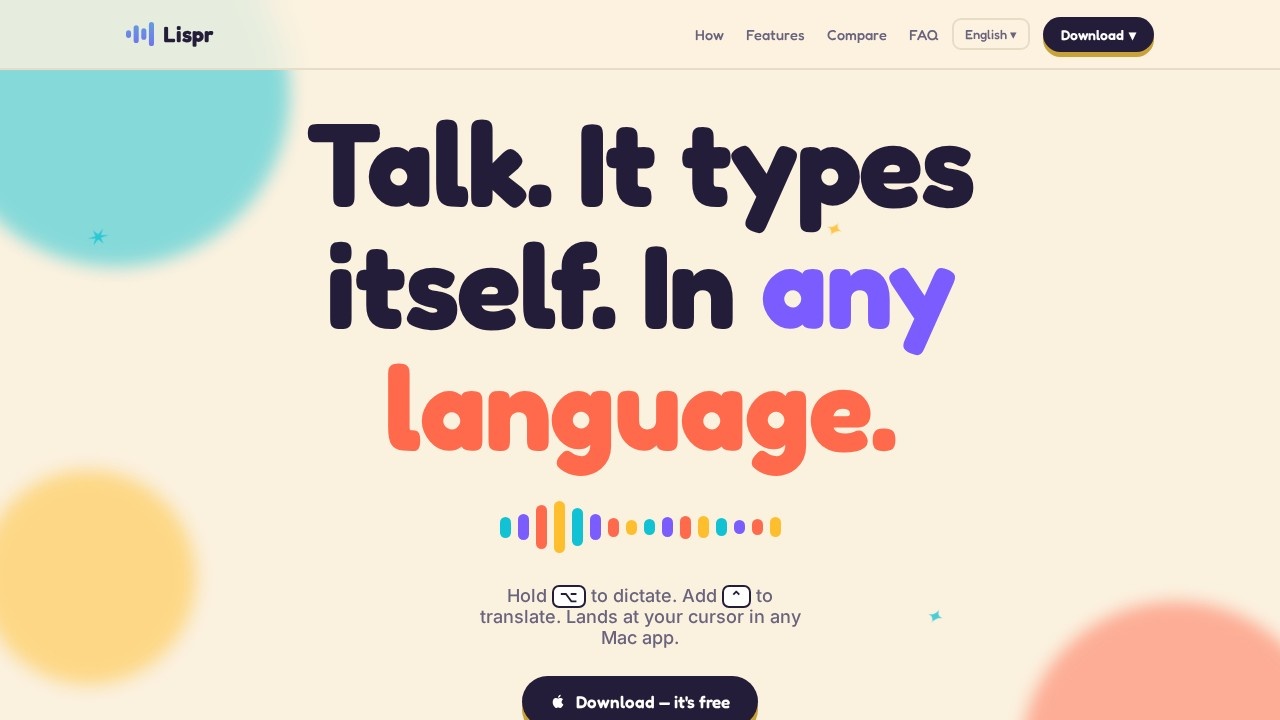
What is Lispr?
Lispr is a free, lightweight voice dictation tool for Windows by the independent developer Codebridge. It lets you dictate text in ~99 languages and translates it instantly, requiring no account. Simply hold the right Ctrl key to speak, and optionally tap Shift mid-speech to translate—text lands at your cursor in any Windows app. The installer is ~8 MB, signed via Microsoft, and lives quietly in the system tray with no subscription or sign-up.
Application scenarios
Multilingual customer support
Dictate a reply in English, and Lispr translates it to Spanish as you type in a WhatsApp or Slack message.
Real-time translation in meetings
Hold Ctrl+Shift to speak in your native language and have the translation typed directly into a chat or document.
Plain dictation for notes
Use the same gesture (hold Ctrl) for monolingual dictation in any app—no translation needed.
Writing in a foreign language
Type a phrase in a language you barely speak by dictating in your native tongue and letting Lispr translate and insert it.
Code or technical documentation
Add custom vocabulary like product names or code identifiers so they are recognized correctly in both dictation and translation.
Quick replies in messaging apps
Respond to a WhatsApp message in a different language without switching apps or copy-pasting.
Core Features
One-key push-to-talk
Hold the right Ctrl key to start dictation; release to stop. No window or popup in the way.
Instant translation with a second key
Tap Shift while holding Ctrl to translate your speech into a target language mid-sentence.
Auto-detected language
The tool detects your spoken language automatically—no menu to dig through.
~0.2s dictation, ~½s translation
Text appears at your cursor almost instantly, with no "thinking…" spinner.
Works in any app
If a cursor blinks (Slack, Notepad, Figma, Terminal), Lispr types there.
Custom vocabulary
Add product names, code identifiers, or client lists that the dictation and translation engines both respect.
Clipboard-safe
Inserts your text, then restores whatever you had copied previously.
System tray presence
Lives quietly in the tray with an ~8 MB installer; no subscription, no sign-up required.
Target users
Professionals who need fast, hands-free dictation or translation across Windows apps—customer support agents, remote workers, writers, developers, and anyone communicating in multiple languages daily. It's also ideal for users who prefer a lightweight, no-account tool over heavy subscription-based alternatives.
How to use Lispr?
Download the ~8 MB installer from the official site and run it on Windows 10+. No account or sign-up needed. To dictate, press and hold the right Ctrl key, speak in your native language, then release. To translate, hold Ctrl and tap Shift mid-speech—the translated text appears at your cursor in any app. You can also add custom vocabulary via the settings.
Pricing and free trial
Lispr is free—no subscription, no account, no sign-up required. The website explicitly states "free free" and compares itself to paid tools like Wispr Flow ($15/mo) and Windows voice typing (free but without built-in translation).
Effect review
Lispr delivers on its promise of near-instant dictation and translation with a simple, one-gesture workflow. The ~0.2s dictation and ~½s translation speeds are genuinely impressive for a free tool, and the lack of a subscription or account makes it refreshingly straightforward. The custom vocabulary feature adds practical value for professionals with specialized terms. While it's in early access and limited to Windows, the core functionality—hold a key, speak, see text—works reliably across any cursor-enabled app, making it a strong, no-frills alternative to pricier voice typing solutions.
Frequently Asked Questions
What is Lispr?
Is Lispr free to use?
How do I start dictating with Lispr?
Does Lispr support multiple languages?
Do I need an account to use Lispr?
Can I use Lispr on Windows only?
Lispr - AI Tool Detail
Lispr is a free, lightweight voice dictation tool for Windows by an independent developer. It lets you dictate text in ~99 languages and translates it instantly, requiring no account. Simply hold righ
Category:AI voice assistant
Visit Link:https://lispr.ai/
Tags:voice dictation、free、multilingual、translation tool、Windows