
Wispr Flow
Wispr Flow is an AI-powered dictation tool by Wispr that enables fast, accurate voice typing across any application. It converts speech to text in real time, supporting hands-free writing, note-taking
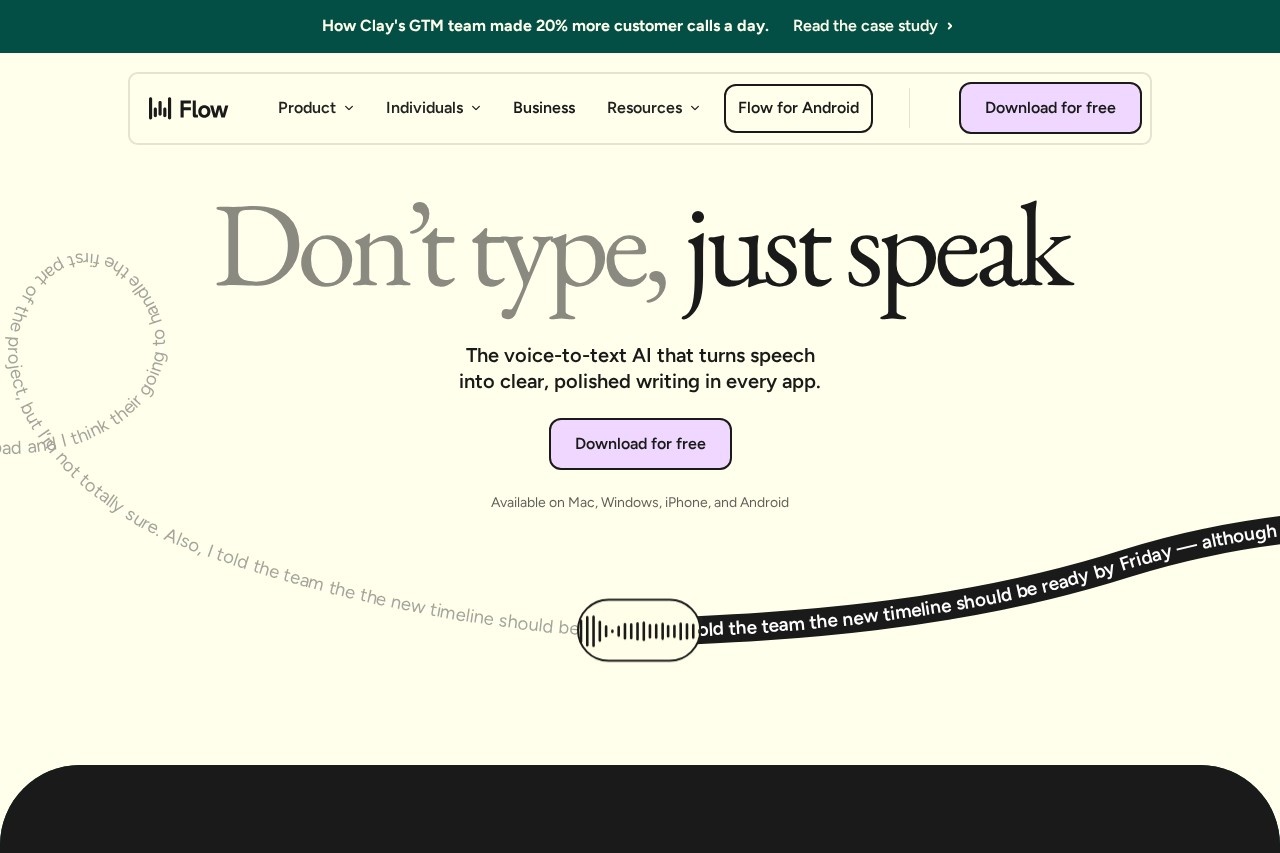
What is Wispr Flow?
Wispr Flow is an AI-powered dictation tool that converts speech to clear, polished text in real time across any application. It works on Mac, Windows, iPhone, and Android, allowing users to type hands-free by speaking naturally. The tool claims to be 4x faster than typing (220 wpm vs. 45 wpm) and is designed for writing, coding, messaging, and note-taking without switching apps.Application scenarios
Writing
Draft emails, documents, and messages faster by speaking instead of typing.
Coding
Dictate code directly into editors like Cursor or VS Code, including commit messages and refactors.
Customer support
Resolve tickets and chats by speaking naturally while sending polished replies.
Content creation
Breeze through DMs, comment replies, and draft content without typing.
Legal work
Dictate contracts, case notes, and client records with precise formatting and HIPAA compliance.
Sales
Follow up after meetings, personalize outreach, and improve pitches without typing.
Accessibility
Turn speech into structured text for users who feel slowed down by a keyboard.
Education
Capture class notes, draft cover letters, and overcome writer’s block with minimal effort.
Core Features
Cross-app dictation
Speak in any application on your phone or computer—Flow converts speech to text seamlessly across all apps.
Real-time speech-to-text
Converts voice to polished writing instantly, with no noticeable delay.
4x faster output
Achieves 220 wpm dictation speed compared to 45 wpm typing, according to the tool’s metrics.
Natural language translation
Dictate in natural language and Flow translates it into code or structured text for developers.
HIPAA-ready compliance
All plans are HIPAA-eligible, with SOC 2 Type II compliance available on Enterprise plans.
Multi-device support
Works on Mac, Windows, iPhone, and Android, syncing across devices.
Team productivity
Reduces meetings and improves alignment by letting team members dictate messages and documents faster.
Accessibility mode
Designed for users who need a keyboard alternative, turning speech into reliable, natural text.
Target users
Wispr Flow is built for professionals across roles: teams looking for faster alignment, students tackling deadlines, developers coding in editors like VS Code, content creators managing DMs and drafts, sales reps following up instantly, customer support agents resolving tickets, lawyers requiring precise legal transcription, leaders wanting team productivity, and accessibility users who need a keyboard alternative.How to use Wispr Flow?
- Download the app for free from the official website (available on Mac, Windows, iPhone, and Android).
- Open the app—it runs in the background and listens for your voice across all applications.
- Speak naturally in any app (e.g., email, code editor, chat) and Flow converts your speech to text in real time.
- No manual switching or setup required—just start speaking and the text appears where you’re typing.
Pricing and free trial
Pricing is not explicitly mentioned in the provided website text. The site offers a free download and mentions "HIPAA-ready on all plans" and "SOC 2 Type II compliant on Enterprise plans," suggesting tiered plans, but no specific prices or free trial details are given.Effect review
Wispr Flow delivers on its core promise: voice-to-text that works across every app without friction. The 4x speed claim is plausible for dictation-heavy workflows, and the HIPAA/SOC 2 compliance makes it viable for legal and enterprise use. For professionals who type a lot—developers, lawyers, support agents—the hands-free approach could genuinely speed up output. The lack of pricing details on the site is a minor gap, but the free download lowers the barrier to test it. Overall, it’s a solid, practical tool for anyone looking to replace or supplement their keyboard with voice input.Frequently Asked Questions
What is Wispr Flow?
Which applications does Wispr Flow work with?
Is Wispr Flow free to use?
How accurate is Wispr Flow's speech recognition?
Can I use Wispr Flow offline?
Does Wispr Flow support multiple languages?
Wispr Flow - AI Tool Detail
Wispr Flow is an AI-powered dictation tool by Wispr that enables fast, accurate voice typing across any application. It converts speech to text in real time, supporting hands-free writing, note-taking
Category:AI voice assistant
Visit Link:https://wisprflow.ai/
Tags:AI dictation、voice typing、speech-to-text、hands-free writing、productivity tool