
Walkie
Walkie by b150.ai is a desktop speech-to-text tool offering two modes: Fast Mode for cloud transcription with formatting, and Local Mode for fully on-device dictation. Available for macOS and Windows.
What is Walkie?
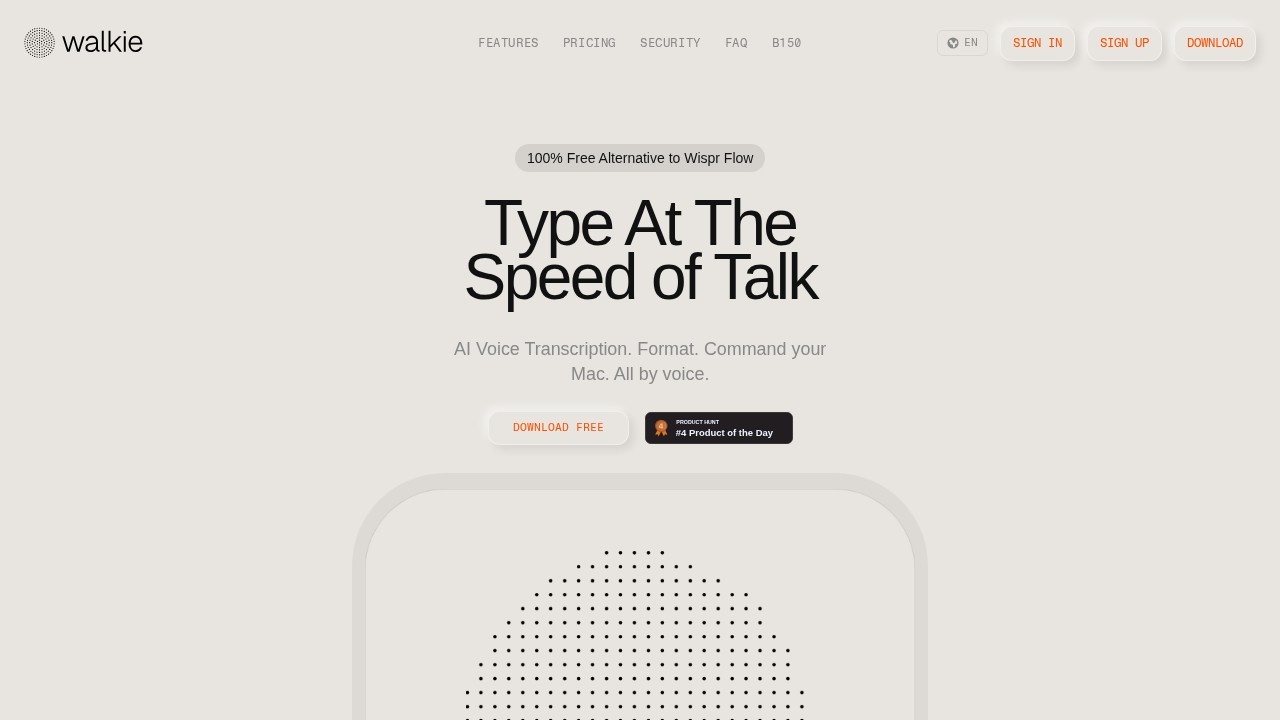
Walkie is a desktop speech-to-text tool created by b150.ai, available for macOS and Windows. It offers two distinct modes: Fast Mode for cloud-based transcription with AI formatting, and Local Mode for fully on-device dictation. Users can dictate text, control their computer, and ask questions—all by voice. It markets itself as a 100% free alternative to Wispr Flow, with a claimed typing speed of 220 WPM versus 45 WPM for keyboard.Application scenarios
Professional writing
Dictate and format emails, documents, or notes with automatic grammar fixes and filler word removal.
Privacy-sensitive work
Use Local Mode for on-device transcription when handling confidential information or working offline.
Multilingual communication
Speak in one language and get output in another using voice translation commands like "translate to Spanish."
Hands-free computer control
Open apps, launch URLs, and manage your workflow with voice commands such as "open cursor" or "open gmail."
Quick information retrieval
Ask questions aloud (e.g., "What's the weather in Madrid right now?") and get spoken answers for weather, news, web search, and email actions.
Repetitive text entry
Use Snippets to define trigger phrases that expand into full text, reducing typing for common responses or addresses.
Core Features
Fast Mode transcription
Transcribes and formats your voice in one step—strips filler words, fixes grammar, and structures text for clean readability.
Local Mode dictation
Keeps transcription entirely on-device for privacy or offline use, with no network latency.
Smart Dictionary
Learns your words automatically; correct a spelling once and it's added to your personal dictionary. You can also manually add industry terms, names, or unique spellings.
Voice Translation
Speak in one language and get output in another by saying a command like "translate to Spanish" before your message.
Voice Commands
Control your computer hands-free—open apps, launch URLs, and manage workflows without the keyboard.
Quick Ask
Hold a shortcut, ask a question out loud, and Walkie speaks the answer back. Supports live weather, top news, web search, and actions like sending emails.
Text Style settings
Choose how your text comes out—Formal, Casual, or Very Casual—to match your tone (e.g., professional emails get proper punctuation; quick messages stay lowercase).
Snippets
Define trigger phrases that expand into full text, reducing repetition and spelling effort.
Real-time audio detection
Walkie listens to the audio stream, separating signal from noise, and builds a real-time transcription of your speech as it happens.
Target users
Walkie is designed for professionals who type frequently—writers, executives, developers, and anyone who wants to dictate text faster than they can type. It also suits users who need hands-free computer control, such as those with accessibility needs or multitaskers. Privacy-conscious users will benefit from the Local Mode for on-device transcription.How to use Walkie?
No special setup is required. Download the app from the official website, sign in, and choose between Fast Mode or Local Mode. No API keys or cloud configuration needed. Hold the fn key to start dictating, or use voice commands and Quick Ask for hands-free interaction.Pricing and free trial
Walkie is described as "100% Free" and includes "4,000 Fast words/week included" in the free tier. The website does not mention any paid plans or subscription costs, so it appears to be fully free for the stated usage limits.Effect review
Walkie delivers a polished dictation experience with two distinct modes to balance speed and privacy. The Fast Mode's AI auto-edits—stripping filler words, fixing grammar, and structuring text—are a clear step up from raw transcription. The voice commands and Quick Ask feature add practical hands-free control, though the 4,000-word weekly limit on Fast Mode may constrain heavy users. Local Mode's on-device transcription ensures privacy but likely lacks the formatting intelligence of Fast Mode. Overall, Walkie is a strong, no-cost alternative to paid tools like Wispr Flow, especially for users who value speed and natural dictation.Frequently Asked Questions
What is Walkie?
What is the difference between Fast Mode and Local Mode?
Which operating systems does Walkie support?
Does Local Mode require an internet connection?
Is Walkie free to use?
Walkie - AI Tool Detail
Walkie by b150.ai is a desktop speech-to-text tool offering two modes: Fast Mode for cloud transcription with formatting, and Local Mode for fully on-device dictation. Available for macOS and Windows.
Category:AI voice assistant
Visit Link:https://walkie.b150.ai/
Tags:speech-to-text、desktop app、dictation、offline transcription、voice typing