
NovaVoice
Voice-powered productivity copilot by NovaVoice for dictating 10× faster than typing, formatting contextually, and executing real actions across apps via voice commands. Supports macOS, Windows, and L
What is NovaVoice?
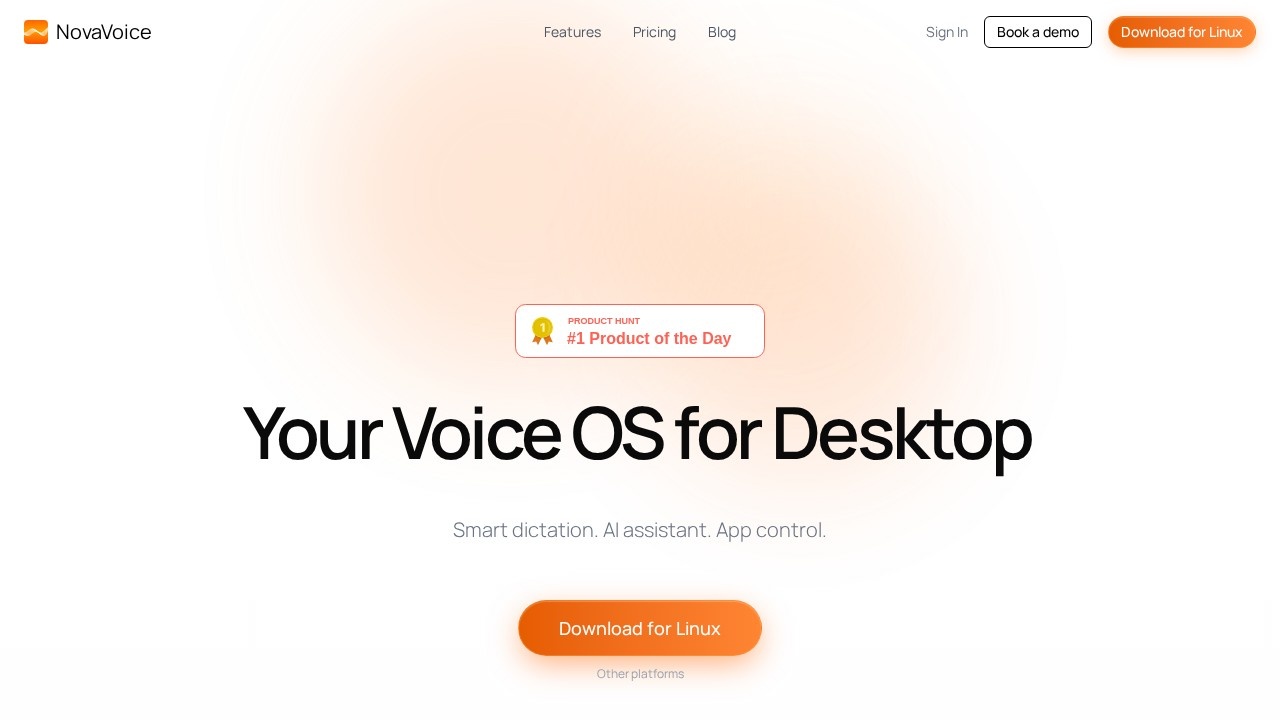
NovaVoice is a voice-powered productivity copilot for desktop that lets you dictate at over 200 words per minute—more than 4× faster than typing. It combines smart dictation, contextual formatting, and real app control into a single tool that works across macOS, Windows, and Linux. Users simply talk, and NovaVoice handles dictation, text formatting, and executing actions across applications without switching tools.
Application scenarios
Writing and editing
Dictate long-form content like reports, emails, or creative writing at speeds exceeding 200 WPM, with automatic punctuation and context-aware formatting.
Code development
Use voice commands to navigate code files, insert snippets, and send messages to teammates directly from your IDE without touching the keyboard.
Professional communication
Reformat text instantly to match different styles—casual, professional, or YC founder tone—without needing separate grammar or LLM tools.
Personal productivity
Insert frequently used details like your work address or loyalty numbers with a single voice command, saving seconds on repetitive tasks.
Quick research
Hit a hotkey and ask questions about what's on your screen or general knowledge—like time zone differences—without opening a browser or search engine.
Cross-app workflows
Execute actions across apps like sending a WhatsApp message or approving an email draft, all through voice commands with explicit permission controls.
Core Features
Dictation Mode
Dictate at over 200 WPM with 4× faster speeds than manual typing, and the system handles punctuation and context automatically.
Formatting Mode
Reformat text to any style instantly—pick from presets like "Professional," "Casual," or "YC Founder," or type a custom style and say how you'd like it formatted.
Agent Mode
Execute real actions across apps via voice commands, such as sending messages to Maria on WhatsApp or inserting code snippets into your project files.
Action Approval
NovaVoice never executes actions without your permission—you delegate routine tasks but stay in full control with a 100% approval step.
Nova Dictionary
Dictate emails, terms, and names effortlessly—Nova knows that "Send this to Tony" means [email protected] and can insert your United Airlines loyalty number in one second.
Assistant Mode
Hit a hotkey and ask questions by voice about what's on your screen or general knowledge—get instant answers without switching to Google or Perplexity.
Custom styles
Pick or type any formatting style and apply it with one hot-key, or give a one-off instruction like "make this text wittier."
Cross-platform support
Available for macOS, Windows, and Linux, so you can use NovaVoice on your preferred desktop operating system.
Target users
NovaVoice is built for professionals who type extensively—writers, developers, project managers, and anyone who wants to speed up their workflow. It's particularly useful for people who need to dictate quickly, format text on the fly, or control multiple apps without switching contexts. The tool also suits users who want to reduce typing strain or work hands-free while maintaining full control over actions.
How to use NovaVoice?
- Download the NovaVoice app for your platform (macOS, Windows, or Linux) from the official website.
- Install and launch the app, then grant necessary permissions for dictation and app control.
- Use voice commands to start dictating in any text field, or hit a hotkey to activate Assistant Mode for questions.
- For formatting, say how you'd like the text styled—like "make this professional"—and NovaVoice applies it instantly.
- In Agent Mode, issue commands like "Send this to Tony" or "Insert work address," and approve actions when prompted.
Effect review
NovaVoice delivers on its promise of 4× faster dictation with over 200 WPM speeds, making it a genuine productivity booster for heavy typists. The combination of dictation, formatting, and app control in one tool reduces the need to switch between multiple apps, which is a clear win for workflow efficiency. The action approval system adds a layer of safety that many voice assistants lack, giving users confidence in delegating routine tasks. While the feature set is impressive, the real-world value depends on how well voice recognition handles accents, background noise, and complex commands—details not covered in the site text. Overall, NovaVoice positions itself as a serious contender for anyone looking to replace manual typing with voice-driven productivity.
Frequently Asked Questions
What platforms does NovaVoice support?
How much faster can I dictate with NovaVoice compared to typing?
Can NovaVoice format text contextually?
Does NovaVoice execute actions in other apps?
Is NovaVoice free to use?
NovaVoice - AI Tool Detail
Voice-powered productivity copilot by NovaVoice for dictating 10× faster than typing, formatting contextually, and executing real actions across apps via voice commands. Supports macOS, Windows, and L
Category:AI voice assistant
Visit Link:https://novavoice.app/
Tags:voice dictation、productivity copilot、voice commands、cross-platform AI、macOS Windows