
HappyHorse AI
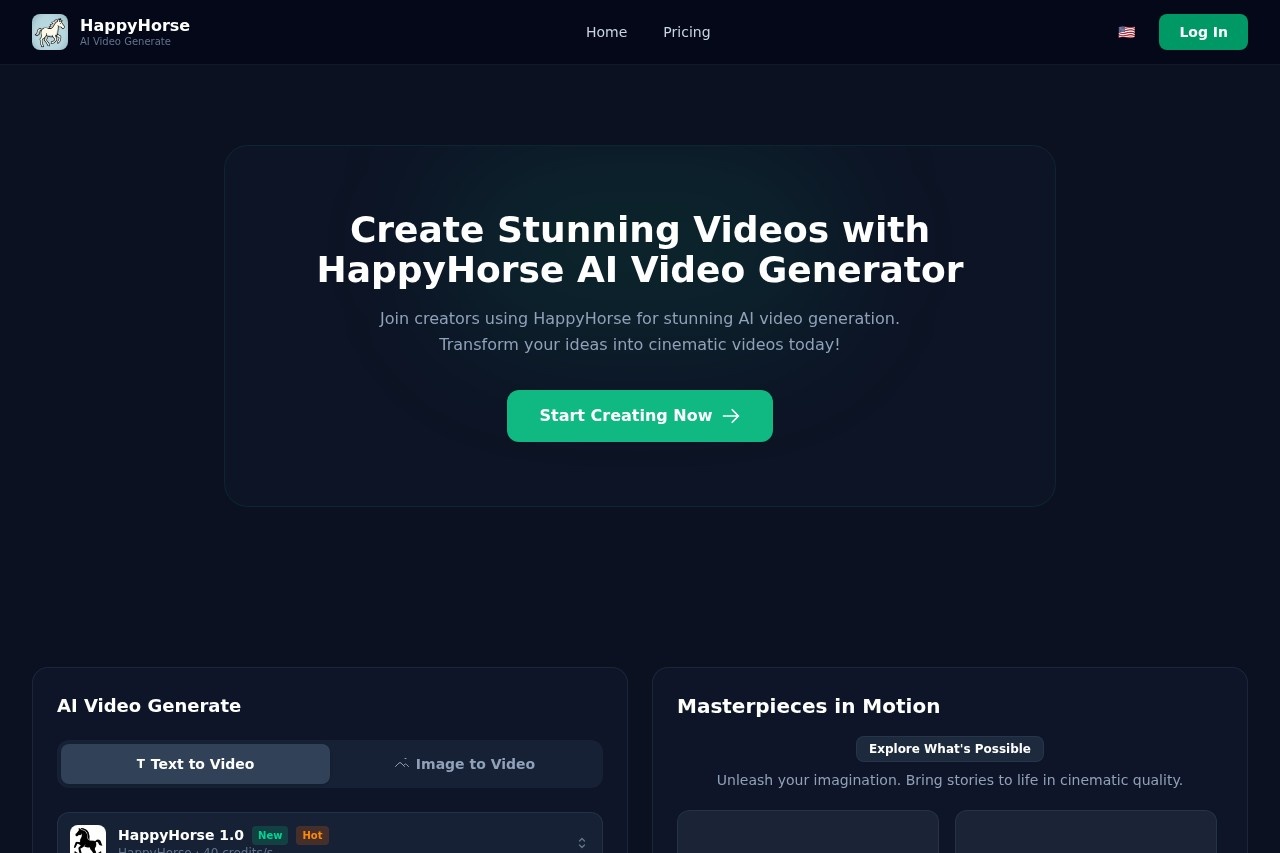
HappyHorse AI enables users to create original, cinematic AI videos instantly. It offers studio-grade motion and professional control tools for free, turning imaginative ideas into dynamic visual cont
What is HappyHorse AI?
HappyHorse AI is a video generation platform that creates cinematic AI videos from text or images. It uses deep learning technology to transform user prompts into dynamic visual content. The platform offers both Lite and Pro models to cater to different quality and speed requirements. Users turn their imaginative ideas into professional, motion-driven videos instantly.Application scenarios
Cinematic storytelling
Create short films or narrative sequences with consistent characters and multi-shot scenes.
Content creation
Produce broadcast-ready video clips with natural motion and cinematic lighting for social media or online platforms.
Concept visualization
Turn written descriptions or static images into animated visual prototypes.
Professional video production
Generate high-resolution, ultra-HD output designed for professional stages and big screens.
Core Features
Text to Video
Transform a written description into a cinematic video.
Image to Video
Upload a static image and animate it into a dynamic video sequence.
Immersive audio-visual generation
Produce action sounds, ambient noise, and dialogue synchronized with the video in a single pass.
Director-level camera control
Fine-tune intensity, camera angles, and style with surgical precision using reference images or videos as input.
Multi-shot storytelling
Maintain consistent characters across different scenes and camera angles.
Cinematic Flow
Generate videos with fluid, natural motion for seamless storytelling.
Native audio-video synchronization
Achieve precise lip-syncing alongside cinematic camera movements.
Ultra-HD Brilliance
Export creations in crisp, high-resolution formats.
Infinite Flexibility
Create content ranging from lightning-fast clips to immersive long-form sequences.
Target users
This tool benefits creators, filmmakers, and content producers who need to generate high-quality video content quickly. It is suited for storytellers looking to visualize narratives, social media creators requiring professional motion graphics, and professionals needing broadcast-ready output without extensive production resources.How to use HappyHorse AI?
Visit the official website and click "Start Creating Now." You can generate a video by entering a text description in the "Video Description" field or by uploading an image. The interface provides a negative prompt field for further control. After generation, videos can be exported in the supported high-resolution formats.Effect review
The platform positions itself as a tool for achieving studio-grade motion and cinematic quality. Features like director-level camera control, multi-shot consistency, and broadcast-ready output suggest a focus on professional-grade results. The emphasis on native audio synchronization and immersive sound generation indicates an integrated approach to video creation that goes beyond simple visual animation. For users seeking to quickly prototype ideas or produce polished short-form video content, HappyHorse AI's feature set provides a high degree of creative control.Frequently Asked Questions
What is HappyHorse AI?
Is HappyHorse AI free to use?
What kind of videos can I create with HappyHorse AI?
Do I need video editing experience to use HappyHorse AI?
What are the studio-grade motion tools in HappyHorse AI?
How quickly can I create videos with HappyHorse AI?
HappyHorse AI - AI Tool Detail
HappyHorse AI enables users to create original, cinematic AI videos instantly. It offers studio-grade motion and professional control tools for free, turning imaginative ideas into dynamic visual cont
Category:Video generation
Visit Link:https://happyhorse.cv/
Tags:AI video generator、cinematic video creation、motion control、free AI tool、visual storytelling