
Photo to Video AI
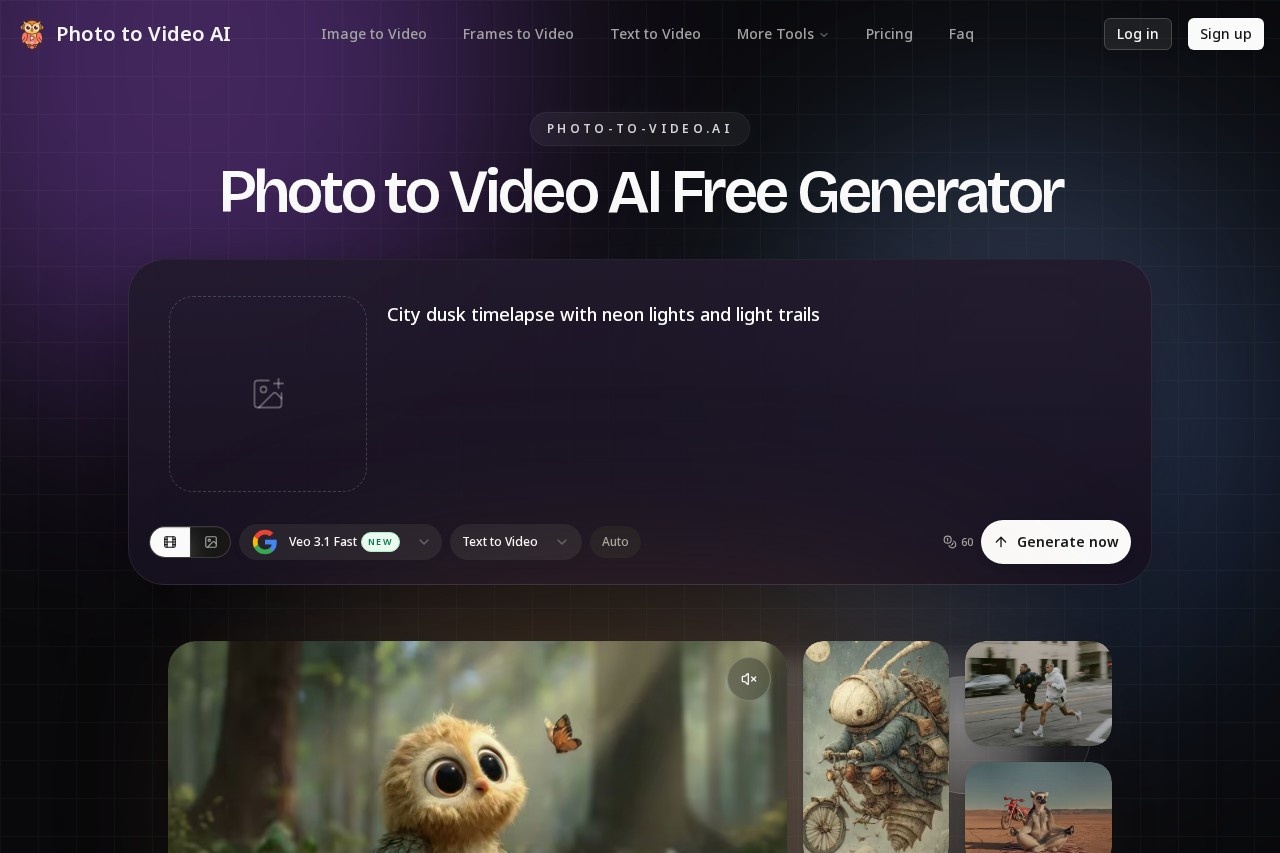
Photo to Video AI by phototovideoai.pro is a free online generator that transforms your images into videos. Upload a photo, add a text prompt, and create commercial-ready videos in minutes, starting w
What is Photo to Video AI?
Photo to Video AI is a free online generator that transforms still images into videos. Users upload a photo, add a text prompt describing the desired motion, and generate a commercial-ready video in minutes. The tool is designed to create videos with natural motion from any image without requiring editing skills. It positions itself as a solution to common frustrations with other AI video generators.Application scenarios
Social media content creation
Quickly create platform-ready video content from photo libraries to meet algorithm preferences.
Advertising and marketing
Generate clean, watermark-free video ads from product shots or portrait photos.
Client project delivery
Produce stable, high-quality video outputs for professional deliverables.
Content repurposing
Easily convert existing landscape, portrait, or product photos into engaging video format.
Core Features
Free credit starter pack
Begin with 60 free generation credits without requiring a credit card.
Simple three-step workflow
Upload a photo, write or choose a motion prompt, and generate the video.
Flexible upload support
Accepts image files in JPG, PNG, or WEBP formats.
Preset motion scenes
Offers pre-built motion directions like product spin, portrait motion, or cinematic push.
Custom text prompts
Allows users to write their own motion direction for precise control over the output.
Multiple aspect ratios
Download generated videos in 9:16, 16:9, or 1:1 formats.
High-resolution output
Supports video generation at up to 1080p resolution.
Commercial-ready output
Provides videos without watermarks on paid plans, suitable for professional use.
Subject consistency
Maintains the form of faces, products, and objects throughout the video to avoid morphing artifacts.
Physics-based motion
Animates elements like hair, fabric, and smoke to mimic real-world movement.
Target users
This tool benefits content creators, social media managers, marketers, and small business owners who have extensive photo libraries but need to produce video content efficiently. It is also suited for individuals or professionals without video editing expertise who require a straightforward way to animate still images for projects or client work.How to use Photo to Video AI?
The process is a straightforward three-step workflow conducted entirely online. First, upload a photo in JPG, PNG, or WEBP format. Second, either select a preset motion scene or write a custom text prompt to direct the animation. Third, generate the video and download it in your chosen aspect ratio and resolution. The service is accessible via its website with no mention of required sign-ups for the initial free credits.Pricing and free trial
The service offers a free starting tier that provides 60 credits without requiring a credit card. Paid plans are available to access features like watermark-free downloads, though specific pricing details are not listed in the provided text.Effect review
The website directly addresses common pain points in AI video generation, promising outputs that avoid the fake, unstable, and distorted results typical of other tools. It emphasizes creating motion that feels captured rather than generated, with a focus on subject consistency and real-world physics. For a user frustrated by watermarks, resolution caps, and complex interfaces, this tool's value proposition is clear: a fast, simple path from a static image to a usable video. The guarantee of commercial-ready, watermark-free output on paid plans suggests a focus on practical utility for professional content creation.Frequently Asked Questions
What is Photo to Video AI?
Is Photo to Video AI free to use?
How do I create a video with Photo to Video AI?
Can I use the videos commercially?
What types of photos work best with Photo to Video AI?
How long does it take to generate a video?
Photo to Video AI - AI Tool Detail
Photo to Video AI by phototovideoai.pro is a free online generator that transforms your images into videos. Upload a photo, add a text prompt, and create commercial-ready videos in minutes, starting w
Category:Video generation
Visit Link:http://phototovideoai.pro/
Tags:photo to video、video generator、AI video creation、image to video、free video maker