
VicSee
VicSee is an AI video and image creation platform that utilizes advanced models like Sora 2 and Veo 3.1. It enables users to produce professional-quality visual content efficiently and affordably.
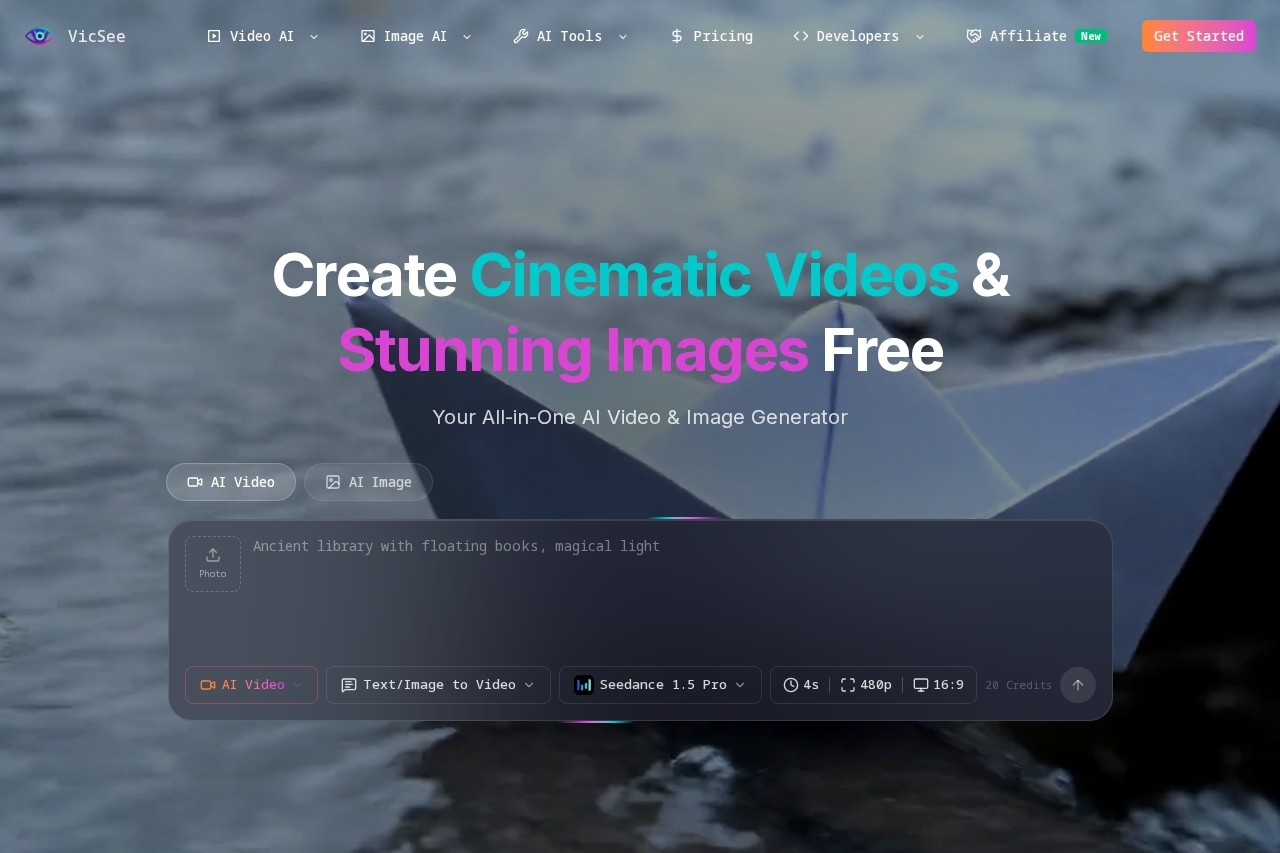
What is VicSee?
VicSee is an all-in-one AI video and image generator. It uses advanced models like Sora 2 and Veo 3.1 to create professional-quality visual content. Users can generate cinematic videos with synchronized audio and high-resolution images suitable for print. The platform is designed for efficient and affordable content creation.Application scenarios
Storytelling & Narrative Content
Create conversational scenes and immersive stories with synchronized dialogue and ambient sounds.
Marketing & E-commerce
Generate professional product photography and marketing visuals for presentations and branded content.
Social Media Content
Produce short video clips specifically for platforms like Instagram, TikTok, and YouTube.
Professional Graphics & Branding
Create print-ready images for posters, merchandise, logos, and other brand assets.
Creative Art & Design
Develop creative artwork, abstract backgrounds, and complex scenes for design projects.
Media & Journalism
Build visual explainers and illustrative reports to accompany stories.
Product Demonstration
Create realistic product showcase videos with physics-accurate motion for demos.
Core Features
Veo 3.1 Filmmaking
Create complete, production-ready videos with synchronized audio and character consistency across scenes, eliminating the need for post-production.
Sound-Driven Storytelling
Generate videos where dialogue and ambient sounds are perfectly synchronized to the visual action.
Creative Audio Effects
Incorporate AI-generated cinematic soundscapes and sound effects that match the visual details.
Nano Banana Pro HD Images
Generate ultra-high resolution, print-ready images up to 4096×4096 pixels, capturing intricate details and textures.
Sora 2 Long-Form Video
Produce 10-15 second videos with industry-leading physical realism where objects interact naturally with accurate motion and shadows.
Physics-Accurate Motion
Create videos where objects bounce, fall, and interact with realistic motion blur and shadows.
Nano Banana Studio Images
Generate crisp, professional-quality images in seconds with professional lighting and composition.
Reference Image Guidance
Combine reference images to guide video generation and maintain a consistent visual style.
Frame-to-Frame Animation
Create videos with smooth transitions between a defined start frame and end frame, complete with audio.
Community Inspiration
Explore a gallery of real examples from other users, complete with prompts, for inspiration or direct use.
Target users
VicSee serves marketing teams, content creators, social media managers, graphic designers, e-commerce businesses, journalists, and filmmakers. It is built for professionals and creatives who need to produce high-quality visual and video content quickly without extensive production resources.How to use VicSee?
The process involves signing up on the VicSee website. Users select a creation mode—such as AI Video or AI Image—and likely choose a specific model like Veo 3.1 or Nano Banana. They can enter a text prompt, utilize reference images for style consistency, and apply audio effects. The platform then generates the content, which can be exported for use in professional projects, social media, or print.Effect review
Based on its stated capabilities, VicSee positions itself as a powerful tool for streamlining professional content creation. The emphasis on production-ready videos with synchronized audio and character consistency directly targets a major pain point in video editing. Features like physics-accurate motion and 4K print-ready imagery suggest a strong focus on output quality and realism. For a user needing to rapidly produce polished marketing visuals, social clips, or product demos, the integrated feature set could significantly reduce production time and technical overhead. The inclusion of a community gallery for prompts also provides practical, immediate creative starting points.Frequently Asked Questions
What is VicSee?
What AI models does VicSee use?
Is VicSee suitable for beginners?
What types of content can I create with VicSee?
How does VicSee ensure content quality?
Is VicSee affordable for small businesses?
VicSee - AI Tool Detail
VicSee is an AI video and image creation platform that utilizes advanced models like Sora 2 and Veo 3.1. It enables users to produce professional-quality visual content efficiently and affordably.
Category:Video generation
Visit Link:https://vicsee.com/
Tags:AI video generation、AI image creation、visual content platform、professional video editing