
Seavid AI
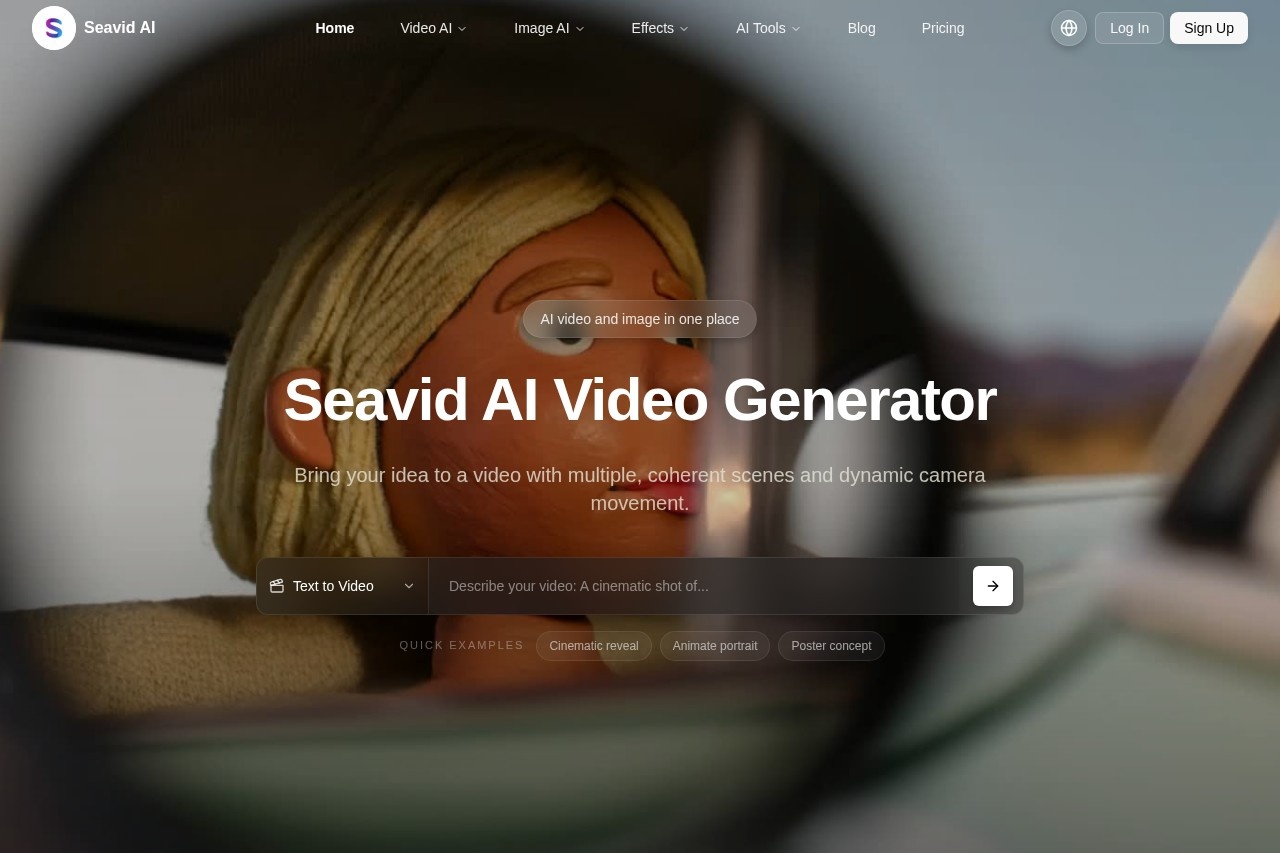
Seavid AI is a free online tool for generating and editing viral multi-shot images and videos, powered by Seedance 2.0 and Veo 4.
What is Seavid AI?
Seavid AI is a free online tool that combines AI video and image generation in one platform. It lets you create multi-shot videos with coherent scenes and dynamic camera movement, as well as high-resolution images, using leading models like Seedance 2.0, Seedream 4.5, and Veo 4. Users can generate content from text prompts, upload images for animation, or apply one-click effects. It’s designed to streamline creative workflows for social media, marketing, and design projects.Application scenarios
Social media content
Generate short, looping video clips (5–10 seconds) from photos for platforms like Instagram or TikTok.
Product marketing
Turn reference images into animated hero shots for e-commerce or advertising.
Storyboarding
Create multiple image variations from text prompts for film or video pre-production.
Brand design
Restyle or enhance images to match brand aesthetics using image-to-image AI.
Thumbnail and key art
Produce high-resolution images for YouTube thumbnails, posters, or cover art.
Background removal
Quickly clean up product or portrait photos with the AI Background Changer tool.
Watermark removal
Clear watermarks from images using the dedicated Nano Banana Watermark Remover.
Core Features
Text to Video
Describe scenes, characters, and camera moves in natural language to generate coherent multi-shot videos.
Image to Video
Upload a single reference photo and animate it into a short AI video while preserving identity and style.
Text to Image
Turn text prompts into high-resolution images with Seedream 4.0 and Nano Banana models.
Image to Image
Upload reference images to restyle, enhance, or transform them while preserving structure and subject identity.
AI Image Effects & Tools
Apply one-click effects like background changing, watermark removal, and batch processing.
AI Video Effects & Tools
Upload one or two photos, choose a video effect template, and auto-generate a stylized clip.
AI Model Selector
Switch between models like Sora 2, Veo 3.1, Kling 3, Hailuo 2.3, and Seedance 1.5 Pro for each project.
Multi-shot video generation
Create videos with multiple, coherent scenes and dynamic camera movement from a single prompt.
Target users
- Content creators who need quick, polished videos and images for social media or YouTube.
- Marketers looking to produce product demos, ads, or branded visuals without manual editing.
- Designers who want to generate storyboards, thumbnails, or concept art rapidly.
- E-commerce sellers needing animated product shots or clean product photos with background removal.
- Hobbyists exploring AI video and image generation for personal projects or creative experimentation.
How to use Seavid AI?
- Visit the Seavid AI website at https://seavidgen.com/.
- Choose a creation mode: Text to Video, Image to Video, Text to Image, or Image to Image.
- Enter your prompt or upload a reference image. For videos, describe scenes and camera moves in natural language.
- Select an AI model from the built-in model selector (e.g., Seedance 2.0, Veo 3.1, Kling 3).
- Generate your content and use the AI tools (e.g., background changer, watermark remover) for final polish.
- Export the result directly for use in social posts, thumbnails, or design projects.
Effect review
Seavid AI delivers a practical all-in-one solution for generating both images and videos from text or photos. The ability to switch between multiple leading AI models gives users flexibility to balance realism, speed, and cinematic style. The one-click effects like background removal and watermark clearing add real utility for quick asset cleanup. While the website doesn’t provide user feedback or quality benchmarks, the feature set suggests reliable results for short-form content and design tasks. It’s a solid choice for creators who want to experiment with AI video without committing to complex editing software.Frequently Asked Questions
What is Seavid AI?
Is Seavid AI free to use?
What technologies power Seavid AI?
What can I create with Seavid AI?
Do I need to sign up to use Seavid AI?
What are multi-shot images and videos?
Seavid AI - AI Tool Detail
Seavid AI is a free online tool for generating and editing viral multi-shot images and videos, powered by Seedance 2.0 and Veo 4.
Category:Video generation
Visit Link:https://seavidgen.com/
Tags:AI image generator、AI video generator、viral content creation、Seedance 2.0、Veo 4