
Upscayl
AI image upscaler by Upscayl for Linux, MacOS, and Windows, offering free and open-source AI-powered image enhancement with high-quality results.
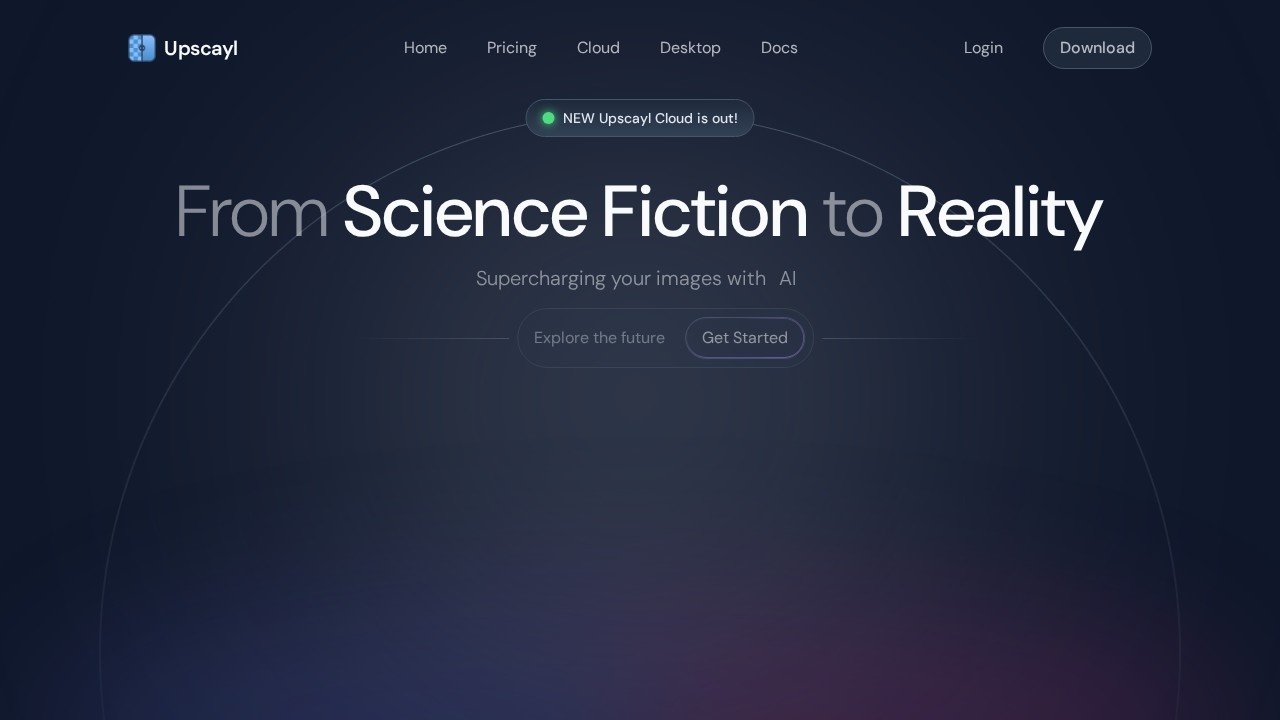
What is Upscayl?
Upscayl is a free, open-source AI image upscaler that turns fuzzy, low-resolution photos into clear, high-quality images. It runs locally on Linux, MacOS, and Windows, offering privacy and security by processing images on your own machine. The tool is designed to be easy to use—just download it once and it's yours forever. It also offers a cloud version (Upscayl Cloud) for faster processing and cross-device access.
Application scenarios
Photo restoration
Enhance blurry or pixelated old photos to preserve memories with better clarity.
Print production
Upscale images with color accuracy and detail retention for high-quality prints.
Design work
Supercharge images for digital or print projects without losing quality.
Art creation
Upscale AI-generated or digital art to larger resolutions for display or sale.
Batch processing
Upscale multiple images at once for efficient workflow in photography or design studios.
Web content
Improve low-resolution images for websites, social media, or marketing materials.
Core Features
Free and open-source
Download the desktop app once and use it forever with no recurring costs.
AI-powered upscaling
Turns low-resolution, pixelated images into clear, high-quality works of art.
16x resolution boost
Enhance images up to 16 times better resolution than the original.
Multiple AI models
Choose between different model styles to suit your specific image needs (e.g., realistic, artistic).
Batch Upscayl
Process several images in a single operation to save time.
Double Upscayl
Run the upscaling process twice on an image for even better quality.
Vast customization
Customize the app and image settings to your preferences.
Universal compatibility (Cloud)
Upscayl Cloud works on desktop, mobile, and tablet devices.
Unlimited cloud storage (Cloud)
Access and manage your upscaled files from anywhere.
10x faster processing (Cloud)
Upscayl Cloud delivers unmatched speed compared to the desktop version.
Target users
Upscayl is made for creators, businesses, designers, artists, developers, and anyone who needs to improve image quality. It's especially useful for photographers, graphic designers, digital artists, and small business owners who want a free, effective alternative to expensive upscaling software.
How to use Upscayl?
- Download the desktop app: Visit upscayl.org and download the free, open-source version for Linux, MacOS, or Windows.
- Install and open: Install the app and launch it on your computer.
- Select an image: Choose a blurry or low-resolution photo you want to enhance.
- Pick a model: Select an AI model that fits your image type (e.g., realistic, artistic).
- Upscayl: Click the upscale button to process the image—results are generated locally.
- Save or re-upscale: Save the enhanced image, or use Double Upscayl for even better quality. For cloud features, sign up for Upscayl Cloud to access batch processing, unlimited storage, and cross-device use.
Pricing and free trial
The website does not explicitly list prices or free trial details for Upscayl Cloud. The desktop version is clearly stated as "free and open source" with a one-time download. Pricing for cloud features (if any) is not mentioned in the provided text.
Effect review
User feedback on the website is overwhelmingly positive. One user says Upscayl is "better than all the paid ones I tried the trial of," while another calls it a "free and effective" alternative to paid tools like Magnific AI. The tool's ability to upscale images by up to 16x, run locally for privacy, and offer multiple models makes it a strong contender for anyone needing high-quality image enhancement without recurring costs. The desktop version is reliable for single and batch processing, while the cloud version adds speed and convenience for power users. Overall, Upscayl delivers on its promise of turning "fuzzy photos into clear works of art" with minimal effort.
Frequently Asked Questions
What is Upscayl?
Is Upscayl free to use?
Which operating systems does Upscayl support?
How does Upscayl upscale images?
Does Upscayl require an internet connection?
Upscayl - AI Tool Detail
AI image upscaler by Upscayl for Linux, MacOS, and Windows, offering free and open-source AI-powered image enhancement with high-quality results.
Category:Image editing
Visit Link:https://upscayl.org/
Tags:AI image upscaler、free open-source、image enhancement、cross-platform、high-quality upscaling